


AI Humanizer
Rewrites AI-generated text into human-like writing and lets users adjust tone, style, and readability before output.
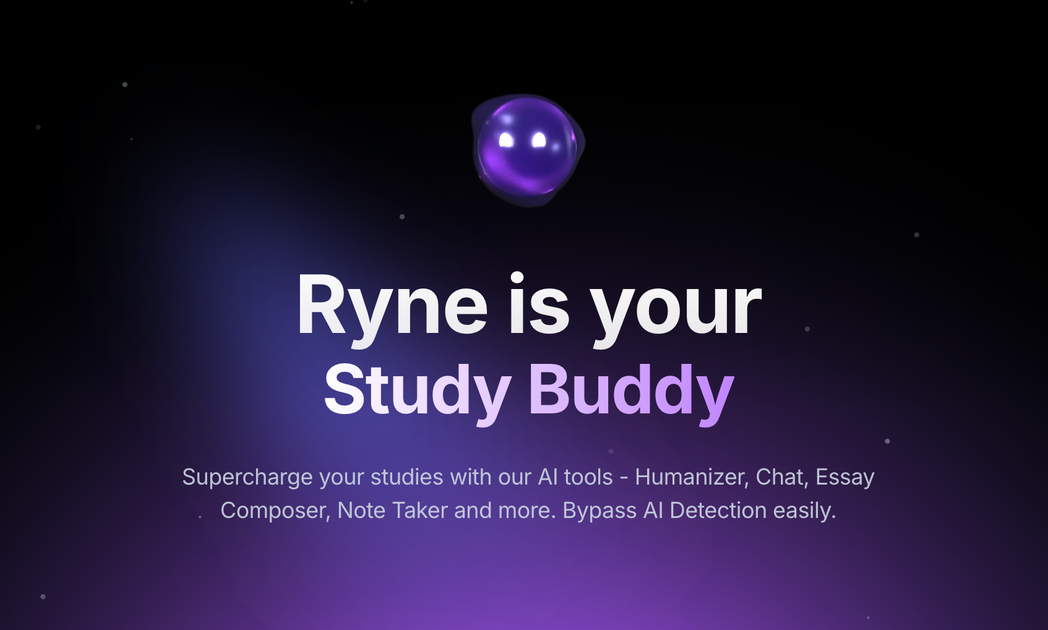
Ryne AI is an academic AI toolset centered on humanizing AI-written text and supporting study workflows. The site positions it for students who want help rewriting content, asking questions, composing essays, and turning lectures or documents into study material.
Its main product area is the AI Humanizer, which rewrites AI-generated text into more human-like prose. Ryne also offers Ryne Chat, Essay Composer, Lecture Lab, and an AI Report feature, with pricing tiers that range from a free plan to paid subscriptions with larger word limits and broader access.
Rewrites AI-generated text into human-like writing and lets users adjust tone, style, and readability before output.
Lets users submit questions through text, image, or PDF and receive AI-assisted answers for study tasks.
Generates written work for essays and research tasks, with the site positioning it as a study-writing companion.
Turns lecture content into study material, with the homepage describing a Lecture Lab for note-taking and lecture-to-study workflows.
Provides AI detection and plagiarism-style reporting, with downloadable PDF reports and support for PDF, DOCX, DOC, and related files.
Shows multiple AI models in one workflow, including model selection and a ChatAll mode that can compare outputs from several models.
Students can rewrite AI-drafted essays, research papers, or assignments into more natural-sounding text before submitting work or revising a draft.
Learners can ask Ryne Chat questions from text, images, or PDFs when they need help understanding a topic or solving a homework problem.
Users can turn lecture material into study-ready notes or summaries through Ryne’s Lecture Lab workflow.
Writers and content creators can adapt AI drafts into more natural prose for articles, blog posts, or website copy.
Students can review AI reports and plagiarism-style checks before finalizing a paper, using the downloadable report output to inspect scores and highlights.
Ryne AI offers a free plan and paid subscriptions. The pricing page shows an Amethyst free tier with limited humanization and AI report access, plus Sapphire, Emerald, and Ruby paid plans with higher usage limits and additional features.
The site presents Ryne AI as a set of academic tools that includes an AI Humanizer, Ryne Chat, Essay Composer, Lecture Lab, and AI Report. The humanizer can rewrite AI-generated text, and Ryne Chat accepts questions via text, image, or PDF.
The humanizer page says the workflow is simple: paste AI content, adjust settings such as tone or style, and receive humanized text. The site also says users can try the tool for free without a credit card.
The homepage and humanizer page describe support for detectors such as Turnitin, GPTZero, Copyleaks, and Originality.ai. These claims are presented by the product site and should be evaluated by users in their own context.
The pricing page lists a free plan that includes only English, humanization up to 250 words per run, and no AI report. Higher tiers add more languages, larger word limits, and more AI reports.

Conch AI is a browser-based writing and study assistant for students, researchers, and academic writers, with drafting, rewriting, notes, flashcards, mind maps, and citation help.

OneClickHuman AI content humanizer rewrites machine text into natural copy while preserving formatting. Free trial, two modes, 10+ languages.
Answers AI is an AI-powered education platform for students and educators, offering answers, study help, and assignment support across web, mobile, and Chrome tools.

Super Teacher is a tutoring app for elementary schools that teaches reading and math with step-by-step instruction, classroom use, home access, and progress tracking.

Flashcard Generator turns documents, notes, images, audio, video, and YouTube links into study cards. Free plan, edit and share decks.

Quenti is an online learning platform for flashcards, practice tests, matching games, and AI-assisted grading for students, teachers, schools, and organizations.