


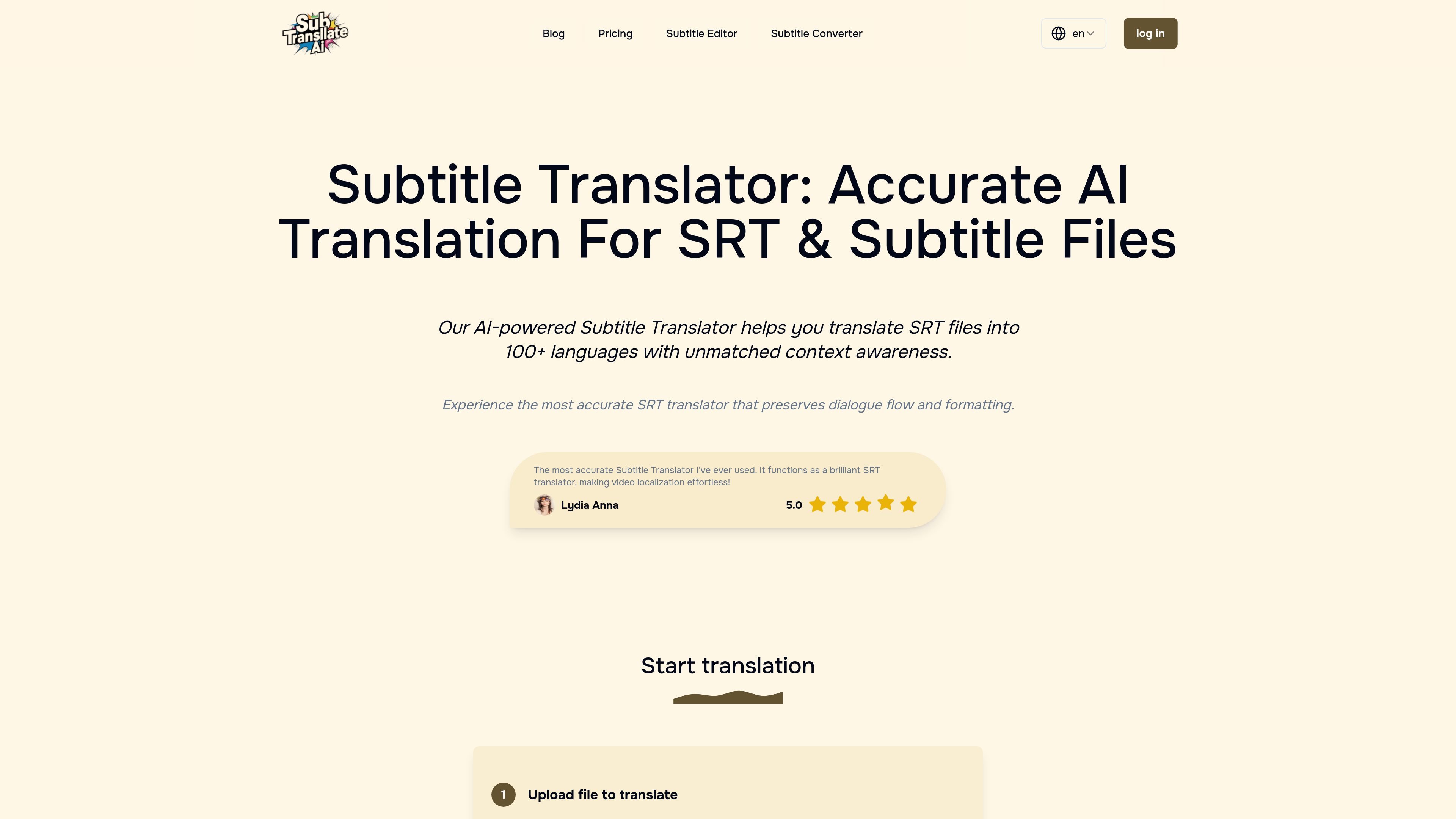
Browser-based upload and translation
Upload subtitle files or supported media files, then start the translation workflow from the web app without installing software.
Subtitle Translate AI is a web-based subtitle translation tool focused on SRT files and related subtitle or media formats. It lets users upload a file, choose target languages, adjust translation settings, and export the translated subtitles from the browser.
The site positions the product around context-aware translation rather than line-by-line replacement. It supports more than 100 languages, offers custom terminology and keyword controls, and is designed to preserve timestamps, formatting, and dialogue flow during translation.
Upload subtitle files or supported media files, then start the translation workflow from the web app without installing software.
Translate subtitles into more than 100 languages while keeping the surrounding context in view.
Use translation rules to keep terminology, keywords, tone, and formatting preferences consistent across a project.
Process subtitle text while preserving timing information and line breaks so the output remains usable for video workflows.
Submit multiple subtitle files at once and translate several languages in a single run, subject to plan limits.
Convert between subtitle and text-oriented formats on the dedicated subtitle converter page, including SRT, VTT, STL, and text outputs.
Translate subtitle files for videos that need to reach audiences in another language while keeping timestamps and line breaks intact.
Adapt dialogue, terminology, and style for content where context matters, such as films, educational videos, or branded channel content.
Process several subtitle files in one session when managing a production pipeline or a channel with recurring output.
Convert subtitle files to plain text or other subtitle formats when preparing transcripts or moving assets between tools.
Use custom terminology or keyword rules to keep recurring names, product terms, or brand language consistent across translations.
It is an online AI subtitle translator for SRT and other subtitle or media files. The site presents it as a tool for translating subtitles with context awareness and custom translation rules.
The product says it analyzes preceding and succeeding lines so translations stay aligned with dialogue flow and context, rather than treating each line in isolation.
The supported upload list includes SRT, VTT, TXT, and major media formats such as WAV, MP3, MP4, MKV, AVI, and AAC.
Yes. The site says you can specify special terminology, adjust translation style, keep specific keywords unchanged, and use additional customized translation instructions on higher plans.
Credits are tied to the current subscription period and unused credits expire when the subscription ends or renews. The pricing page also states that refunds may be issued for the current billing cycle if no credits have been used.
Immersive Translate is a bilingual AI translation tool and browser extension for websites, PDFs, subtitles, meetings, images, and comics with privacy-focused translation.

Checksub is an AI subtitle generation and dubbing platform for videos. Localize content with subtitles, translation, voice cloning and lip-sync workflows.

Vozo is an AI video localization platform for translating, dubbing, lip syncing, and subtitling video content. It helps creators, marketers, educators, and teams adapt videos for other languages and regions.

VMEG AI is an AI video localization platform for translating, dubbing, subtitling, and adapting videos into 170+ languages.

Altered is an AI voice changer and voice content creation platform for media production and live voice use. It combines voice morphing, text-to-speech, transcription, translation, cloning, and editing in one application.

讯飞会议 cloud video conferencing for enterprise collaboration, with video meetings, AI transcription and translation, and automatic meeting notes. Public and private cloud.