

Image generation
Generate new images from text prompts and reference images using a large set of supported AI models.

Upsampler is an AI platform for creating, editing and upscaling images and videos in one workspace. Pay per credit, full API access, commercial use included.
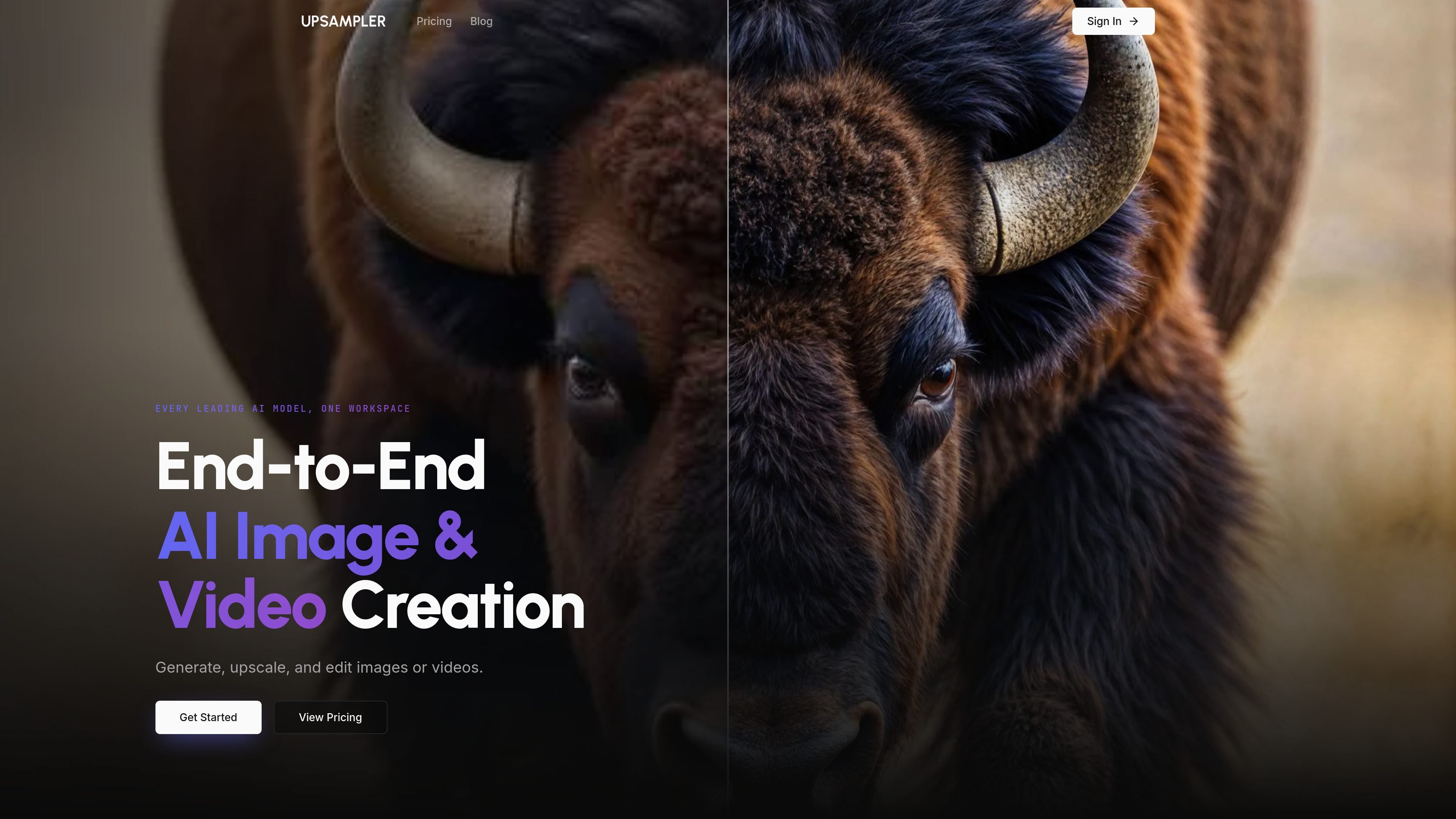
Upsampler is an all-in-one online platform for AI image and video creation. It combines generation, upscaling, and editing tools in a single workspace so users can create new visuals, improve existing media, and refine results without moving between separate products.
The site presents Upsampler as a model hub rather than a single-model tool: image generation supports 42 AI models, image editing supports 24 models, video generation supports 19 models, and video upscaling supports 2 models. The pricing page says the platform uses pay-per-credit pricing, with credits that never expire, and all plans include full API access and a commercial use license.
Generate new images from text prompts and reference images using a large set of supported AI models.
Increase resolution and improve image quality with two image upscaling modes: Creative Upscale and Precise Upscale.
Edit images with text prompts and optional masking, while keeping masked edits at full resolution.
Generate videos from text prompts or animate existing images with multiple supported video models.
Upscale videos to up to 4K with video super-resolution designed to keep motion stable.
Use the same pay-per-credit balance across models so you can switch between them within one workspace.
Create fresh concept art, marketing visuals, or social graphics from prompts and reference images using the image generator workspace.
Improve the quality of real photos, AI outputs, manga, anime, or other detailed visuals with the upscale mode that best matches the content.
Make targeted image changes such as removing imperfections, adding elements, or refining details with prompt-based editing and masking.
Turn still images into videos or generate new videos from text prompts when you need motion content without leaving the platform.
Prepare sharper, higher-resolution video outputs for distribution by using video upscaling that targets cleaner frames and stable motion.
Upsampler is an online platform for AI image and video creation, editing, and upscaling. It combines generation, enhancement, and editing tools in one workspace so users can move between tasks without switching products.
The site shows image generation, image upscaling, image editing, video generation, and video upscaling. The pricing page also indicates that all plans include full API access and a commercial use license.
The pricing page says Upsampler uses pay-per-credit pricing and that credits never expire. It also lists monthly subscription plans, including a $0 Starter plan and paid Pro, Premium, and Business plans.
The site says Upsampler runs online with no downloads or installs and works on any device and any operating system.
Upsampler lists several FAQs about formats, output control, refunds, and whether it is suitable for beginners or professionals, but the source text provided does not include those answers.
트래픽 데이터는 참고용으로만 확인하세요.

Nim Video is a web-based AI video and image creation platform for turning prompts, images, and source footage into editable visuals. It offers a free tier and paid subscriptions with added credits, higher output options, and commercial-use features.

Rizzle turns articles into editorial-grade video and distributes it across major channels with AI-assisted, human-reviewed workflows for publishers.

豆绘AI is an online AI image generation and editing platform for ecommerce and design, supporting white background, scene, interior rendering and post-processing.

AI HomeDesign is a web-based photo editing toolbox for real estate listings, with AI staging, item removal, day-to-dusk rendering, enhancement, and renovation tools. It is built for agents and other listing workflows that need editable, listing-ready images quickly.

PixelPrompt is a browser-based AI image and video workspace for prompt optimization, text-to-image, and text-to-video generation. It supports ecommerce visuals, ad creatives, and short-form UGC-style content without requiring a local GPU.

Podfy.ai is a browser-based AI video tool that turns text, scripts, audio, and music into edited videos with narration, subtitles, effects, and soundtrack for faster short-form social content.