


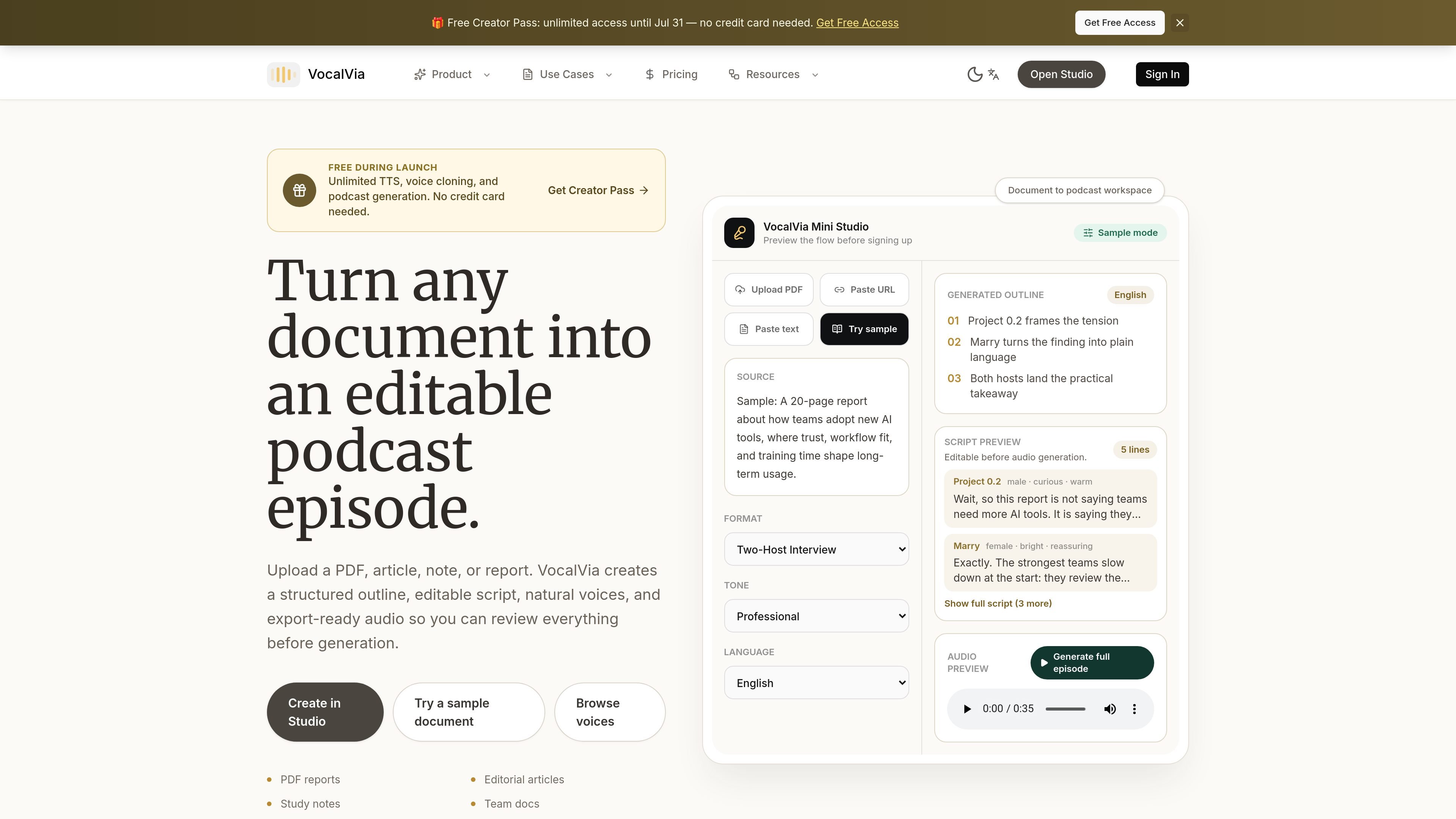
Multi-format source intake
Upload PDFs, Word documents, plain text, Markdown, pasted text, articles, notes, or web sources, then prepare them for outline generation instead of recording first.
VocalVia is a document-to-podcast and text-to-speech workspace. It is designed for people who want to turn source material into podcast-style audio without recording from scratch.
The product centers on a reviewable workflow: upload a document or web source, generate an outline, edit the script, choose a voice and language, then export the finished audio package. The site positions it for creators, educators, and organizations that publish recurring audio from written material.
Upload PDFs, Word documents, plain text, Markdown, pasted text, articles, notes, or web sources, then prepare them for outline generation instead of recording first.
Review the generated episode outline before synthesis, reorder sections, remove weak points, and rewrite sentences so the final script reflects the source material you want to emphasize.
Pick narration style, voice, language, speed, and tone, including catalog voices and custom voices where available, to match the material and audience.
Generate download-ready audio and keep related files such as show notes and script text for later reuse or editing.
Browse completed generations, replay audio, download files, and return to earlier drafts to regenerate with a different voice or script style.
For paid plans, the pricing page notes audio generation runs on credits, with an on-screen estimate before you start and separate credit guidance for catalog and cloned voices.
Turn a report, article, or research note into a structured audio draft, then refine the outline before creating the final episode.
Prepare recurring educational or creator content by editing the script and reusing the stored generation history for later revisions.
Create narration in different languages or voice styles for listeners who need a specific tone, pacing, or language match.
Draft a show-note package alongside the audio so the finished episode includes both the recording and supporting text files.
Use the free plan to test the document-to-podcast workflow before deciding whether a paid plan fits your publishing volume.
VocalVia supports a review-first workflow: upload a source, review the generated outline, edit the script, choose a voice and language, and then generate audio.
The source pages show a free plan for testing, Standard and Pro plans for recurring publishing, and an Enterprise option for organizations that need custom volume, private cloud options, and a dedicated account manager.
The docs say you can upload PDFs, articles, notes, Markdown, pasted text, Word documents, plain text, and web sources.
The product pages indicate you can export audio and keep the script package, including files such as audio.mp3, episode-script.txt or final-script.txt, and show-notes.md.
The pricing page says generation uses credits. If you use your plan’s credits, you can upgrade or wait for the next billing cycle before starting more audio jobs.

MMaudio is an AI voice generation tool for turning videos into audio. Upload a video or paste a URL, use prompt controls, and choose free or paid credit-based plans.

魔音工坊 is an online text-to-speech and AI voiceover platform for short videos, audiobooks, and content creators, with script extraction and auto timing tools.

小艺 is Huawei’s AI smart assistant for Q&A, writing, document reading, code help, image recognition, and file drag-and-drop.

Altered is an AI voice changer and voice content creation platform for media production and live voice use. It combines voice morphing, text-to-speech, transcription, translation, cloning, and editing in one application.

Arcwise is an AI product for detecting meaningful metric changes and explaining them with data-grounded analysis. It turns warehouse and business-context data into decision-ready reports in app, docs, or slides.

LexWorkplace is a cloud-based document and email management system for law firms, helping teams organize matters, search documents and email, and manage legal workflows from Outlook.