

Audio upload workflow
Upload a clean acapella vocal in WAV or MP3 format, with WAV preferred on the how-it-works page. The service is built around a voice-to-voice workflow rather than text generation.

Vocs AI is an AI voice-to-voice generator that turns recorded vocals into the sound of a selected AI artist for singers, podcasters and creators.
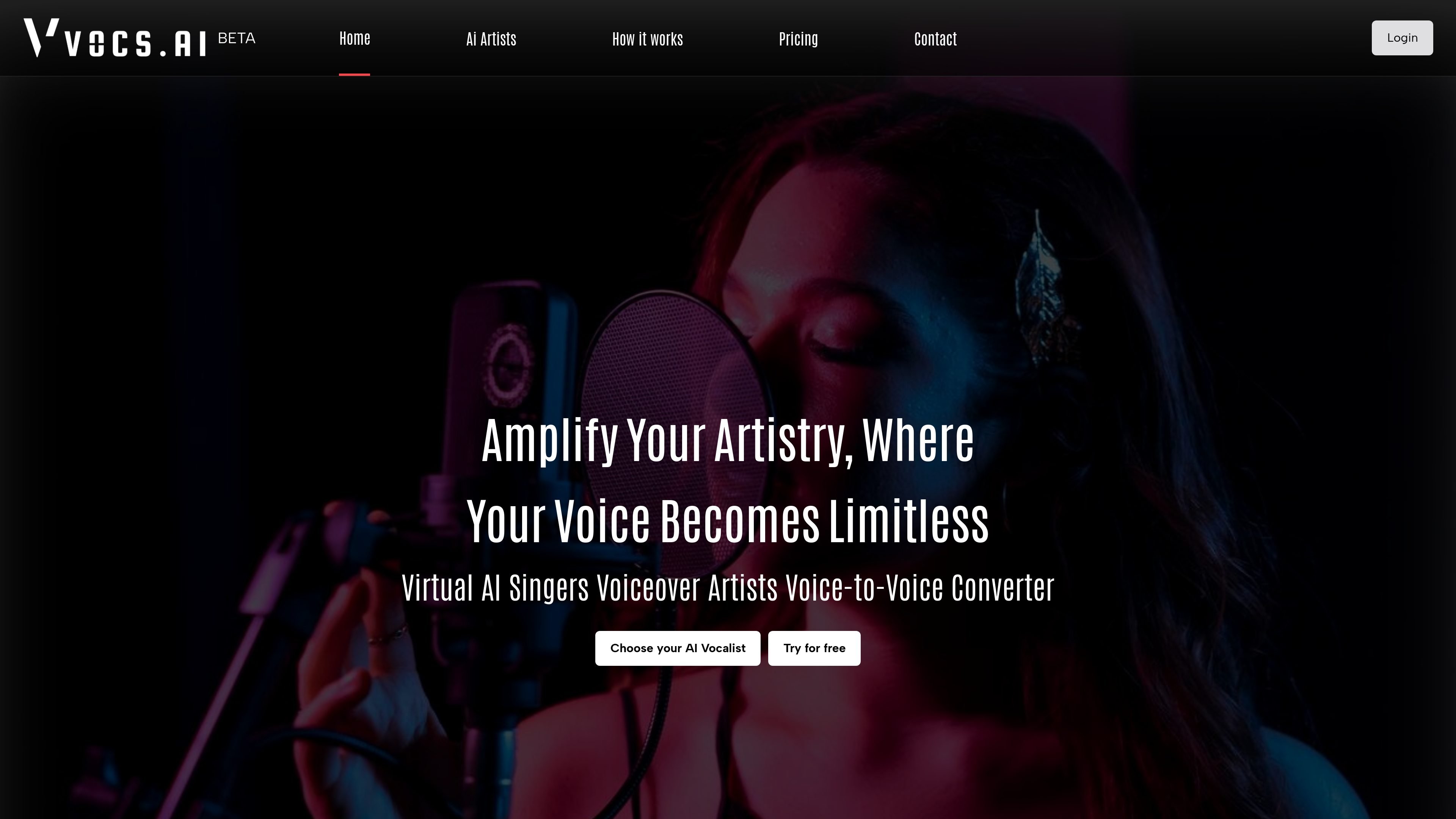
Vocs AI is an AI voice-to-voice generator that converts a user’s recorded vocal into the sound of a selected AI artist. The site frames it as a tool for singers, voiceover artists, narrators, podcasters, and creators who want an AI-generated vocal performance based on their own input.
The core workflow is simple: upload a clean acapella vocal, choose an AI artist, convert the recording, and download the result. The site emphasizes that the input performance matters, because the output reflects the tone, pitch, and emotional qualities of the source audio.
Vocs AI also provides royalty-free background music instrumentals and loops, which can support music production after conversion. The site says the available AI artists include singers, rappers, narrators, characters, and voiceover artists, making the product useful for both music and spoken-word voice work.
Upload a clean acapella vocal in WAV or MP3 format, with WAV preferred on the how-it-works page. The service is built around a voice-to-voice workflow rather than text generation.
Select from a set of original AI artists, including singers, rappers, narrators, characters, and voiceover artists. The site positions these voices as the target style for the conversion.
Convert a source vocal into the selected AI artist voice with a single conversion step. The page describes this as turning the user’s original vocal into an AI version of that vocal.
Download the converted audio after processing. The site recommends additional post-processing such as EQ, reverb, delay throws, and mastering after download.
Control pitch, tone, and emotional feel through the input performance. The site explicitly says users determine the emotions and overall sound of the AI vocalist.
Use royalty-free background music instrumentals and loops from the site’s library. The home page says there are over 50 original instrumental tracks and 1000+ music loops in various genres.
A singer can upload a clean acapella take and convert it into the style of a chosen AI vocalist while keeping control over the performance’s pitch and feel.
A voiceover artist or narrator can create an AI-style spoken delivery from an original recording for character work, narration tests, or alternate reads.
A podcaster or creator can turn a recorded voice track into a different AI voice for a segment, intro, or experimental format where voice character matters.
A producer can use the site’s royalty-free instruments and loops alongside converted vocals to build out a track after the main voice transformation.
A user who wants a cleaner final result can follow the site’s guidance on source cleanup and then apply EQ, reverb, delay, and mastering after download.
Vocs AI converts a user-uploaded vocal recording into the sound of a selected AI artist. The workflow shown on the site is: upload audio, choose an AI artist, convert, and download the result.
The how-it-works page says to upload a clean acapella vocal in WAV or MP3 format, with WAV preferred. It also recommends avoiding instrumental background music, heavy effects, multiple voices, and other noise that can interfere with conversion.
The site presents over 20 AI singers, rappers, narrators, characters, and voiceover artists to choose from, and the home page also describes original AI singers and rappers.
The site says the converted vocal should usually be followed by post-processing such as reverb, delay throws, additional EQ, or mastering, so the output is designed to be a starting point for further production.
The pricing page shows that Vocs AI offers pricing plans, while the home page includes a Try for free prompt. The site text does not list exact prices in the collected content.

MakeBestMusic is a web-based AI music generator for royalty-free songs, instrumentals, and voice covers from text. Quick creation and custom workflows available.

Voice-Swap is an AI voice transformation tool for musicians, creators, artists, and creative teams with voiceover, singing, custom voice models, and credit-based plans.

Altered is an AI voice changer and voice content creation platform for media production and live voice use. It combines voice morphing, text-to-speech, transcription, translation, cloning, and editing in one application.

Musicfy AI is a web-based AI music generator for songs, covers, and voice tracks with AI voices or custom voice models. Free to try, with Starter, Professional, and Studio plans.

SongR turns a few keywords into a custom song with lyrics and vocals, built for easy sharing on social media without musical experience.

AIMusixer is a browser-based AI music generator that turns text prompts into songs, with separate support for singer videos and paid plans.