

All-in-one creative studio
Work in a single app that covers photo editing, vector design, and page layout, so you can move between disciplines without exporting or switching tools.

Affinity professional creative software for photo editing, vector design and page layout in one app. Free for individuals, with enterprise options and Canva AI features.
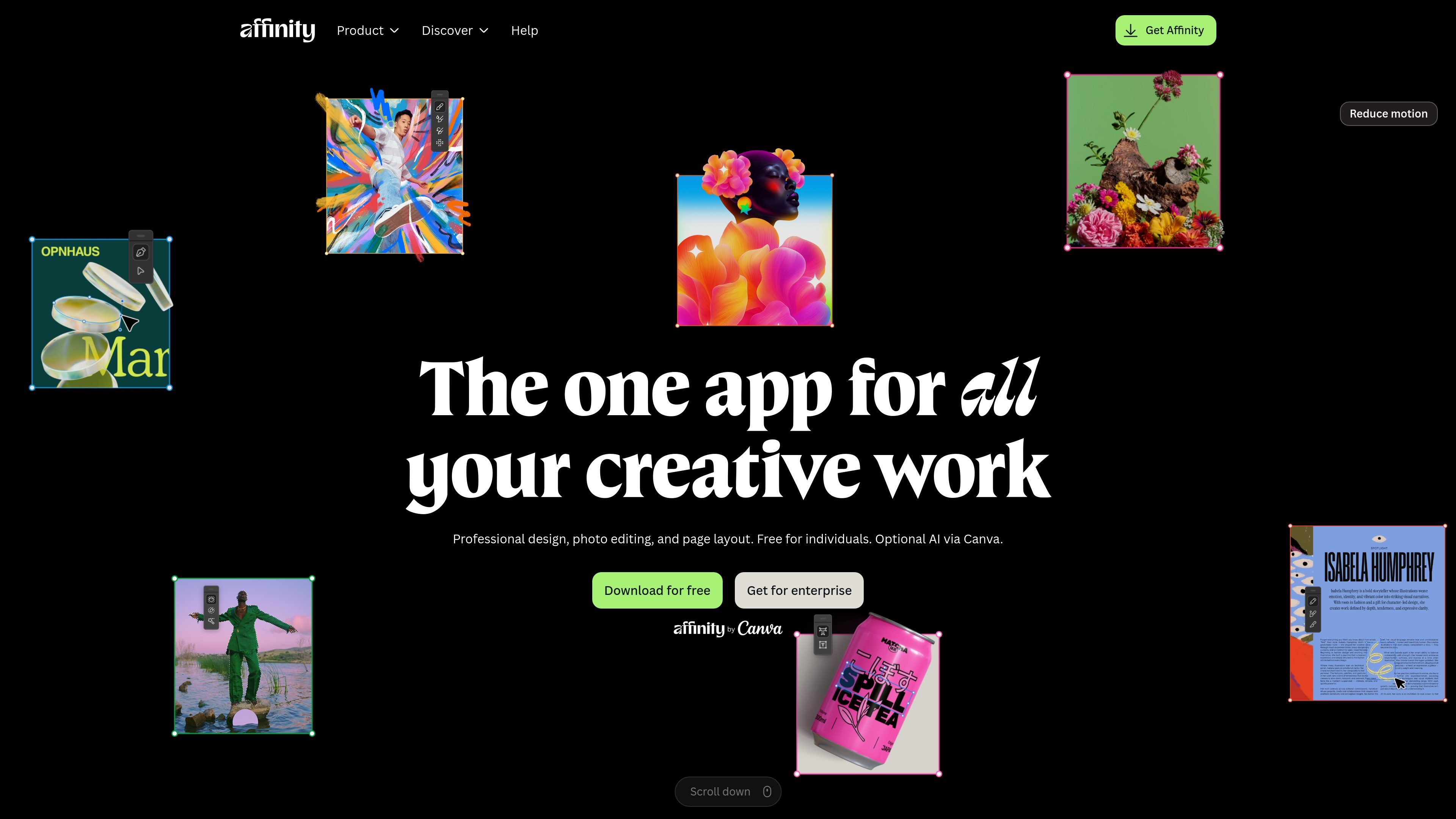
Affinity is professional creative software for photo editing, graphic and vector design, and page layout. The site presents it as a single app for individuals, with optional Canva AI features and an enterprise path for organizations.
Its core purpose is to let creators work across image editing, illustration, and publishing in one document without switching apps. The product pages emphasize live updates, non-destructive editing, and precise layout and typography controls.
Work in a single app that covers photo editing, vector design, and page layout, so you can move between disciplines without exporting or switching tools.
Edit images non-destructively with live updates to adjustments, filters, and layer effects, keeping original layers and files intact while you refine the work.
Use advanced photo tools for retouching, RAW editing, compositing, stacks, batch processing, and macros without relying on plug-ins.
Create vector work with curve editing, snapping, shape building, gradients, image trace, and support for custom typography and text on a path.
Build books, brochures, reports, magazines, and other long-form documents with Smart Master Pages, AutoFlow, style systems, grids, and data merge.
Import common production files such as PSD, AI, IDML, and DWG while keeping structure, layers, and creative intent where possible.
Edit photos non-destructively, retouch details, build composites, and process RAW files while keeping the original image data intact.
Create logos, UI components, illustrations, and other vector assets with curve editing, snapping, gradients, shape building, and image trace.
Lay out books, magazines, brochures, posters, newsletters, and reports with master pages, flowing text, grids, and press-ready export controls.
Work on imported PSD, AI, IDML, or DWG files when you need to continue an existing design workflow in Affinity.
Use Canva AI tools inside Affinity for supported premium-plan users when a layout needs upscaling, expanding, background removal, subject selection, or editable vector generation.
Yes. The site says Affinity is free for individuals, with every tool in the Pixel, Vector, and Layout studios available without restrictions or payment. It also says the app will receive free updates with new features and improvements.
Affinity is available for macOS and Windows. The page layout guide says you can choose the platform on the Downloads page and sign in with a Canva account to install it.
Affinity combines photo editing, vector design, and page layout in one app. The homepage and product pages emphasize that you can edit images, create vector artwork, and build layouts without switching apps.
Affinity exports to formats including PDF, SVG, JPEG, PNG, TIFF, and EPUB. The page layout page also notes PDF export with bleed and crop marks, plus print-ready and web-optimized output.
Affinity supports importing PSD, AI, IDML, and DWG files, and the page layout page says IDML imports preserve page structure, text frames, and basic styles. Some advanced InDesign formatting may still need manual adjustment.

Paper is a design tool that connects canvas, code, and AI agents so teams can create, share, and ship work in one workflow. Includes desktop app and MCP access.

Superside is an AI-powered creative service for enterprise and in-house teams, with global talent, AI-first workflows, and subscription-based support.

简单AI is Sohu’s online AI tool for AI image generation, AI writing, and online image editing—ideal for quickly creating images, copy, or basic retouching.

Recraft is an AI image generation and design platform for designers, creatives, sellers, and teams. It supports raster and vector generation, custom styles, mockups, editing, and API-based workflows.

GraphicInfo is a web-based AI infographic maker that turns text or ideas into visuals in one click for faster, shareable infographics.

CubeOne is an AI slide editor that turns prompts or PowerPoint files into designed, fully editable slides for easier PowerPoint and Canva workflows.