

Text paste and file upload
Users can paste text directly into the detector or upload `.txt`, `.md`, or `.csv` files for analysis.

AI Detector Writer is a web-based tool for checking whether text appears human-written or AI-generated. It supports pasted text and file uploads, and it presents results as percentages with sentence-level highlighting.
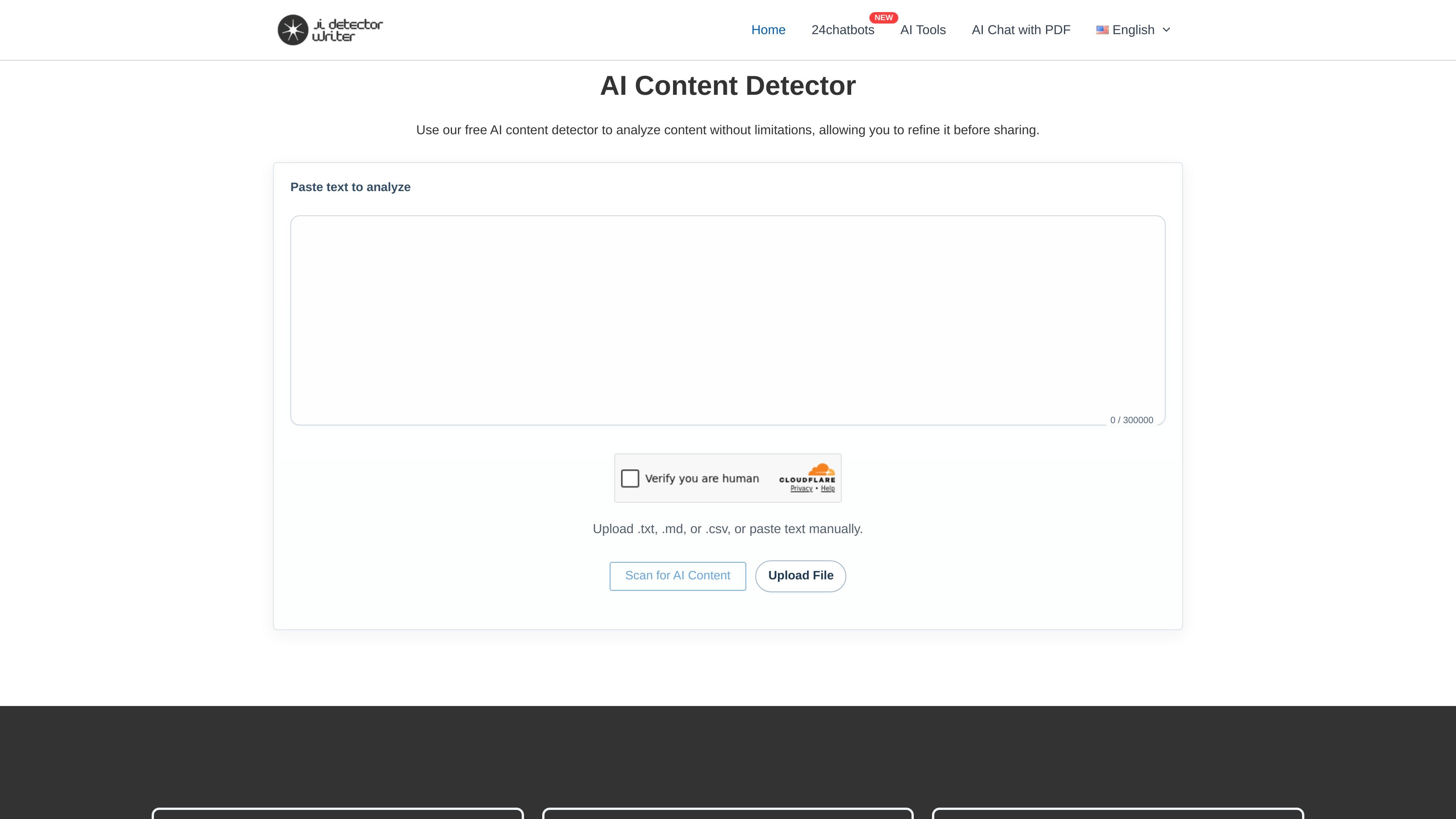
AI Detector Writer is a web-based AI content detector that analyzes pasted text or uploaded files to estimate how much of a document appears human-written versus AI-generated. The homepage presents it as a free tool with real-time results and no stated usage limits.
The site says users can paste text, upload `.txt`, `.md`, or `.csv` files, or submit multiple files for batch checking. It also claims sentence-level highlighting, PDF report generation, and support for multiple languages, making the tool useful for quick review of articles, assignments, and other text before publication.
Users can paste text directly into the detector or upload `.txt`, `.md`, or `.csv` files for analysis.
The page says multiple files can be uploaded at once and checked in the dashboard.
Results are described as showing AI-written sentences with a gauge for the proportion of AI contribution in the text.
The homepage says the detector uses an advanced premium model trained in all languages for accurate results.
The site says each detection can generate a PDF report.
The homepage states the tool supports all languages.
Check articles, blog drafts, and marketing copy before publishing to see whether the text appears AI-generated and where the detector flags it.
Upload multiple documents at once when you need to review a batch of files in the dashboard instead of checking them one by one.
Use the detector on classroom or research writing when you want a quick AI-versus-human readout and sentence-level flags.
Paste multilingual content when you need a detector that claims support for all languages rather than only English.
The site describes it as a free AI content detector that lets you paste text or upload `.txt`, `.md`, or `.csv` files for analysis. It is presented as a web tool rather than a local app.
The homepage says the detector provides a percentage split between human-written and AI-generated content, and it can highlight AI-written sentences. It also says results appear in real time.
The homepage says the tool supports multiple languages and the site text also describes an advanced model trained in all languages.
The site mentions GPT-3, GPT-3.5, GPT-4, GPT-5, OpenAI, and Bard in its homepage copy, but the product page does not provide detailed technical documentation for each model or explain how the detector weighs them.
The pricing page was not available, so the site content does not confirm any paid tiers, usage caps, or plan differences. The homepage describes the detector as free and without limitations.

Walter Writes AI rewrites AI-generated text to sound more natural and checks for AI signals—ideal for writers, students, marketers, and teams.

Sightengine is an API platform for moderating and analyzing images, videos, text, and audio. Detect unsafe, synthetic, or policy-restricted content and act programmatically.

Inscribe is an AI document fraud detection platform for banks, fintechs, lenders, and credit unions. Detect fake, altered, and AI-generated documents across underwriting, onboarding, KYC/KYB, and bank verification workflows.

ZeroGPT is a web-based AI text detector and writing tool for checking whether text looks human-written or AI-generated, with readability, word count, and text-splitting tools.

Senthor detects AI and bot traffic, controls website content access, and monetizes requests when needed—while preserving legitimate search visibility.

AI Detect is a web-based AI detector and AI humanizer for checking whether text appears AI-generated. Ideal for students, educators, businesses, marketers, and teams.