

Multiple content input methods
Create podcast-style audio from pasted text, uploaded files, or URL content, with an input limit shown at 3,000 characters in the interface.

AIdeaFlow AI Podcast Generator turns notes, text, files, or URLs into podcast-style audio with selectable voices, templates, and multilingual support.
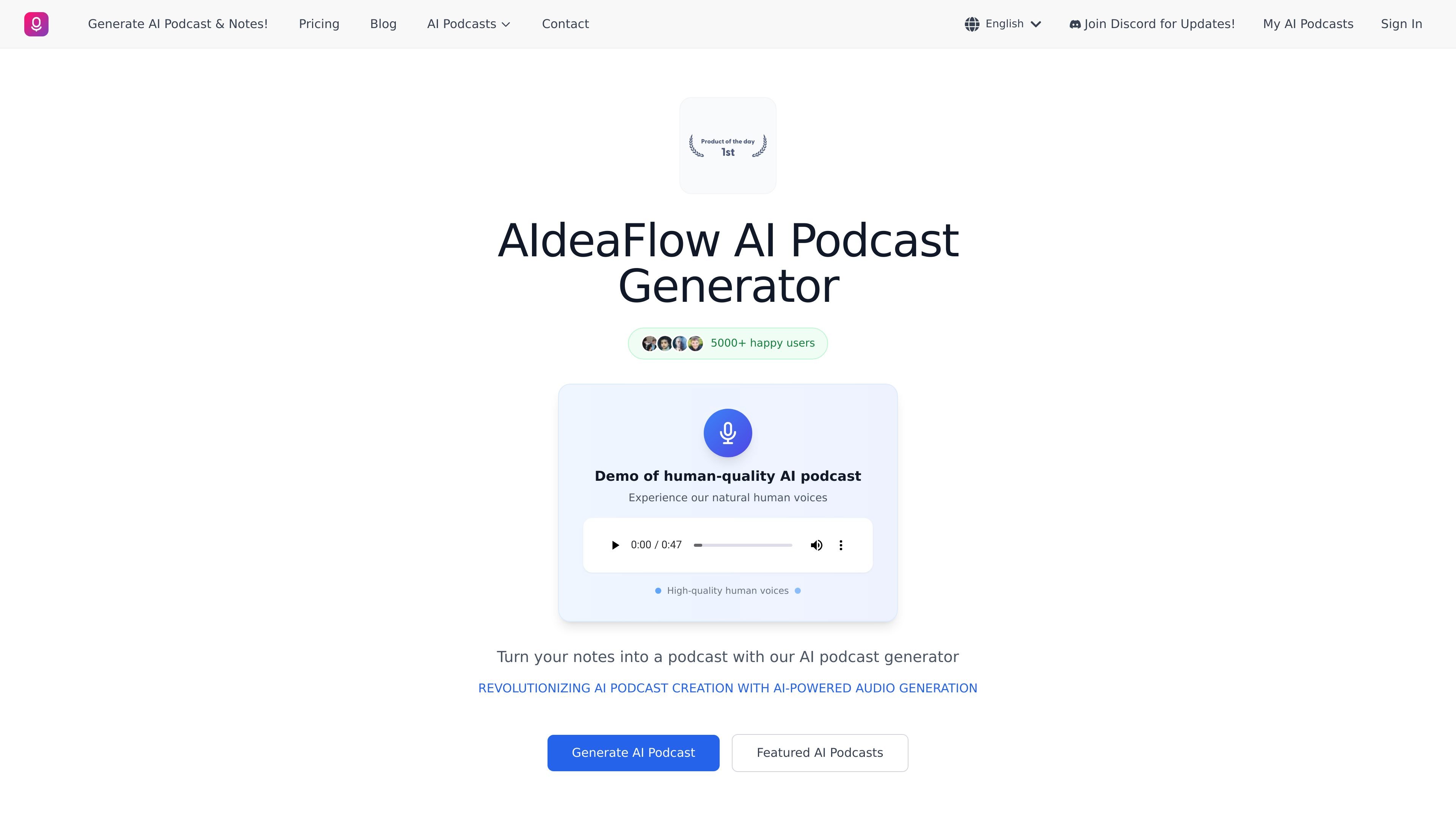
AIdeaFlow AI Podcast Generator is a web-based tool for turning notes, pasted text, uploaded files, or URL content into podcast-style audio. The site positions it around natural-sounding, human-like voices and conversational output rather than simple text-to-speech playback.
The product interface supports multiple generation modes, including podcast, debate, direct script reading, lecture, summary, and other language-specific templates. Users can choose an audio model, pick two voices, set a target length, and generate audio that can be downloaded as MP3 or WAV along with a transcript.
The site also highlights multilingual generation, public sharing of podcasts, and a logged-in chat assistant for script help. Pricing details were not available from the linked pricing page in the collected source, so any paid-plan structure should be treated as partially documented rather than fully specified.
Create podcast-style audio from pasted text, uploaded files, or URL content, with an input limit shown at 3,000 characters in the interface.
Choose from several text templates, including podcast, debate, direct read, lecture, summary, and language-specific modes for multiple languages.
Select from multiple AI audio models and voice options, including standard, high-resolution, WorldSpeak, WorldSpeak Pro, and Gemini 2.5 Flash Preview TTS.
Produce content in many languages; the site states support for 50+ languages and references 31 languages with 120+ AI voices in the host experience.
Adjust length, voice pairing, and publication settings, including short through very long formats and an option to make a podcast public.
Use the chat assistant for help with script optimization or brainstorming when logged in, and access featured podcast examples from the site.
Convert meeting notes, briefs, or written drafts into a podcast-style episode for easier review or listening on the go.
Rework articles, blog posts, or reports into conversational audio to create a second content format from the same source material.
Generate educational audio from lecture notes, study materials, or lesson plans using summary, lecture, or podcast templates.
Create multilingual podcast content with language-specific templates and native-sounding voice options for international audiences.
Draft pilot episodes, dialogue tests, or branded audio examples using different voices and tone settings before committing to a full production.
The source shows an in-browser generation flow where you can paste text, upload a PDF or TXT file, or extract content from a URL, then choose a template, audio model, voices, and length before generating a podcast.
It appears suited for turning notes, articles, lecture materials, reports, scripts, and similar text into spoken podcast-style audio, including dialogue, debate, educational, and direct-read formats.
The site shows downloadable audio output in MP3 or WAV format and a transcript with speaker markers, plus a public-sharing option for generated podcasts.
The pricing page at /pricing currently returns a page-not-found message, so the public site does not expose reliable pricing details in the collected source.
The source mentions login for generation and notes that some options are limited to higher tiers such as Freelancer+, Professional+, or Enterprise, but it does not provide a full team or collaboration workflow.

MMaudio is an AI voice generation tool for turning videos into audio. Upload a video or paste a URL, use prompt controls, and choose free or paid credit-based plans.

迅捷AI写作 is an online AI writing tool for papers, novels, office docs and content creation, with scenario templates, online document writing and multi-format export.

Nily AI is a browser-based AI assistant platform with 20+ models and tools for chat, writing, PDFs, email, images, and web page analysis. 7-day free trial.

小艺 is Huawei’s AI smart assistant for Q&A, writing, document reading, code help, image recognition, and file drag-and-drop.

Postfity is a social media management tool for scheduling, planning, publishing, and tracking posts across connected accounts. Includes analytics, inbox management, AI tools, team workflows, and Free and paid plans.

GetESP analyzes CSV email lists to identify recipient ESPs and spam protection tools, helping segment lists and choose the right provider for better deliverability.