

Natural-language SQL chat
Ask questions in plain language and have the product translate them into SQL, instead of writing queries manually.

AskYourDatabase is an AI data analyst and SQL chatbot for querying databases in natural language, with chatbot, desktop app, dashboards and access control.
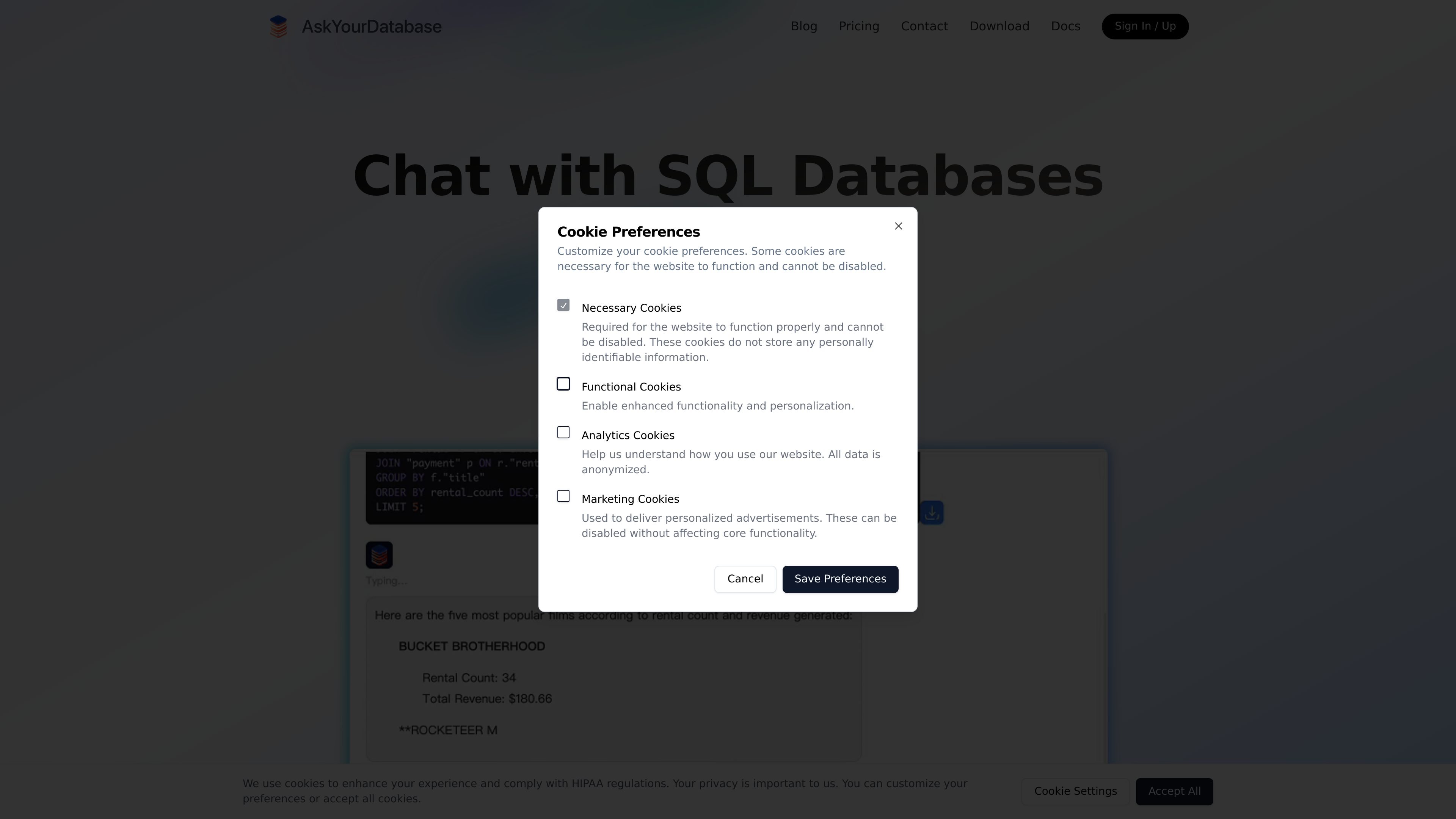
AskYourDatabase is an AI data analyst and SQL chatbot for connecting to databases and querying them in natural language. The site positions it as a way to chat with data in a ChatGPT-like interface, generate SQL automatically, and move from questions to insights without manual query writing.
The product is offered in two main forms: a chatbot for customer-facing experiences and a desktop app for internal use. The public site also highlights a dashboard builder for creating live dashboards from natural language, plus access control, embedding, and support for multiple databases and deployment options.
Ask questions in plain language and have the product translate them into SQL, instead of writing queries manually.
Use the chatbot to explore data in a conversational flow rather than treating it as a one-off query generator.
Create real-time dashboards from plain-English descriptions, with support for tabs, charts, forms, tables, and custom KPIs.
Limit which tables and columns AI can access, and use row-level policies for customer-facing experiences.
Embed the chatbot or dashboard into a website, or use the desktop app for internal workflows.
Adjust behavior with documentation and training prompts so the AI can better reflect your schema and business context.
Let non-technical internal teams ask ad-hoc questions about company data without writing SQL, which the site explicitly calls out for roles such as CEO, customer support, and sales.
Expose a customer-facing chatbot that helps users explore their own data, with access control and row-level policies keeping each user limited to their own records.
Build a real-time dashboard from a natural-language description, then share it with teammates or embed it in a website using iframe code.
Use the desktop application for a safer internal workflow where connections happen locally and the product stores data on the device instead of using an embedded website chatbot.
Refine the AI with database documentation, training prompts, and feedback when you need better SQL accuracy on a schema with many tables or business-specific rules.
AskYourDatabase provides both a Chatbot version and a Desktop version. The chatbot is positioned for customer-facing use, while the desktop app is presented as the more straightforward and secure option for internal use.
The product supports database chat through a connection string and documentation that serves as the AI knowledge base. The docs also describe a debug flow where you test responses, adjust documentation, and then integrate the chatbot.
For customer-facing chatbots, AskYourDatabase uses access control based on customer records and context variables passed through its API. The docs describe creating a customer session URL and using row-level policies to restrict each user to their own data.
The dashboard builder is designed to create real-time, interactive dashboards from natural language and supports tables, charts, forms, and custom metrics. The docs also note that dashboards can be shared by direct link and embedded in a website using iframe code.
The site says write operations are confirmed before execution, SQL is sanitized before running, and fine-grained access control is available. It also states that on-premise deployment is supported for the enterprise version, and the model can be deployed on your own server.

Hurree is an AI-powered reporting and analytics platform that centralizes company data, shared dashboards, and Riva summaries, recommendations, and forecasts.

书生 is a general-purpose large model suite for language, multimodal, weather, ocean, industrial design, 3D, finance, and scientific discovery tasks.

北极九章 is an enterprise AI data insight engine for natural-language data analysis. Ask by typing or voice and get charted results in workflows.

小艺 is Huawei’s AI smart assistant for Q&A, writing, document reading, code help, image recognition, and file drag-and-drop.

Postfity is a social media management tool for scheduling, planning, publishing, and tracking posts across connected accounts. Includes analytics, inbox management, AI tools, team workflows, and Free and paid plans.

AI Magicx is a unified AI workspace for chat, image, video, voice, music, email and developer tasks, helping teams and creators manage multiple models in one place.