

Chat-based creative workflow
Start with a prompt, uploaded footage, or a pre-made workflow, then use Async’s chat-style interface to move through editing and generation tasks in one place.

Async is a chat-based AI creative suite for video production, editing, and repurposing. Turn footage or prompts into finished videos, clips, subtitles, dubbing, and audio cleanup.
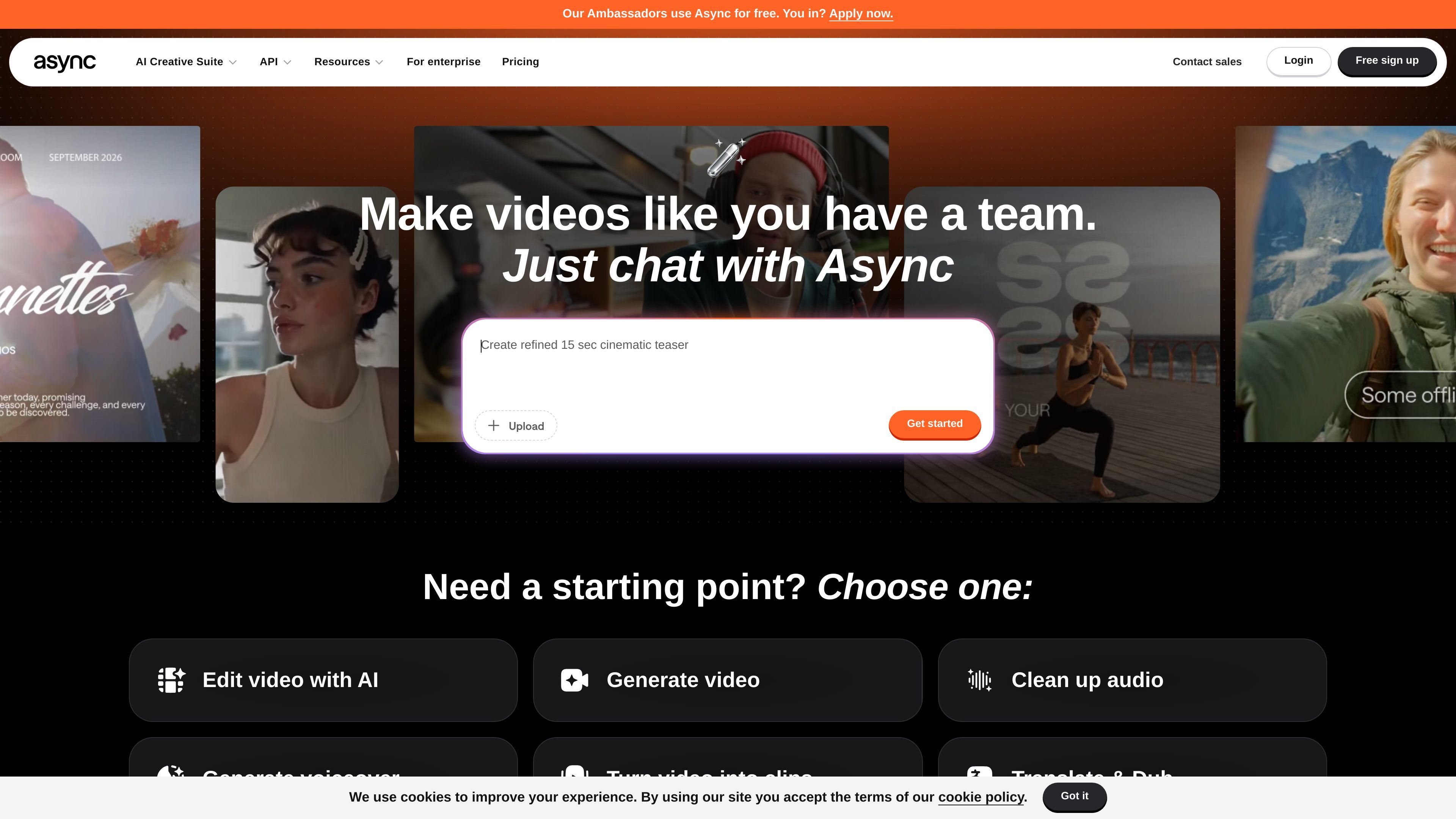
Async is a chat-based AI creative suite for video content production. It is designed to help people create, edit, and repurpose videos from raw footage or AI-generated scenes inside a single workflow.
The site positions Async for creators and teams that want to move from an idea or uploaded media to a finished video more quickly. It supports common production tasks such as editing, generating clips, translating and dubbing, adding subtitles, creating voiceovers, and cleaning up audio.
Start with a prompt, uploaded footage, or a pre-made workflow, then use Async’s chat-style interface to move through editing and generation tasks in one place.
Work across the full video pipeline, including creating videos, editing existing footage, generating scenes, and finishing projects without switching between separate tools.
Use AI tools for turning long-form content into shorter clips, adding subtitles, dubbing, translating, generating thumbnails, and creating voiceovers.
Apply audio-focused editing features such as multi-track audio editing, Magic Dust AI, silence removal, auto leveling, cinematic blur, and noise removal.
Choose from templates and example formats for ads, podcasts, interviews, social clips, wedding videos, travel vlogs, educationals, and explainers.
Move from creator plans to team-oriented plans, with the sales page describing collaborative workflows, onboarding, and tailored quotes for larger teams.
Turn raw footage into a finished edit by using chat prompts, AI editing tools, and audio cleanup features in a single workflow.
Generate new video scenes or start from a template when you need a quick creative concept for ads, social content, or short-form pieces.
Convert longer recordings such as podcasts, interviews, webinars, or vlogs into shorter clips for social platforms.
Add subtitles, translate content, and create dubbed versions when you need to publish the same video for different audiences.
Use creator or team plans to support collaborative production, onboarding, and larger-scale content operations.
Async is presented as a chat-based AI creative suite for video content production. The site describes it as an online workflow for going from raw footage and AI-generated scenes to finished videos.
Yes. The homepage says Async is built for creators and teams, and the sales page highlights tailored plans for big teams plus collaborative workflows.
The homepage says you can start with an idea, prompt, uploaded media, or a pre-made workflow, and the site highlights tasks such as editing video, generating video, cleaning up audio, creating voiceovers, turning video into clips, translating and dubbing, making thumbnails, recording podcasts, and editing audio.
The site says Async includes AI subtitles and AI dubbing tools, and also mentions multilingual AI voices for localization.
The homepage and pricing page both indicate a free starting option, while the pricing page also shows paid plans and a contact-sales path for larger teams.

Podfy.ai is a browser-based AI video tool that turns text, scripts, audio, and music into edited videos with narration, subtitles, effects, and soundtrack for faster short-form social content.

Altered is an AI voice changer and voice content creation platform for media production and live voice use. It combines voice morphing, text-to-speech, transcription, translation, cloning, and editing in one application.

Subtitle Translate AI is a browser-based subtitle translation tool for SRT and related files. Translate subtitles into 100+ languages while preserving timing, formatting, and context.

CoCoClip.AI is a web-based AI video editor for short-form content, with text-to-video, image-to-video, and audio-to-video workflows for YouTube Shorts, TikTok, and Instagram Reels.
Immersive Translate is a bilingual AI translation tool and browser extension for websites, PDFs, subtitles, meetings, images, and comics with privacy-focused translation.

Pika is an AI video generation platform for creating and editing short videos from prompts, images, and existing footage. It also offers plan-based commercial use, watermark-free downloads on higher tiers, and select partner API access.