

Chat-based video workflow
Use a chat-style workflow to ask Async to create, edit, or repurpose video content instead of working through a traditional timeline-first editor.

Async is a chat-based AI creative suite for video content, from raw footage or AI scenes to finished videos, clips, subtitles, and dubbing.
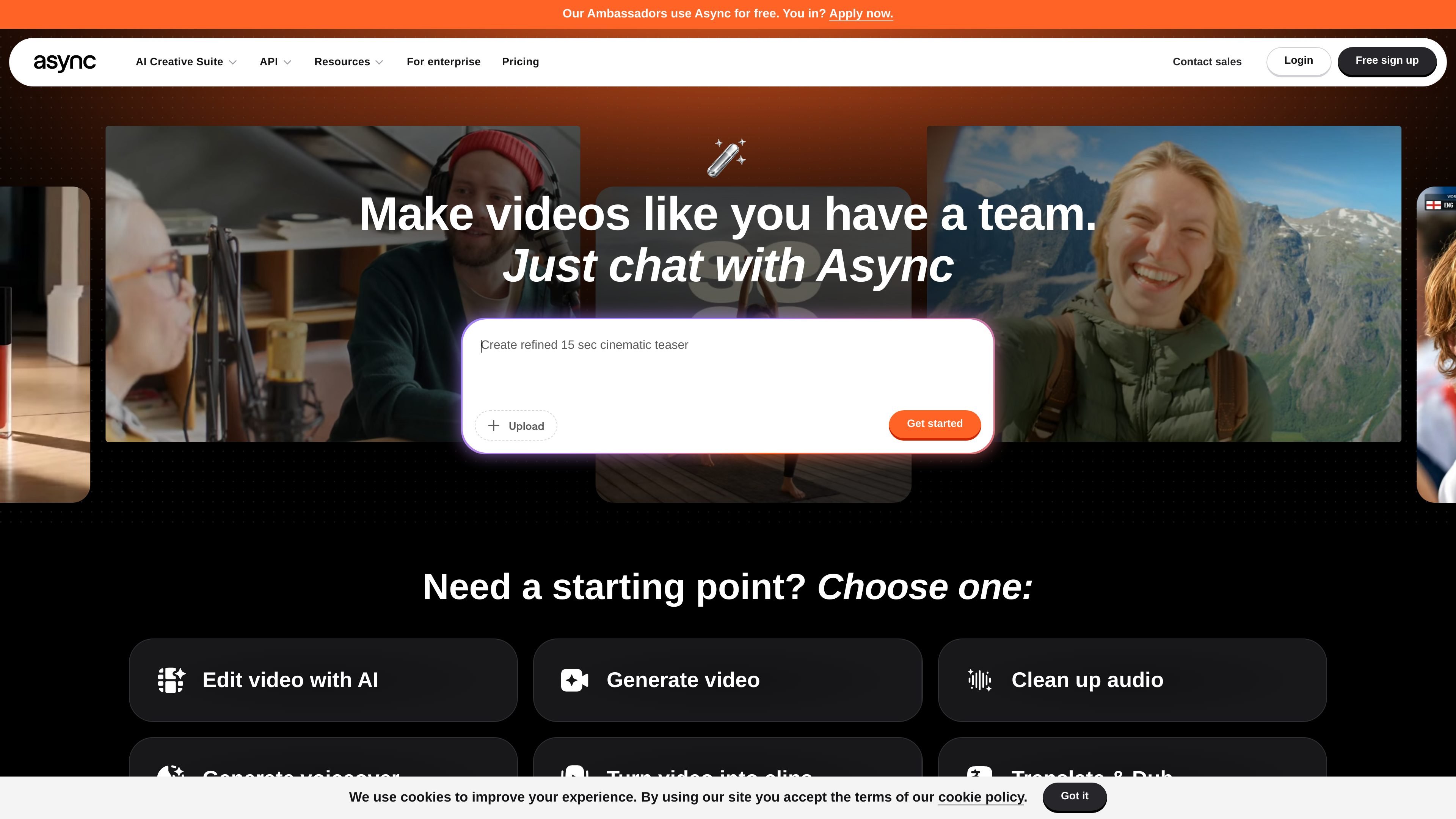
Async is a chat-based AI creative suite for video content production. It is positioned as a way to make videos “like you have a team,” using a single workflow to go from raw footage or AI-generated scenes to finished video content.
The product is designed for creators and teams that want to produce, edit, and repurpose video without relying on a traditional editing stack. The homepage highlights prompt-driven starting points such as editing video with AI, generating video, cleaning up audio, generating voiceovers, turning video into clips, translating and dubbing, creating thumbnails, recording podcasts, and editing audio.
Use a chat-style workflow to ask Async to create, edit, or repurpose video content instead of working through a traditional timeline-first editor.
Start from raw footage or AI-generated scenes and move toward a finished video in one workflow.
Generate short-form clips, subtitles, dubbing, voiceovers, thumbnails, and translations from the same platform.
Clean up audio with tools such as noise removal, silence removal, magic dust AI, and audio leveling.
Use templates and format-specific starting points for ads, podcasts, interviews, social clips, wedding videos, travel vlogs, educationals, and explainers.
Support team workflows with plans positioned for collaboration, onboarding, and tailored quotes for larger organizations.
Turn rough footage into a finished video by asking Async to edit, trim, clean audio, and assemble the result in one guided workflow.
Create clips, captions, subtitles, dubbing, and translated versions from longer recordings for social distribution and localization.
Generate promotional or explainers from templates and AI-assisted starting points for ads, product stories, podcasts, and educational content.
Improve spoken content by cleaning up audio, generating voiceovers, or using text-to-speech when a recording needs replacement or augmentation.
Support larger content operations with plans that emphasize collaboration, onboarding, and custom quotes for teams.
Async is a chat-based AI creative suite for video content production. It lets you start from an idea, uploaded footage, or a pre-made workflow and use AI to generate, edit, subtitle, dub, clip, or repurpose video.
Yes. The homepage says Async is built for both creators and teams, and the sales page highlights tailored plans for big teams, live walkthroughs, onboarding, and side-by-side recommendations for larger organizations.
The homepage and FAQ describe a workflow that can generate videos, edit footage, clean up audio, create voiceovers, turn videos into clips, translate and dub content, and make thumbnails.
The site says Async includes AI subtitles and AI dubbing tools, along with multilingual AI voices, so you can caption, translate, and localize videos without rebuilding each project from scratch.
No. Async's homepage FAQ says you do not need editing experience; you can start with an idea, a prompt, uploaded media, or a pre-made workflow.

Podfy.ai is a browser-based AI video tool that turns text, scripts, audio, and music into edited videos with narration, subtitles, effects, and soundtrack for faster short-form social content.

Pika is an AI video generation platform for creating and editing short videos from prompts, images, and existing footage. It also offers plan-based commercial use, watermark-free downloads on higher tiers, and select partner API access.

Rizzle turns articles into editorial-grade video and distributes it across major channels with AI-assisted, human-reviewed workflows for publishers.

Upsampler is an AI platform for creating, editing and upscaling images and videos in one workspace. Pay per credit, full API access, commercial use included.

CoCoClip.AI is a web-based AI video editor for short-form content, with text-to-video, image-to-video, and audio-to-video workflows for YouTube Shorts, TikTok, and Instagram Reels.

Nim Video is a web-based AI video and image creation platform for turning prompts, images, and source footage into editable visuals. It offers a free tier and paid subscriptions with added credits, higher output options, and commercial-use features.