

Multiple note formats
Generate a wide range of clinical documentation, including SOAP, DAP, BIRP, GIRP, PIE, progress notes, treatment plans, intake assessments, discharge summaries, and specialty formats.

AutoNotes is an AI clinical documentation platform for therapists, clinicians, counselors, social workers, and behavioral health teams. It creates structured notes, treatment plans, and related documentation from typed, dictated, recorded, or uploaded sessions.
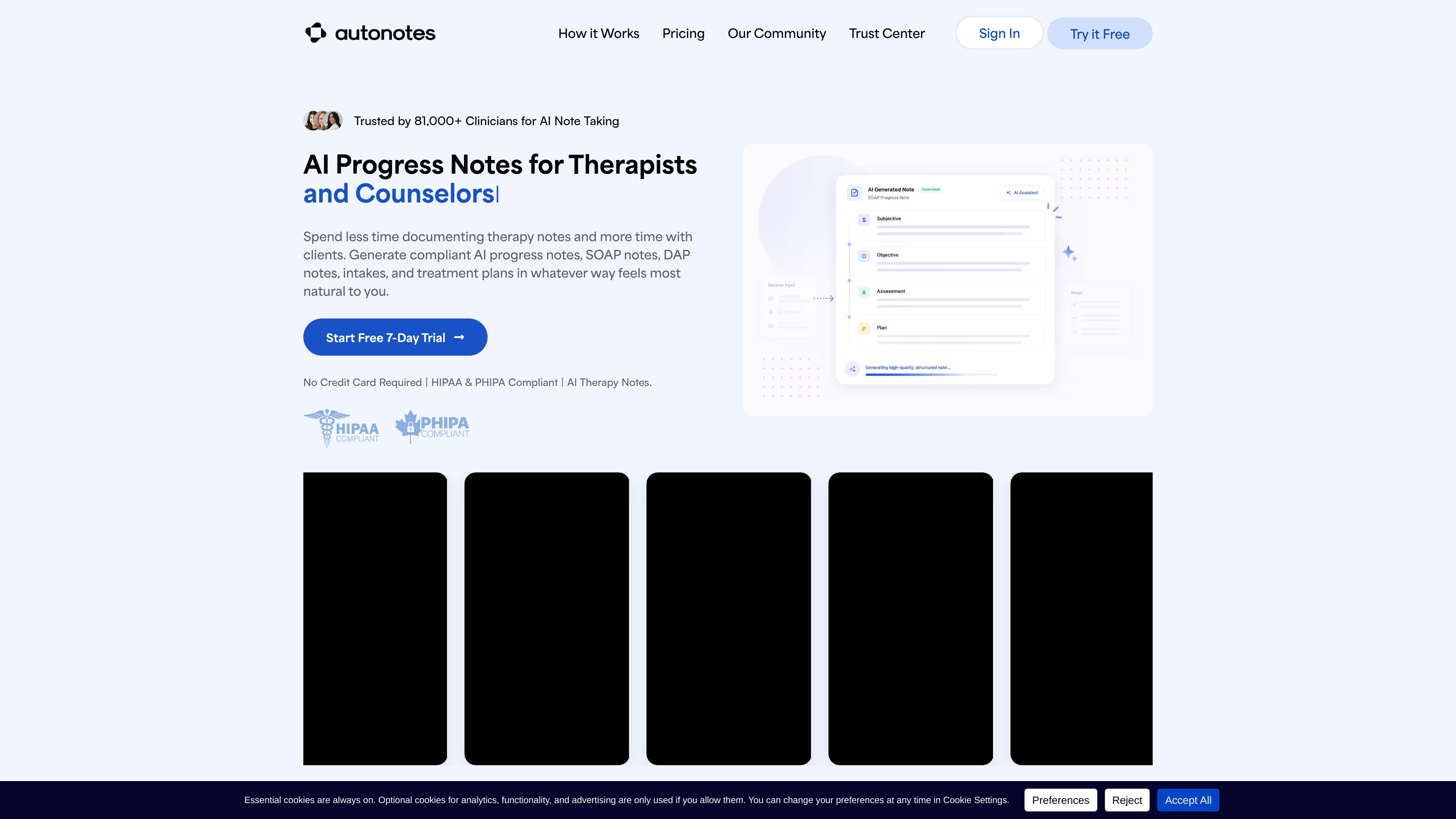
AutoNotes is an AI documentation tool for therapists, clinicians, counselors, social workers, and behavioral health teams. It is built to turn session information into structured clinical notes, treatment plans, and related documentation in a workflow that keeps the clinician in control of review and approval.
The product supports several ways of working: users can type or dictate session details, record live sessions, upload audio, or submit summaries. AutoNotes then generates formats such as SOAP, DAP, BIRP, progress notes, intake assessments, discharge summaries, and treatment plans, with note-to-note continuity and customizable templates available on higher-tier plans.
Generate a wide range of clinical documentation, including SOAP, DAP, BIRP, GIRP, PIE, progress notes, treatment plans, intake assessments, discharge summaries, and specialty formats.
Capture session information by typing, dictating, recording live sessions, or uploading audio and summaries.
Review, edit, and approve each note before it is saved to the clinical record.
Create individualized treatment plans and keep progress, goals, interventions, and follow-up items connected across sessions.
Customize templates to match a modality, setting, payer requirement, or practice style.
Store client notes securely and support encrypted data handling for protected health information.
Use AutoNotes after individual, family, or group sessions to turn session details into structured progress notes and related formats quickly.
Record or upload a session when you want more context from the conversation, then generate a note from that source material.
Build or customize treatment plans from progress notes, diagnoses, goals, and clinical context to keep planning aligned with documentation.
Standardize documentation across a practice by using shared templates and review workflows that still let each clinician edit and approve their own notes.
Use the platform for intake assessments, discharge summaries, or specialty therapy formats when a standard progress note is not enough.
AutoNotes supports SOAP, DAP, BIRP, GIRP, PIE, progress notes, treatment plans, intake assessments, discharge summaries, and specialty formats such as group therapy, couples therapy, family therapy, and EMDR. It also supports custom templates.
Yes. The site says AutoNotes is HIPAA-compliant, supports PHI uploads, and encrypts data in transit and at rest.
The site says notes can be ready in as little as 10 seconds after you submit a session or recording.
Recordings are stored securely, and you can delete individual recordings at any time. The site also says automatic deletion from the server can be enabled immediately after note generation.
Answers AI is an AI-powered education platform for students and educators, offering answers, study help, and assignment support across web, mobile, and Chrome tools.

小艺 is Huawei’s AI smart assistant for Q&A, writing, document reading, code help, image recognition, and file drag-and-drop.

TakeCareOS is a web platform for home care, disability, and aged care agencies, with rostering, billing, compliance, and AI admin tools.

Arcwise is an AI product for detecting meaningful metric changes and explaining them with data-grounded analysis. It turns warehouse and business-context data into decision-ready reports in app, docs, or slides.

讯飞会议 cloud video conferencing for enterprise collaboration, with video meetings, AI transcription and translation, and automatic meeting notes. Public and private cloud.

LexWorkplace is a cloud-based document and email management system for law firms, helping teams organize matters, search documents and email, and manage legal workflows from Outlook.