

AI Order Entry
Axal says it reads inbound purchase orders from email and enters them directly into an ERP, aiming to remove manual keying and reduce delay.
Axal is an AI worker platform for distributors and manufacturers that automates ERP-connected workflows across sales, finance, customer service, and operations, with consulting to clean up data first.
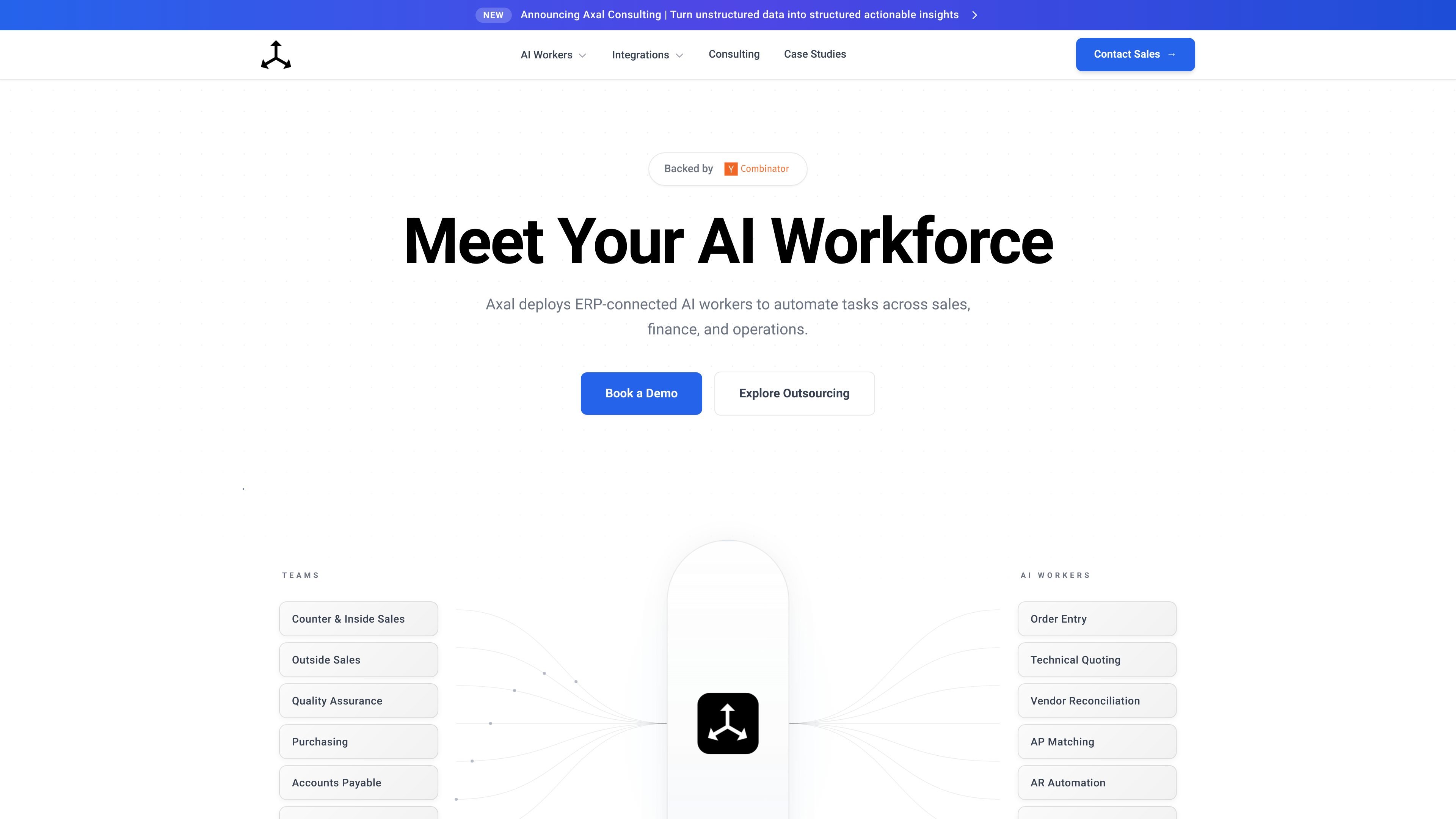
Axal is an AI worker platform for distributors and manufacturers. The public site describes it as ERP-connected software that automates work across sales, finance, customer service, and operations.
The product is positioned around handling repetitive, data-heavy workflows such as order entry, pricing lookups, CRM updates, AP matching, AR automation, and spreadsheet-based processes. Its consulting offering also focuses on cleaning up data and process gaps when an organization’s inputs are not yet ready for automation.
Axal’s site emphasizes fast deployment with a working session on day one, majority automation in the first week, and edge-case handling in the second week. It also says the service is designed for teams that need live operational workflows connected to their ERP rather than isolated AI chat tools.
Axal says it reads inbound purchase orders from email and enters them directly into an ERP, aiming to remove manual keying and reduce delay.
The product page says teams can ask product, pricing, and availability questions and get answers from live ERP data, including inventory levels, customer-specific pricing, lead times, and order history.
The homepage says sales reps can send a voice note or text recap after meetings, and Axal updates CRM records by creating or updating opportunities, logging notes, and adding follow-up tasks.
The product page lists quality docs and spreadsheet automation as supported work areas, and the consulting page describes cleaning up messy spreadsheets and aligning master data.
The product page includes AP matching, AR automation, vendor reconciliation, order entry, and technical quoting among its AI worker areas.
Use Axal when inbound purchase orders arrive by email and staff are typing them into an ERP by hand. The product page says it can extract, validate, and enter those orders directly.
Use it when customer-facing teams need fast answers on inventory, pricing, lead times, or prior order activity. Axal says its inside sales worker uses live ERP data to respond in real time.
Use it when reps return from meetings with updates that should become CRM records and follow-up work. The site says Axal can turn brief recaps into updated opportunities, notes, and tasks.
Use the consulting offering when the business has messy spreadsheets, scattered process knowledge, or incomplete ERP records. Axal says it cleans data, maps processes, and builds the foundation for automation.
Use it when finance and operations teams need help with repetitive reconciliation or matching work. The public page lists AP matching, AR automation, and vendor reconciliation as supported areas.
Axal’s home page describes it as AI workers for distributors and manufacturers. Its consulting offering is aimed at companies whose data and processes are not ready for automation yet, and it helps clean up data and rebuild workflows before deployment.
The site says Axal deploys ERP-connected AI workers and, in its consulting work, can assess data quality, map processes, and design or deploy remediation plans. The public pages do not provide a detailed technical setup guide.
Axal’s product page highlights AI workers for sales, finance, and operations, including order entry, inside sales, outside sales capture, quality docs, spreadsheet automation, and finance workflows such as AP matching and AR automation.
The homepage says Axal goes from kickoff to majority automation in under two weeks, with day-one sync, week-one launch, and week-two handling of edge cases. That is the strongest implementation timeline stated on the site.
The site does not publish pricing details. The pricing URL currently returns a 404, and the public pages instead direct visitors to book a demo, discovery call, or free assessment.

TakeCareOS is a web platform for home care, disability, and aged care agencies, with rostering, billing, compliance, and AI admin tools.

Botsplash is an all-in-one customer engagement platform for SMS, chat, voice and scheduling, with AI assistance, CRM integrations and compliance controls.

CREAO is an AI agent platform for turning recurring business work into reusable workflows, with schedules, approvals, and tool integrations.

Exalate is a bidirectional integration platform for syncing work items in real time across teams, systems and companies with controlled data flow.

NovaTalks is an omnichannel customer support platform that unifies calls, chat, email, and messengers, with chatbots, AI tools, reporting, and messaging automation.

Distribute is an AI sales follow-up tool that turns calls into shareable deal pages with recordings, pricing, next steps, and follow-up emails.