

Everything becomes a tile
Campus arranges terminals, web apps, notes, docs, and other surfaces as movable tiles on a single infinite canvas, so related work can stay side by side.
Campus is a macOS workspace with an infinite canvas for terminals, web apps, notes, docs, teammates, and agents—built for spatial work and real-time collaboration.
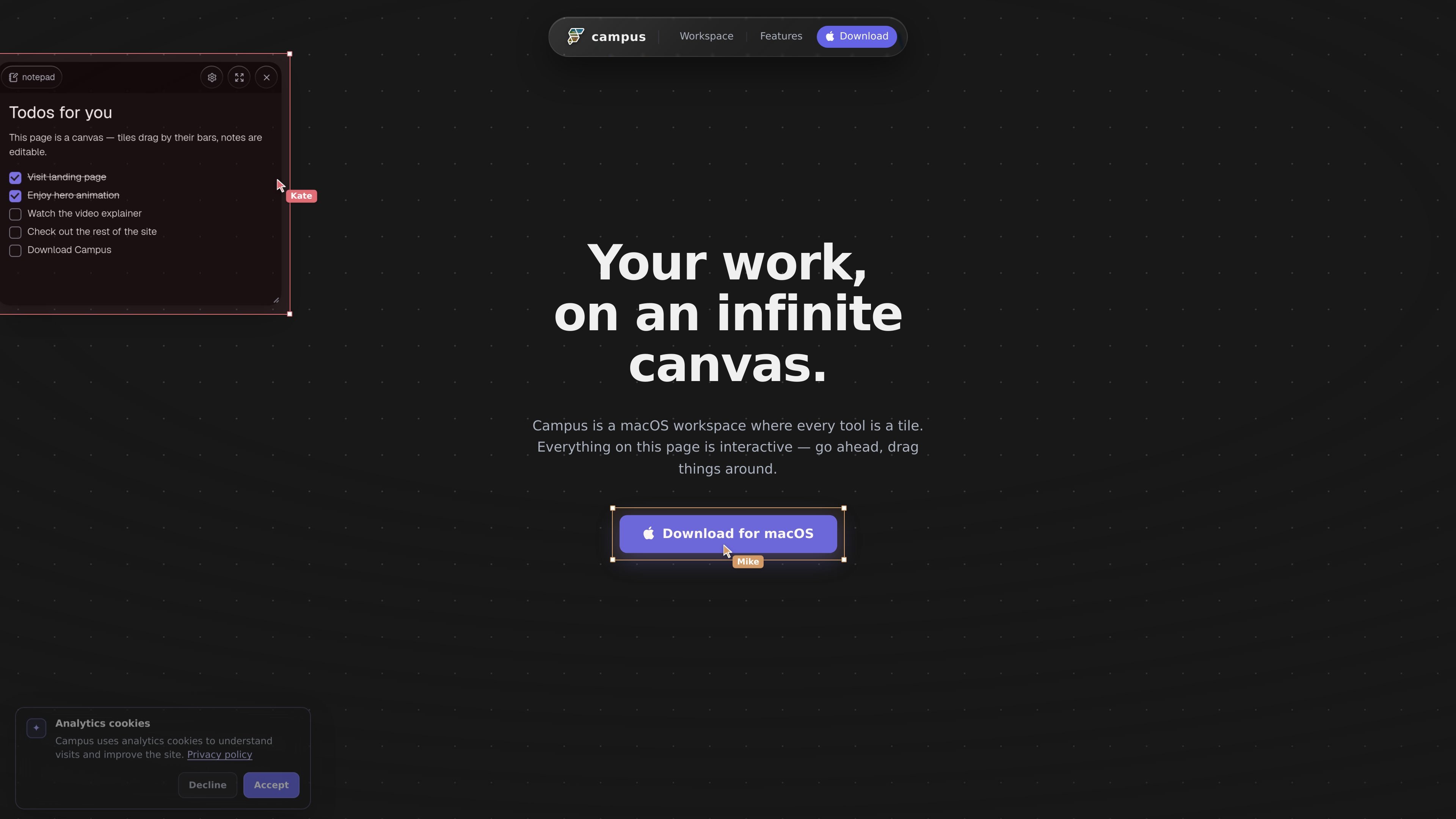
Campus is a macOS workspace built around an infinite canvas where terminals, developer tools, notes, docs, web apps, teammates, and agents can all live together as tiles. The homepage emphasizes that every element on the page is interactive, and that the product is meant to keep work arranged spatially instead of hiding it behind separate windows.
It is designed for people who want their tools, collaborators, and automated agents in the same working area. The canvas supports live terminals, shared links for team collaboration, and agent workflows where Claude and Codex can act on real tiles. The product also highlights local-first storage and a Dart SDK for building custom canvas behavior.
Campus arranges terminals, web apps, notes, docs, and other surfaces as movable tiles on a single infinite canvas, so related work can stay side by side.
The canvas is persistent and infinite, letting you pan, zoom, and return to the exact spatial layout you left behind.
Terminal tiles are live PTYs that keep running and preserve scrollback across restarts, which is useful for long-lived local sessions.
You can invite teammates by link and see live cursors, cursor chat, and the same shared context on the same canvas.
Claude and Codex can join as peers, and the Campus CLI can move tiles, type prompts, and click webviews on your behalf.
The product uses a local-first model, stores state in plain files, and exposes a full Dart SDK for defining custom tiles, commands, and rendering.
Keep a terminal, a local app preview, notes, and a worktree visible at once so you can move between implementation and verification without switching windows.
Share the canvas with colleagues, use live cursors, and coordinate in the same spatial context during standups or pairing sessions.
Let Claude or Codex work in the same canvas so an agent can move tiles, type prompts, and interact with webviews while you watch the state change.
Lay out docs, designs, media, and prototypes together when a project needs multiple references visible at the same time.
Use the iPad form factor mentioned on the homepage to take the same canvas into a more portable setup when you want to view or manipulate your workspace away from the desk.
Campus is a macOS workspace that places terminals, web apps, notes, docs, and agents on one persistent infinite canvas.
The homepage presents Campus as a macOS product and repeatedly references downloading it for macOS. No other operating systems are confirmed in the source.
No pricing details are shown on the source pages provided. The pricing URL currently returns a Page Not Found error.
The homepage says you can share a link so colleagues join the same canvas with live cursors and the same tiles and context.
Yes. The homepage says Claude and Codex can join as peers on the same canvas, and the Campus CLI can move tiles, type prompts, and click webviews for you.

TakeCareOS is a web platform for home care, disability, and aged care agencies, with rostering, billing, compliance, and AI admin tools.

Speakflow online teleprompter for writing and organizing scripts, voice scrolling, team collaboration, and cross-device syncing. Free and paid plans available.

讯飞会议 cloud video conferencing for enterprise collaboration, with video meetings, AI transcription and translation, and automatic meeting notes. Public and private cloud.

Spike is an AI-powered email and workspace platform that combines email, chat, calls, notes, tasks, and calendar tools in one inbox-centered workflow.
Answers AI is an AI-powered education platform for students and educators, offering answers, study help, and assignment support across web, mobile, and Chrome tools.
Twine AI Launcher is an Android launcher with AI assistant access, bringing ChatGPT-style help to your homescreen for quick answers, notes, tasks, reminders, and people memory.