

AI Photoshoot
Generate product scenes from a single image, including editorial and lifestyle settings. The product page says you can create endless scenes and use references to guide the look and feel.

Claid is an AI product photography and fashion photo editor for lifestyle scenes, on-model images, and clean cutouts. Web tools and API.
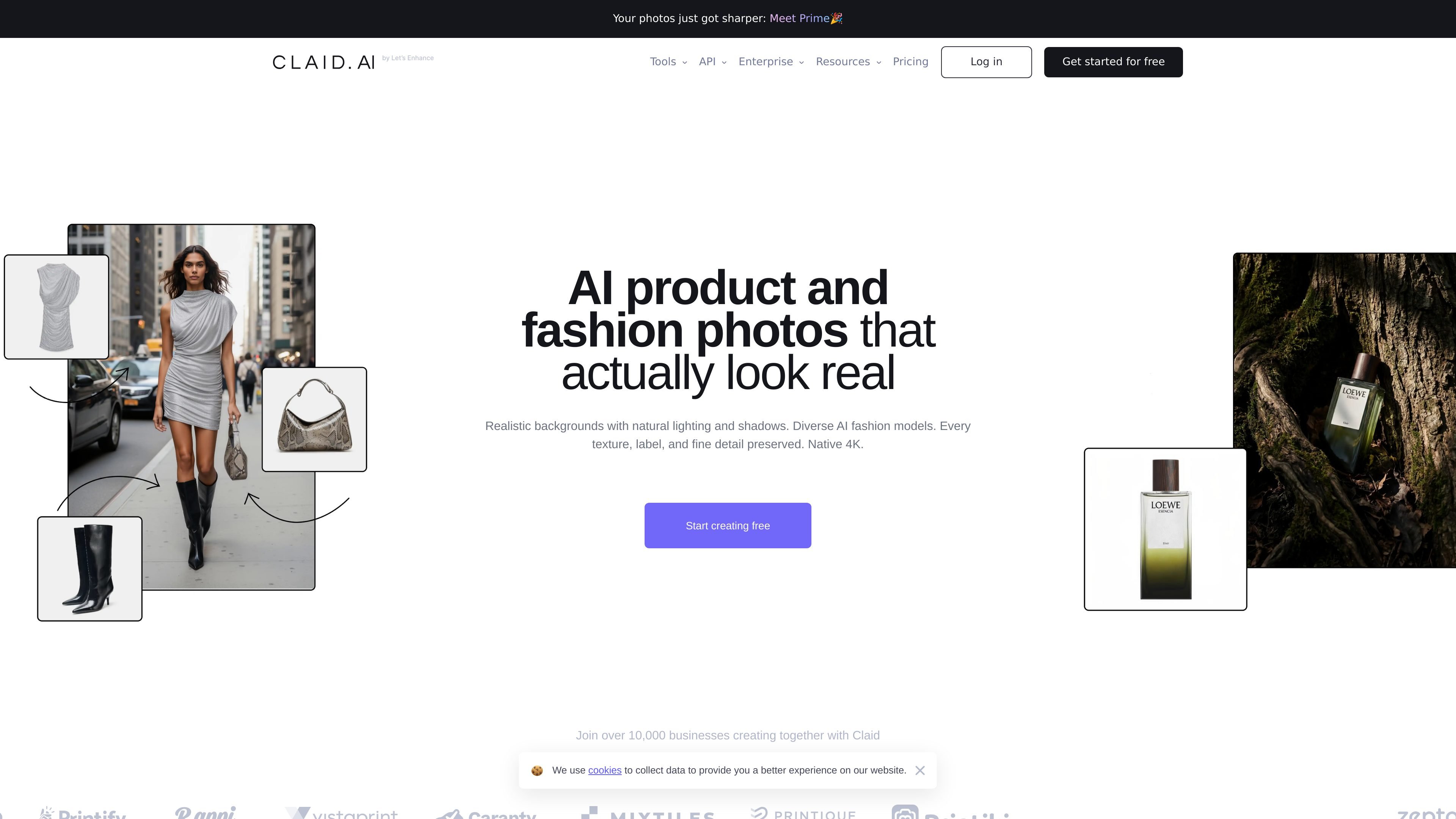
Claid is an AI product photography and fashion photo editor for creating, editing, and preparing commercial images. The site positions it as a tool for turning simple product shots into realistic lifestyle scenes, on-model fashion images, and clean cutouts, with output described as detail-first and available in 4K.
The product spans both web tools and an API. On the web side, Claid combines AI Photoshoot, AI Fashion, background removal, enhancement, editing, outpainting, and shadows into one workflow. For higher-volume work, the pricing page also points to API access, real-time and batch processing, and support for automated image pipelines.
Generate product scenes from a single image, including editorial and lifestyle settings. The product page says you can create endless scenes and use references to guide the look and feel.
Create on-model fashion imagery from garment images. The fashion page describes professional on-model photos and video output for apparel workflows.
Remove backgrounds to make transparent PNGs and cleaner cutouts. The pricing page lists background removal as a core operation and the dedicated page positions it as an eraser tool.
Increase image size and improve visual quality. The pricing page describes an upscale feature for enlarging images with no quality loss and improving resolution and color.
Edit and extend images with AI tools. The pricing page includes AI Edit, outpainting, and AI Shadows as separate operations in the product suite.
Automate image processing with Claid API. The pricing page highlights real-time and batch processing, max-resolution output, and documentation for integration.
Upload a product image and generate multiple campaign-style backgrounds for ecommerce, ads, or landing pages without arranging a shoot.
Turn garment photos into modeled imagery for apparel listings, lookbooks, or social content when you need on-model presentation.
Remove backgrounds from product photos to create transparent PNGs or cleaner cutouts for catalogs and marketplaces.
Use enhancement and AI editing tools to improve resolution, adjust presentation, or extend an image when the source file is not final-ready.
Send image workflows through the API when a team needs repeatable processing at scale or batch handling for large catalogs.
Claid is built to generate and edit product images from uploaded assets. The source pages highlight AI Photoshoot, AI Fashion, background removal, enhancement, editing, outpainting, shadows, and an API for automating image workflows.
The pricing page says Claid offers a Free trial, Essentials, Pro, and Business plans, and that the paid web plans share the same core tools while higher plans add more credits and premium capabilities.
Claid’s web plans include access to tools such as AI Photoshoot, AI Fashion, background removal, AI Edit, outpainting, and AI Shadows. The pricing page also references API pricing separately for developers.
The pricing page says credits can be spent across operations such as background removal and AI Photoshoot, and that the amount used depends on the operation. It describes the system as flexible rather than feature-limited.
The pricing page states that Claid API supports real-time and batch processing, is designed for image enhancement at scale, and includes documentation for integration.

简单AI is Sohu’s online AI tool for AI image generation, AI writing, and online image editing—ideal for quickly creating images, copy, or basic retouching.

Photoroom is an AI visual editing platform for e-commerce that removes backgrounds, creates product images, and prepares listings from phone, web app, or API workflows.

AI HomeDesign is a web-based photo editing toolbox for real estate listings, with AI staging, item removal, day-to-dusk rendering, enhancement, and renovation tools. It is built for agents and other listing workflows that need editable, listing-ready images quickly.

Photoeraser is a web-based AI photo editor for removing backgrounds, erasing unwanted objects, and enhancing image quality with simple upload workflows.

豆绘AI is an online AI image generation and editing platform for ecommerce and design, supporting white background, scene, interior rendering and post-processing.

Upsampler is an AI platform for creating, editing and upscaling images and videos in one workspace. Pay per credit, full API access, commercial use included.