

Source-based input capture
Bring notes, links, PDFs, videos, screenshots, and rough ideas into one place before drafting. Dynal turns mixed source material into a structured starting point for a LinkedIn post.

Dynal is an AI LinkedIn writer and agent that turns notes, links, PDFs, videos, screenshots and ideas into drafts, weekly plans and publish-ready content.
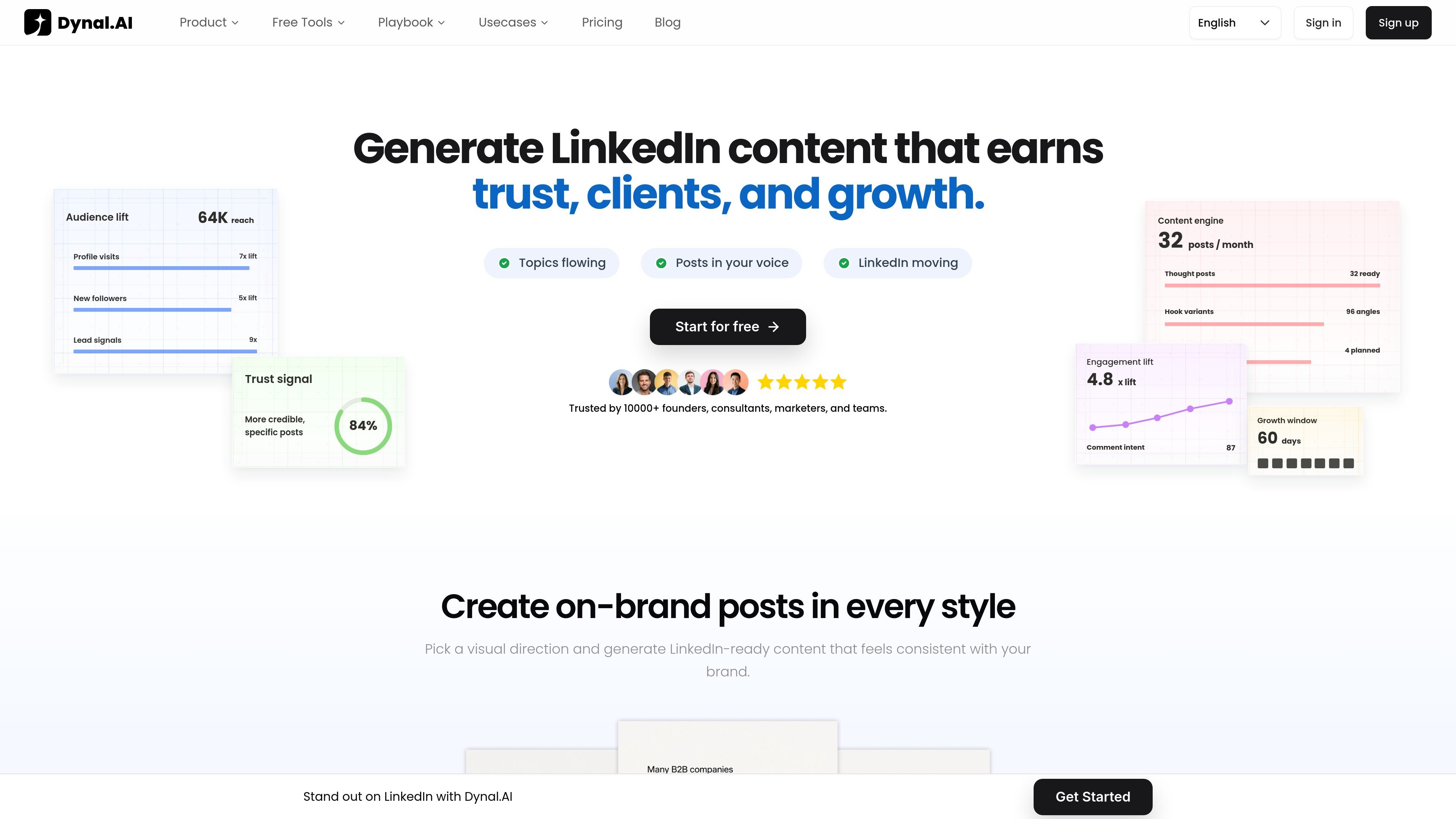
Dynal is an AI LinkedIn agent and writer built to turn source material into publishable LinkedIn content. It accepts notes, links, PDFs, videos, screenshots, and rough ideas, then uses Brand DNA to shape drafts that stay closer to a user’s voice, audience, and boundaries.
The product is oriented around a repeatable LinkedIn workflow: capture inputs, generate drafts, plan the week, review the output, and publish only after approval. The site also describes broader agent behavior such as trend monitoring, content strategy support, auto-scheduling, and smart engagement, but the workflow shown throughout the pages keeps final review in the user’s hands.
Bring notes, links, PDFs, videos, screenshots, and rough ideas into one place before drafting. Dynal turns mixed source material into a structured starting point for a LinkedIn post.
Apply Brand DNA — including profile, voice, audience, references, and boundaries — before a draft is generated. This helps keep the output closer to the user’s positioning and tone.
Generate LinkedIn posts with a clear hook, body, and CTA, using source material rather than a blank prompt. The product also presents draft shaping as a way to strengthen structure and clarity.
Turn multiple drafts into a weekly publishing plan with themes, sequence, and posting slots. The product frames this as a repeatable content system instead of one-off post creation.
Review and edit content before anything goes live. The site repeatedly emphasizes approval-first workflow, with AI assisting drafting and organization while the user keeps final control.
Separate founder, product, campaign, or client contexts inside one workspace. Dynal presents this as a way to manage different voices and avoid drift across accounts or collaborators.
Turn raw notes, links, and research into a structured post draft when you already have the idea but not the wording.
Build a week of LinkedIn content by grouping drafts into themes, sequences, and publishing slots instead of creating posts one at a time.
Keep different founders, products, or client accounts separated so each one retains its own voice and boundaries inside the same workspace.
Refine the opening, flow, and wording of a post before publishing while retaining editorial control over the final version.
Use the agent’s trend monitoring and content strategy workflow to surface angles from industry news, competitor activity, and niche discussions.
Dynal is designed for LinkedIn content creation and workflow management. It helps users capture ideas and source material, draft posts in their voice, and review content before publishing.
The source content shows a free-start flow, but it does not provide the exact pricing tiers, credit limits, or plan names on the collected pages.
Dynal supports inputs such as notes, links, PDFs, videos, screenshots, and rough ideas. It uses Brand DNA to guide draft generation and keeps review before publishing in the user’s hands.
Yes. The site describes support for multiple voices, brands, products, and client workflows inside one workspace, with separate context to avoid voice drift.
The source pages emphasize LinkedIn-focused drafting, planning, and publishing workflows. They do not show general-purpose social scheduling or broad third-party integrations on the collected pages.

迅捷AI写作 is an online AI writing tool for papers, novels, office docs and content creation, with scenario templates, online document writing and multi-format export.

Nily AI is a browser-based AI assistant platform with 20+ models and tools for chat, writing, PDFs, email, images, and web page analysis. 7-day free trial.

Vetta X is an AI growth workspace for X that drafts replies and posts in your voice, tracks creators, and enables one-tap publishing after approval.
FlowChai is a chat-based AI content agent for drafting, refining, and publishing content at scale with natural-language control, brand voice, multilingual output, and WordPress publishing.

讯飞写作 is an AI writing assistant for office, news, marketing and official content. Import audio, video, Word, images and PPT to draft faster.

Postfity is a social media management tool for scheduling, planning, publishing, and tracking posts across connected accounts. Includes analytics, inbox management, AI tools, team workflows, and Free and paid plans.