

Layer-based composition
Arrange shapes, images, and other elements on a layer-based composition board, then use drag-and-drop composition to control layout more precisely.

Dzine is a web-based AI image and design tool for controlled visual creation and editing with layer-based tools, predefined styles, and enhancement features.
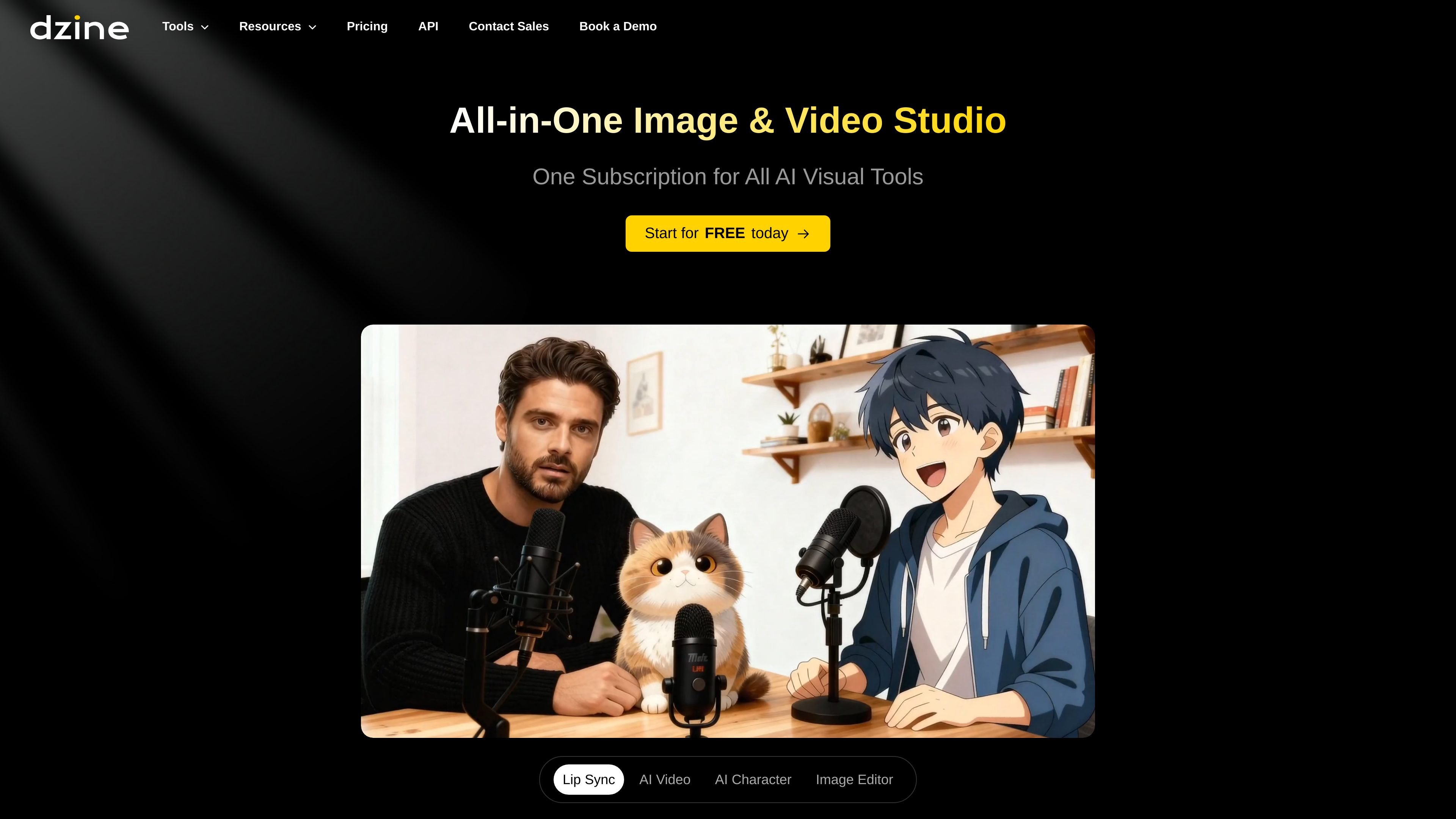
Dzine is an online AI image and design tool focused on giving users direct control over composition, style, and editing. The site positions it as a controllable alternative for creating and refining visuals without depending entirely on text prompts or complex parameter tuning.
Its workflow combines image generation with editing tools such as layer-based composition, selection, enhancement, and prompt assistance. The product also presents a broader visual studio that includes video-oriented tools, but the strongest evidence on the reviewed pages is centered on image creation and editing.
Arrange shapes, images, and other elements on a layer-based composition board, then use drag-and-drop composition to control layout more precisely.
Use predefined styles to shape the look of generated images without relying on complex style prompts.
Split an image into separate layers with the auto-selection tool and save those cut-out elements as reusable assets.
Refine results with one-click enhancement tools that target clarity and common AI artifacts, including issues with faces and hands.
Generate or rewrite prompts through Dzine Assistant, which is positioned as a conversational design agent for natural-language prompt help.
Export finished work as high-definition PNG or JPG files, with support for 2x, 3x, and 4x output resolution up to 6144 px by 6144 px.
Designers can lay out elements on a canvas, adjust their positions, and generate a result that respects the structure they already built.
Creators who do not want to write complex style prompts can start from predefined styles and iterate on the visual look more directly.
Users can cut objects into separate layers, save them as assets, and reuse those elements in later compositions.
People fixing AI-generated images can use enhancement tools to improve clarity and address artifacts such as awkward faces or hands.
Teams or solo creators producing deliverables can export finished work in PNG or JPG at higher resolutions for downstream use.
Dzine’s FAQ recommends starting with the tutorial videos on Dzine’s YouTube channel. The product is presented as a web-based tool, so setup appears to be account-based rather than software installation.
The site describes Image-to-Image as a way to arrange design elements on the canvas and then merge them into a new image layer while keeping the relative positions, sizes, and orientations you laid out.
Dzine says asset generation is designed for quick turnaround, but the time varies based on factors such as image resolution and the generation method you choose, including Text-to-Image, Image-to-Image, or Insert Object.
The pricing page shows multiple paid plans and indicates that some plans include private generation and commercial use. It also notes that payment options are limited for PayPal and Wise and require contacting the team for details.
The rendered pages emphasize image generation and editing, plus video-related tools on the platform. They do not provide detailed third-party integration information on the source pages reviewed.

Paper is a design tool that connects canvas, code, and AI agents so teams can create, share, and ship work in one workflow. Includes desktop app and MCP access.

Superside is an AI-powered creative service for enterprise and in-house teams, with global talent, AI-first workflows, and subscription-based support.

Nim Video is a web-based AI video and image creation platform for turning prompts, images, and source footage into editable visuals. It offers a free tier and paid subscriptions with added credits, higher output options, and commercial-use features.

豆绘AI is an online AI image generation and editing platform for ecommerce and design, supporting white background, scene, interior rendering and post-processing.

Image Fx is a web-based AI image generator that turns text prompts into images, with free basic access, no sign-up, and paid credit-based premium models.

Upsampler is an AI platform for creating, editing and upscaling images and videos in one workspace. Pay per credit, full API access, commercial use included.