

Video face swapping
Swap faces in uploaded videos using the AI Video tool. The homepage says the system detects faces in a video and swaps them with a chosen face.

FaceHub is a web-based AI tool for face swapping in videos and photos, plus AI portrait and anime-style image generation. It offers template-driven creation with free access and premium options for private uploads and higher-volume workflows.
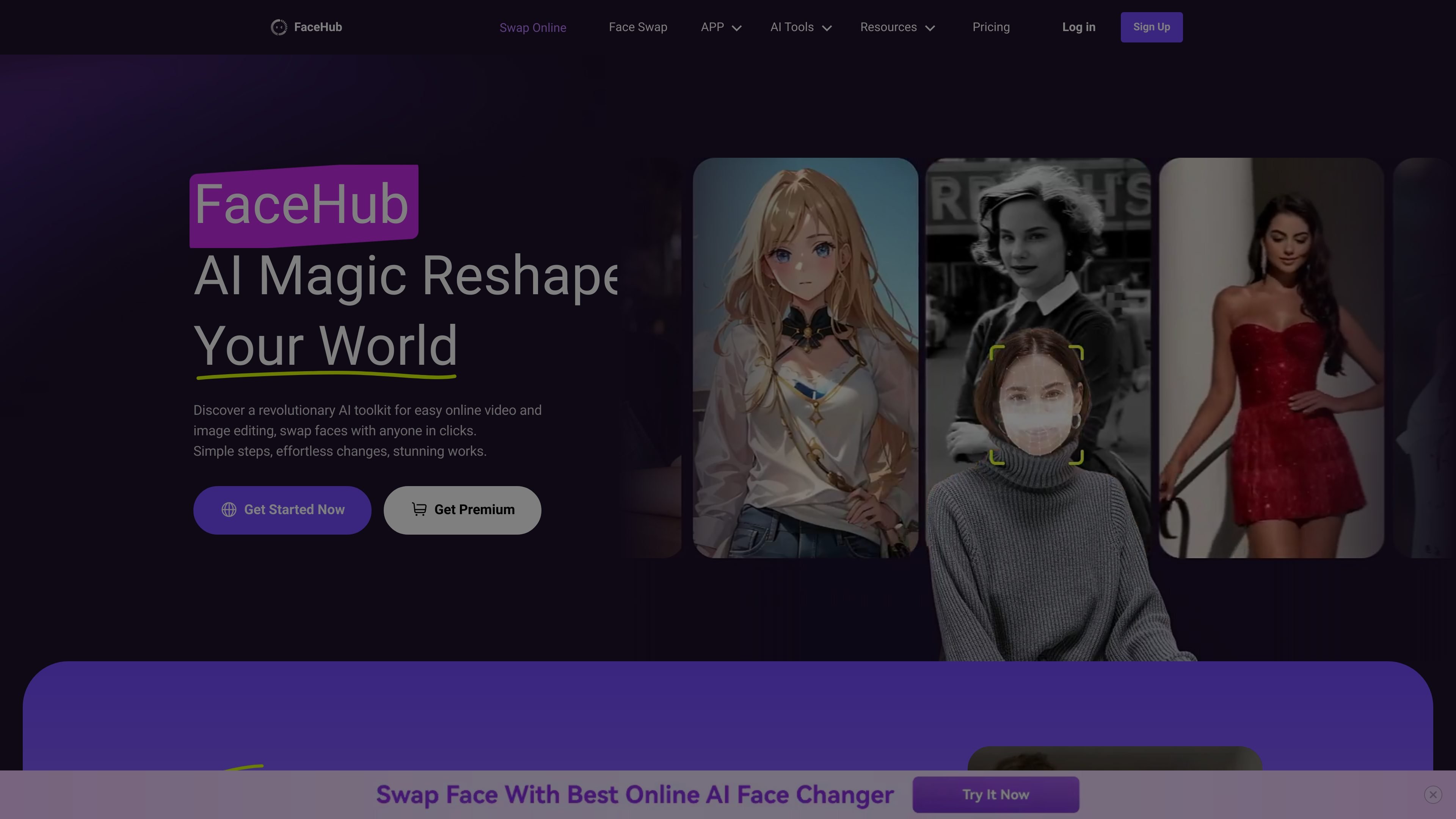
FaceHub is an AI face editing tool for videos and images. It focuses on face swapping, AI portraits, anime-style image generation, and related template-driven workflows that let users create stylized media from uploaded photos or videos.
The site positions the product around quick edits and preset-based creation rather than manual editing. The guide explains that users can sign up with email or with Google, Facebook, Twitter, or Apple, then access tools for face swap videos, face swap images, AI anime, and AI portraits. Premium access adds private media uploads, full feature access for AI Anime and AI Portrait, and more concurrent task handling.
Swap faces in uploaded videos using the AI Video tool. The homepage says the system detects faces in a video and swaps them with a chosen face.
Replace faces in photos and apply preset styles such as sport, film, wedding, yearbook, magazine, and other looks.
Generate AI portrait images from uploaded photos with stylized outputs and preset themes. The site highlights casual, ID, yearbook, magazine, 30's style, 80's style, and animal presets.
Create custom anime-style images, including 2D, 3D, Disney-like, Pixar-like, pixel art, and other illustrated styles.
Process multiple swaps and templates at once. The guide mentions multitasking 10 face-swapping tasks together, and the pricing page notes parallel processing and multi-device login for premium users.
Use large template libraries for faster starting points. The homepage mentions 1,000+ video templates and 500+ photo templates, while the pricing page references more than 2,000 templates.
Swap faces in short-form or longer videos when you want a quick visual change without manual frame-by-frame editing. The site highlights fast processing and template-based video workflows.
Turn selfies or portraits into themed images for sports, film, wedding, magazine, or yearbook-style looks. This fits users who want stylized images from a single uploaded photo.
Create anime versions of photos in 2D, 3D, Disney-like, Pixar-like, or pixel-art styles. This is useful for social profiles, creative concepts, or personalized art experiments.
Generate portrait sets for profile images or concept testing using preset portrait styles such as casual, ID, 30's style, and 80's style. The tool is positioned for fast outputs from uploaded photos.
Use the product for template-led content creation in situations like memes, fan-style edits, greetings, or lightweight promotional visuals. The homepage and guide both emphasize quick creation from uploaded media.
Handle multiple face-swap jobs together when working through several assets at once. The guide says premium users can multitask up to 10 face-swapping tasks together, which suits higher-volume workflows.
FaceHub appears to support face swapping in both videos and images, along with AI portrait and anime tools. The guide describes it as a hub of AI tools for swapping faces on photos and videos or creating unique AI portraits or anime.
The guide says users can create an account with email and password or via Google, Facebook, Twitter, or Apple. After signing up, they can enter the homepage workspace and access the available tools.
The guide states that free users get partial access to AI Anime and AI Portrait features. Premium users can upload private media, use all video templates, access the complete AI Anime and AI Portrait features, retain free credits each week depending on the subscription package, and multitask up to 10 face-swapping tasks together.
The source shows FaceHub supports face swapping for videos, image-based face swaps, AI anime generation, and AI portrait generation. It also mentions Google, Facebook, Twitter, and Apple as account-creation options.

豆绘AI is an online AI image generation and editing platform for ecommerce and design, supporting white background, scene, interior rendering and post-processing.

Upsampler is an AI platform for creating, editing and upscaling images and videos in one workspace. Pay per credit, full API access, commercial use included.

Creativio AI turns basic images into polished product visuals for ecommerce, marketing, and social campaigns—fast, with less manual editing.

简单AI is Sohu’s online AI tool for AI image generation, AI writing, and online image editing—ideal for quickly creating images, copy, or basic retouching.

Image to Cartoon is a free AI cartoonizer that turns photos into cartoon, anime, comic, or 3D-style images in the browser, no sign up required.

Recraft is an AI image generation and design platform for designers, creatives, sellers, and teams. It supports raster and vector generation, custom styles, mockups, editing, and API-based workflows.