

Visual canvas and layer editor
Work on an infinite visual canvas rather than switching between separate tools, with support for real-time cursors and multilayer editing.

FLORA is an AI-powered creative canvas for designers, brand teams and agencies, with generation, editing and collaboration in one workspace and 50+ text, image and video models.
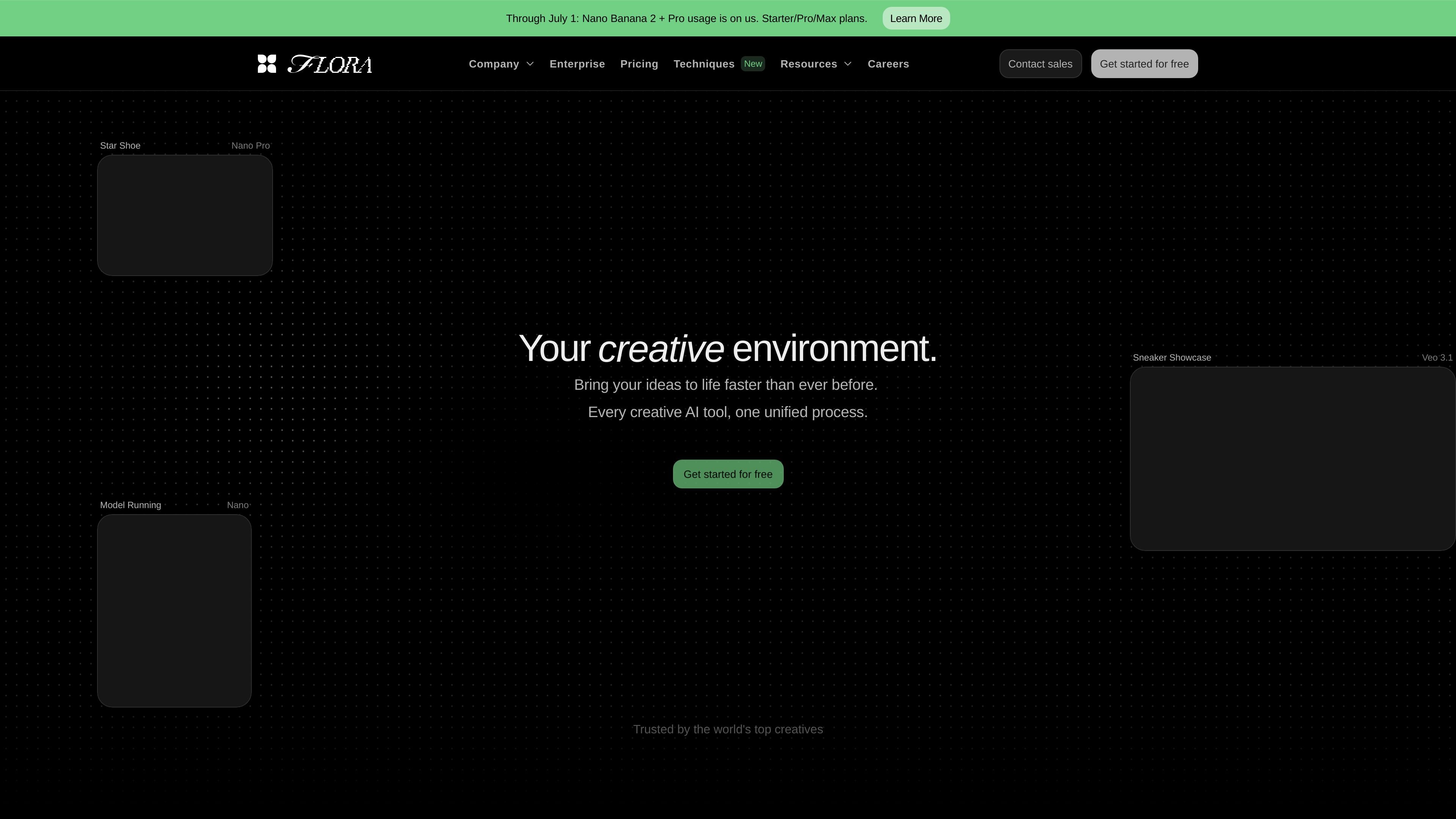
FLORA is an AI-powered creative canvas for designers, brand teams, agencies, and other collaborative creative teams. It brings generation, editing, and workflow management into one workspace so users can explore ideas, refine them together, and produce finished visual assets without moving between separate tools.
The product is positioned around visual work at team scale: users can work on an infinite canvas, edit layers, run techniques, collaborate in real time, and access a broad set of text, image, and video models. The site also highlights enterprise features such as shared assets, permissions, usage visibility, and SSO/SAML for larger organizations.
Work on an infinite visual canvas rather than switching between separate tools, with support for real-time cursors and multilayer editing.
Generate, refine, and compare outputs across text, image, and video models in one workspace, including 50+ named models on the site.
Use techniques, app mode, and an action node system to build repeatable creative workflows instead of one-off prompts.
Collaborate in shared workspaces with commenting, project sharing, view-only or editable access, shared assets, and shared elements.
Track and manage production work with generation history, pooled usage, usage analytics, and workspace-level billing controls.
Export finished work through download and export options, with social publishing included on higher-tier plans.
Designers can explore visual directions on the canvas, compare options, and refine layered compositions without leaving the workspace.
Brand and marketing teams can maintain shared assets and elements while producing on-brand outputs across multiple members.
Agencies can coordinate feedback, permissions, and project sharing across collaborators who need different levels of access.
Creative teams can turn one concept into many variants for campaigns, social assets, or production workflows using batch generation and model variety.
Enterprise teams can use workspaces, usage visibility, SSO/SAML, and dedicated support to manage broader organizational adoption.
FLORA is presented as an AI-powered canvas for designers, brand teams, agencies, and other creative teams. Its workflow centers on generating, editing, and organizing visual work in one workspace rather than moving between separate tools.
The source shows FLORA combining a visual canvas, a multilayer image editor, annotations and labels, real-time cursors, batch generations, and an action node system. It also supports techniques, app mode, collaboration tools, asset libraries, and export options.
The pricing page shows a free plan plus paid Starter, Pro, and Max plans, with enterprise information available for teams that need larger-scale workflows, SSO/SAML, usage analytics, and dedicated support.
The source describes access to 50+ models from one workspace and lists text, image, and video models, including named models such as Nano Banana 2, Veo 3.1, Kling, Seedance, and others.
The source does not provide detailed setup, platform compatibility, or integration documentation. It does state that FLORA offers API access and MCP access on paid plans.

Paper is a design tool that connects canvas, code, and AI agents so teams can create, share, and ship work in one workflow. Includes desktop app and MCP access.

Superside is an AI-powered creative service for enterprise and in-house teams, with global talent, AI-first workflows, and subscription-based support.

Framer is an AI website builder for professional sites. It helps teams design, manage CMS content, optimize SEO, collaborate, and publish from a single no-code workflow.

Adam is a CAD copilot for hardware teams that connects to CAD, PLM, supplier, and collaboration tools for model edits, BOMs, drawings, and RFQs.

简单AI is Sohu’s online AI tool for AI image generation, AI writing, and online image editing—ideal for quickly creating images, copy, or basic retouching.

Hurree is an AI-powered reporting and analytics platform that centralizes company data, shared dashboards, and Riva summaries, recommendations, and forecasts.