

Text-to-image generation
Generates images from text prompts using FLUX.1 models, with the homepage describing support for text-to-image creation and the model variants Schnell, Dev, Pro, and Pro Ultra.

GenImg AI is a web-based AI image generator for text-to-image and image-to-image creation with FLUX.1 models, free credits, and paid plans.
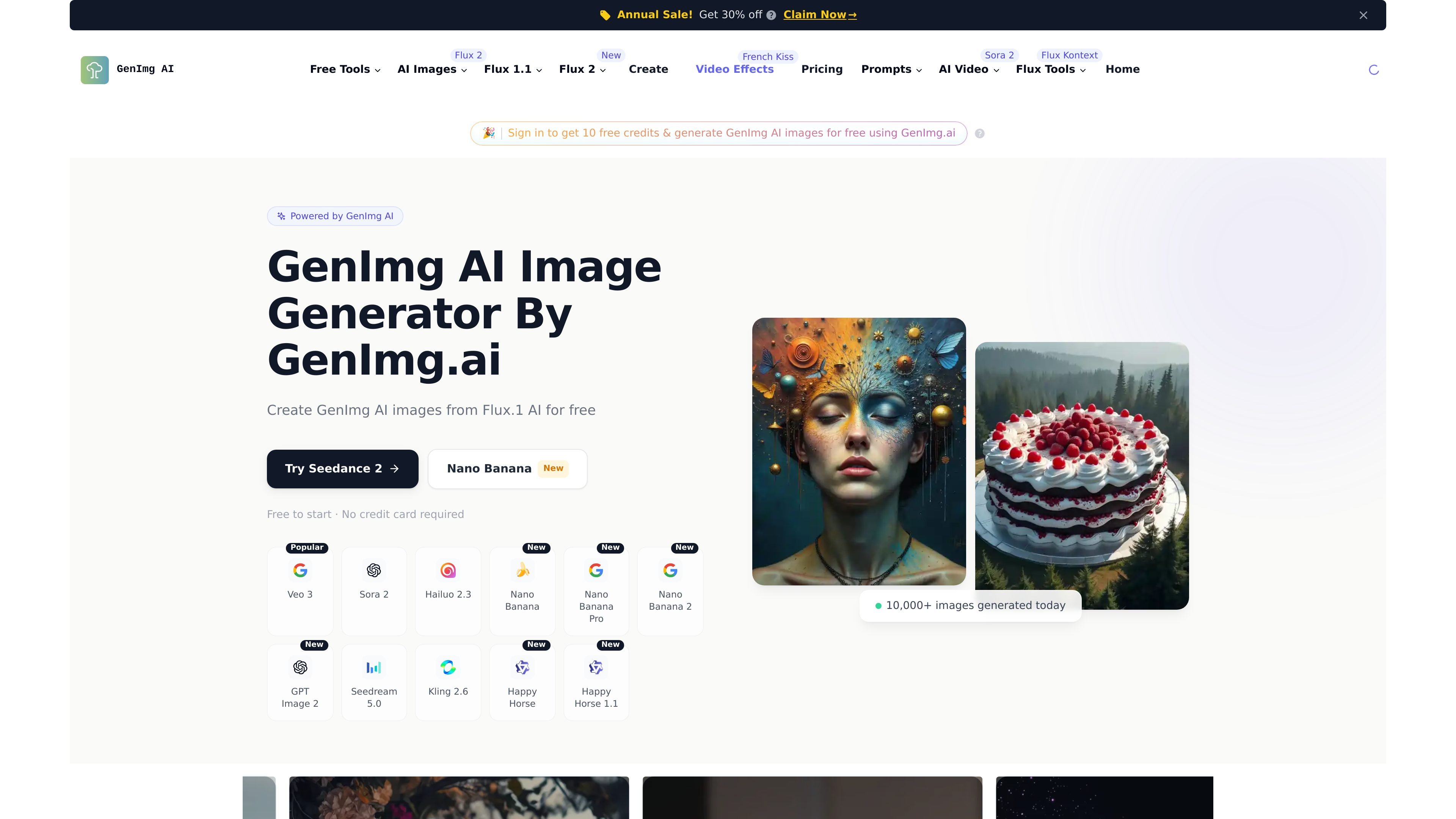
GenImg AI is an AI image generation site built around FLUX.1 models for text-to-image and image-to-image workflows. The homepage presents it as a free online generator with sign-in credits, while the pricing page shows paid subscription plans and one-time credit purchasing options.
The site highlights several model and workflow options, including Flux.1 variants such as Schnell, Dev, Pro, and Pro Ultra, plus dedicated pages for Flux 1.1 Pro and Nano Banana. Across the site, the core use case is creating, editing, and downloading AI-generated images from prompts or uploaded images.
Generates images from text prompts using FLUX.1 models, with the homepage describing support for text-to-image creation and the model variants Schnell, Dev, Pro, and Pro Ultra.
The site says GenImg AI also supports image-to-image generation, and the Nano Banana page shows a separate editor workflow for prompting and uploading an image to modify.
The homepage says generated images can support high resolution up to 2.0 megapixels and a range of aspect ratios, which makes the output more adaptable to different layouts.
The homepage says users can access models through an API, Replicate, fal.ai, or open-weight versions for non-commercial use, indicating more than one way to work with the models.
The Flux 1.1 Pro page says the model is faster than the original Flux.1 Pro and emphasizes image quality, prompt adherence, and output diversity.
The Nano Banana page describes conversational editing, multi-image fusion, character consistency, and SynthID watermarking for responsible AI transparency.
Create images from written prompts using FLUX.1 models, with the site emphasizing prompt adherence and a simple generate flow.
Start with the free registered-user credits to test the product before choosing a paid plan or purchasing more credits.
Use the image editing-oriented workflow on Nano Banana to modify uploaded images, combine inputs, or make targeted changes with natural language.
Use plan-level features such as private generation and commercial license access when working on paid or business projects.
Call the models through external access paths mentioned on the homepage, such as API, Replicate, or fal.ai, for workflow integration.
Yes. The site states that GenImg AI is free to use and provides a certain amount of free credits for registered users. It also says users can subscribe to paid plans for additional credits.
GenImg AI is presented as a text-to-image image generator built around FLUX.1 models. The homepage says it supports text-to-image and image-to-image generation, and the pricing page references image and video generation capabilities in paid plans.
According to the homepage FAQ, you can register and use the Generate page to start with the Flux Schnell model. The site also mentions an upcoming ComfyUI integration.
The pricing page lists paid plans that include commercial license access. The homepage FAQ also says paid user versions offer enhanced features for commercial applications.
The site says support is available by email at [email protected]. It also invites users to reach out if they have not received registration trial credits or need more trial credits.

Nim Video is a web-based AI video and image creation platform for turning prompts, images, and source footage into editable visuals. It offers a free tier and paid subscriptions with added credits, higher output options, and commercial-use features.

Recraft is an AI image generation and design platform for designers, creatives, sellers, and teams. It supports raster and vector generation, custom styles, mockups, editing, and API-based workflows.

a1.art is an AI image and video generator for browsing and running reusable filters to create stylized results from existing images or prompts.

Image Fx is a web-based AI image generator that turns text prompts into images, with free basic access, no sign-up, and paid credit-based premium models.

PixelPrompt is a browser-based AI image and video workspace for prompt optimization, text-to-image, and text-to-video generation. It supports ecommerce visuals, ad creatives, and short-form UGC-style content without requiring a local GPU.

Creativio AI turns basic images into polished product visuals for ecommerce, marketing, and social campaigns—fast, with less manual editing.