

Podcast and video transcription
Upload an audio or video file, or paste a YouTube or podcast URL, then receive a speaker-labelled, timestamped transcript that can be edited inline and exported in common text and caption formats.

Glyph AI transcribes podcasts and videos, summarizes recordings, and repurposes them into blog posts, social captions, newsletters, and show notes.
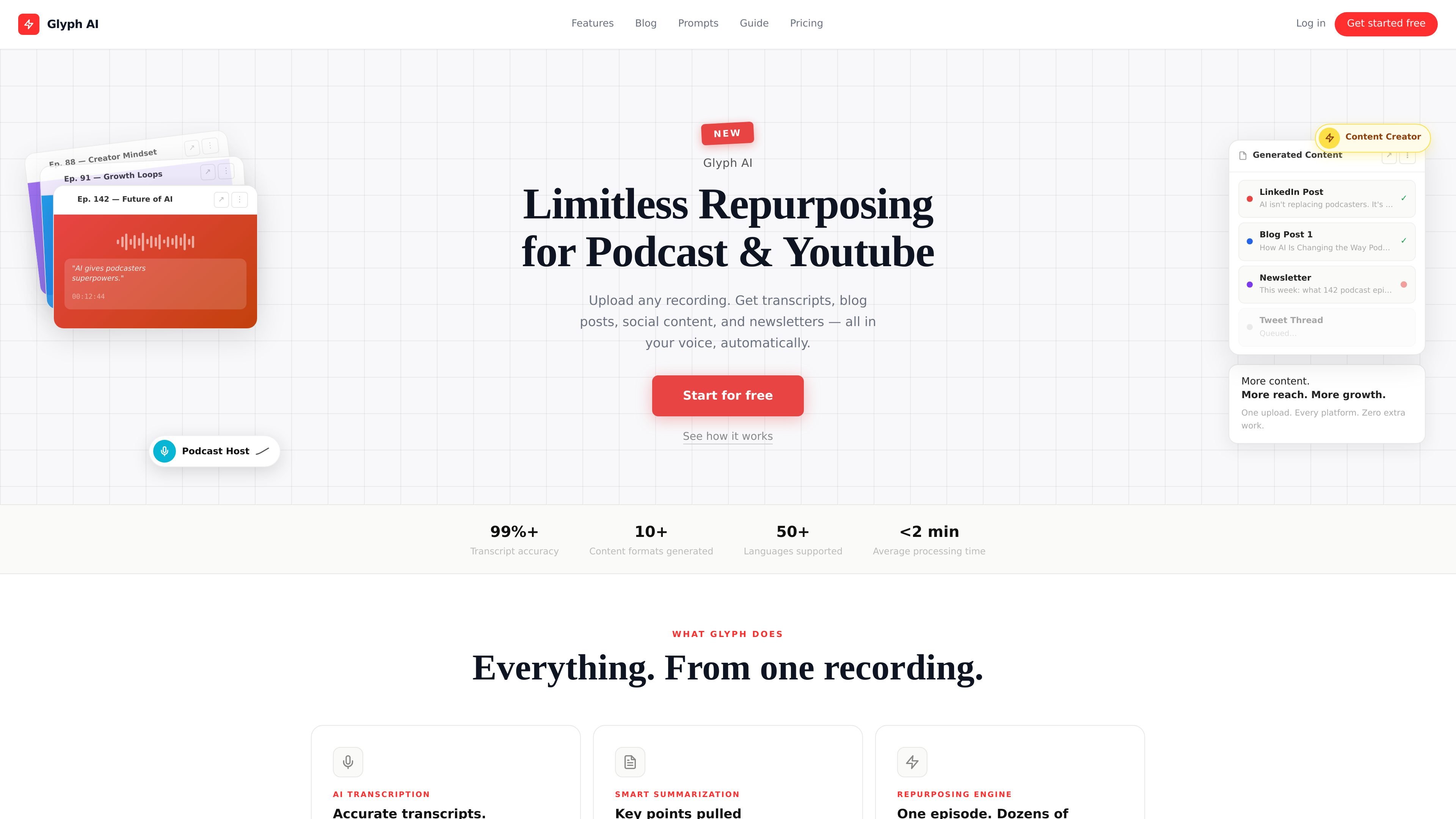
Glyph AI is a transcription and content repurposing platform for podcasts, YouTube videos, interviews, webinars, and other recorded content. It turns one recording into a transcript, summary, and multiple publish-ready content formats.
The product focuses on post-production workflows for creators and teams that want to move from raw audio or video to searchable text, show notes, social posts, newsletters, and long-form articles with less manual rewriting. The site also emphasizes speaker labelling, timestamped transcripts, and brand-voice-aware repurposing.
Upload an audio or video file, or paste a YouTube or podcast URL, then receive a speaker-labelled, timestamped transcript that can be edited inline and exported in common text and caption formats.
Glyph produces structured summaries with highlights, key quotes, timestamps, and action items so users can review the main points without replaying the full recording.
The product turns one transcript into multiple content types, including blog posts, LinkedIn posts, Twitter/X threads, newsletters, YouTube descriptions, show notes, and other repurposed assets.
Users can define their own prompts in custom AI columns and save prompt templates for repeated workflows, which supports more specific output generation.
The platform includes a searchable archive of episodes, bulk generation across episodes, filtering and sorting tools, and export options such as CSV and JSON.
Higher-tier plans add CMS publishing and automation options, including WordPress, Ghost, Webflow, newsletter exports, Zapier, Make, and API access.
Turn a recorded episode into show notes, chapter markers, summaries, blog posts, and social posts without rewriting the transcript manually.
Convert an interview, webinar, or product demo into a blog article, newsletter draft, and social promotion assets for a broader campaign.
Create searchable transcripts, discussion summaries, and action items from team meetings, client calls, or internal recordings for later reference.
Generate SEO-oriented YouTube descriptions, chapter markers, and end-screen or short-form scripts from a video transcript.
Use custom prompts and saved templates to produce repeatable content variants across many episodes or recordings.
Yes. The Free plan includes 3 hours of transcription per month, basic AI content generation, and access to the prompt library, and it does not require a credit card.
If you reach your transcription limit, you can upgrade or buy additional hours as a one-off add-on. The product says it does not cut off mid-session.
Glyph supports monthly and annual billing. The annual option is described as $16/month billed annually, which is a 33% saving versus monthly billing, and it is billed upfront for the full year.
Monthly plans cancel at the end of the current billing period. Annual plans can be cancelled, but they are non-refundable after 14 days.
Glyph transcribes in 30+ languages, including English, Spanish, French, German, Portuguese, Japanese, and more.

RankSpot is an AI SEO platform that researches, writes, and publishes blog content automatically to boost organic visibility in Google and AI answers.

Noiz is an AI YouTube video summarizer that turns videos into key points, Q&A-style takeaways, timestamped summaries, or readable text. It is aimed at people who want to review, study, or scan YouTube content faster without watching it end to end.

MailerLite is an email marketing platform for sending campaigns, building automations, and creating landing pages, forms, and websites. It also supports digital products, paid newsletters, and recurring subscriptions.

Postfity is a social media management tool for scheduling, planning, publishing, and tracking posts across connected accounts. Includes analytics, inbox management, AI tools, team workflows, and Free and paid plans.

AI Magicx is a unified AI workspace for chat, image, video, voice, music, email and developer tasks, helping teams and creators manage multiple models in one place.

Speakflow online teleprompter for writing and organizing scripts, voice scrolling, team collaboration, and cross-device syncing. Free and paid plans available.