

No-registration workflow
Upload a photo and get an estimated facial age without creating an account or logging in.

How Old Do I Look is a free AI face age detector that estimates facial age from uploaded photos, with secure processing and no registration.
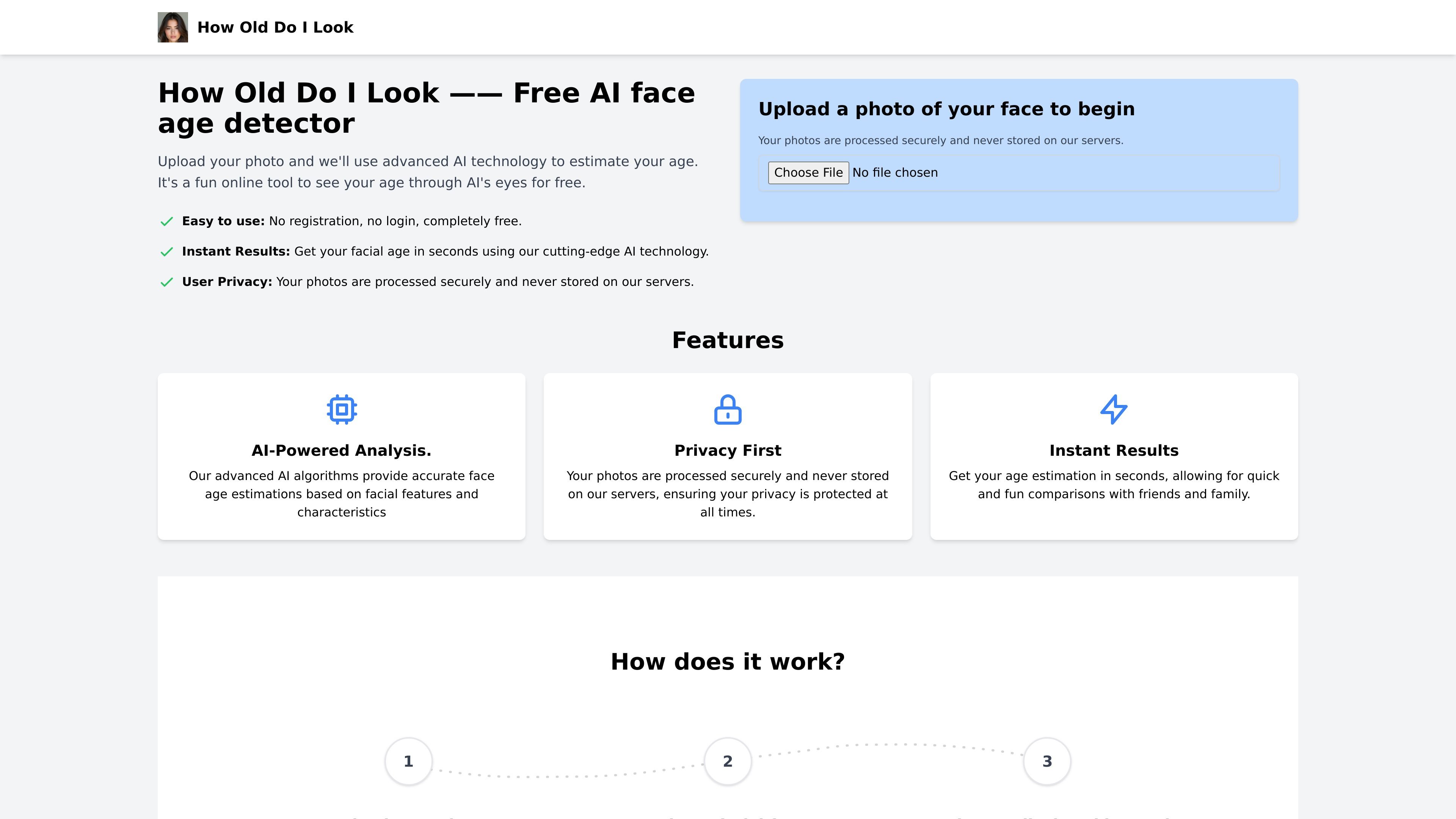
How Old Do I Look is a free AI face age detector that estimates a person’s facial age from an uploaded photo. The product is positioned as a quick, casual way to see how old someone may look through AI’s eyes.
The workflow is simple: upload a face photo, let the AI analyze visible facial features, and review the estimated age immediately. The site emphasizes that no registration is required and that photos are processed securely without being stored on its servers.
Upload a photo and get an estimated facial age without creating an account or logging in.
The site says its AI analyzes facial features and characteristics to generate an age estimate from the uploaded image.
Results are shown in seconds, making the tool suitable for quick comparisons and casual checks.
The site states that uploaded photos are processed securely and are not stored after analysis.
Supports multiple faces in one image, which makes it usable for group photos as well as single portraits.
Accepts common image formats including JPEG, JPG, PNG, and BMP, up to 5MB.
Upload a selfie or portrait to get a fast estimate of how old your face appears.
Compare how the tool responds to different faces or photos without creating an account or setting up a workflow.
Use a group image when you want the model to detect and analyze multiple people in one frame.
Check supported formats and file size before uploading images from a phone or camera roll.
How Old Do I Look is a free AI face age detector that estimates facial age from an uploaded photo.
The site says photos are processed in real time and immediately deleted after analysis, so images are not stored on its servers.
Yes. The tool can detect and analyze multiple faces in a single image, although it recommends clear individual portraits for the most accurate results.
The supported formats listed on the site are JPEG, JPG, PNG, and BMP, with a maximum file size of 5MB.
There is no strict limit listed on the site, but it recommends reasonable use. For large volumes, the site suggests contacting it about bulk processing options.

小艺 is Huawei’s AI smart assistant for Q&A, writing, document reading, code help, image recognition, and file drag-and-drop.

SupPixel AI is a web-based image enhancement and upscaling tool to improve resolution, clarity, and detail in photos and visuals, with background processing, credits, and plans.

LeadJarvis AI event lead capture scans business cards, enriches contacts, and sends personalized follow-up via WhatsApp and email for booth teams.

Manga Translator is an AI browser extension for Chrome and Edge that translates manga, manhwa, manhua, comics and webtoons into 100+ languages as you read online.

Block Blast Cheat is a free online solver for Block Blast puzzles that analyzes a screenshot of the current board and suggests the best moves. It works in the browser and supports screenshots from iPhone, iPad, Android, and tablets.

FaceIQ Labs is a web-based facial analysis tool that reviews front and side photos across 100+ metrics, with a personalized improvement plan and progress tracking.