

Repeatable marketing flows
Choose from 700+ prebuilt Flows or describe a task in your own words. Juma plans and executes the work to produce a finished deliverable rather than just a chat response.

Juma is an AI workspace for agencies and marketing teams that turns briefs, docs, and live data into finished marketing deliverables.
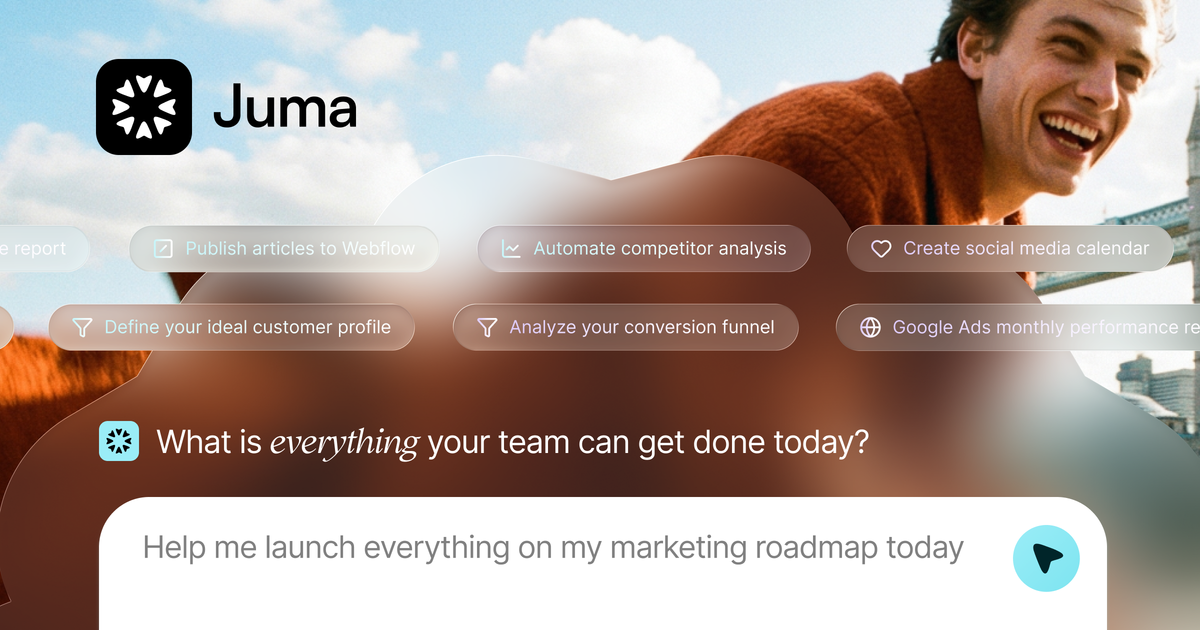
Juma is an AI workspace for agencies and marketing teams that organizes repeatable marketing work into Flows. The site describes it as a place to move from inputs such as briefs, web pages, files, and live data to finished assets like reports, SEO articles, social carousels, campaign briefs, and landing pages.
The product is positioned around shared team work rather than individual chat. It includes unlimited seats, shared Projects, a prompt library, multi-model access, usage reporting, and connected Flows so teams can keep context in one workspace and run recurring work with less manual setup.
The pricing page says the plan structure is based on credits, with Free and Pro both including the full toolkit and Enterprise options for teams that need additional privacy, administration, and support. Juma also states that only successful runs consume credits, and failed runs are not charged.
Choose from 700+ prebuilt Flows or describe a task in your own words. Juma plans and executes the work to produce a finished deliverable rather than just a chat response.
Use shared Projects to keep brand guidelines, docs, web pages, and instructions available as persistent context across Flows. This helps teams maintain consistency across recurring work.
Invite unlimited seats on every plan and keep credits pooled at the workspace level. The product also includes usage reports with per-user and per-Flow breakdowns.
Save and reuse prompts, personas, and custom instructions in a shared Prompt Library. The Crew case study shows this can support specialized agents for recurring tasks with minimal prompting.
Run work with multiple AI models in one workspace, including Claude, ChatGPT, Gemini, and others listed on the pricing page. Juma says Flows can pick the best model for the task or let users choose.
Connect to live data and external systems such as Google Drive, Notion, HubSpot, Meta Ads, and Google Ads, with the site also describing Flows that can pull data, generate outputs, and update connected tools.
Use Flows to turn a topic, brief, or set of source materials into an SEO article. The pricing examples also show article work as a higher-effort Flow rather than a simple chat reply.
Generate Google Ads or Meta Ads copy, then adapt it into landing-page or campaign assets when a team needs a consistent message across channels.
Build LinkedIn or Instagram carousels from research, hooks, slide structure, and brand guidelines, then export or publish the result.
Centralize client knowledge, docs, and instructions in shared Projects so account teams can ask questions and produce work without re-explaining context each time.
Pull live data from connected systems to create reports, summaries, or operational updates, such as competitor research or analytics work that feeds another tool.
Juma is an AI workspace for marketing teams and agencies to run repeatable marketing work in Flows. It helps teams turn inputs such as briefs, docs, links, and live data into deliverables like reports, articles, carousels, ad copy, and campaign briefs.
The source materials describe it as built for agencies and marketing teams. It supports shared Projects, unlimited seats, and centralized context so teams can work from the same briefs, brand voice, and instructions.
The pricing page says every Flow, every integration, every AI model, and every connection is available from the free plan. The difference between Free and Pro is monthly credit volume, and Pro credits roll over.
Juma supports shared workspace credits, per-user and per-Flow usage reports, prompt sharing, and project knowledge that keeps instructions and brand context in one place. The product also states that it connects to Google Drive, Notion, HubSpot, Meta Ads, Google Ads, and more.
The pricing page states that only successful runs use credits. If a Flow fails before producing a usable result, no credits are charged.

Postfity is a social media management tool for scheduling, planning, publishing, and tracking posts across connected accounts. Includes analytics, inbox management, AI tools, team workflows, and Free and paid plans.

AI Magicx is a unified AI workspace for chat, image, video, voice, music, email and developer tasks, helping teams and creators manage multiple models in one place.

TakeCareOS is a web platform for home care, disability, and aged care agencies, with rostering, billing, compliance, and AI admin tools.

Speakflow online teleprompter for writing and organizing scripts, voice scrolling, team collaboration, and cross-device syncing. Free and paid plans available.

Framer is an AI website builder for professional sites. It helps teams design, manage CMS content, optimize SEO, collaborate, and publish from a single no-code workflow.
Twine AI Launcher is an Android launcher with AI assistant access, bringing ChatGPT-style help to your homescreen for quick answers, notes, tasks, reminders, and people memory.