

Unified creative workspace
Kolbo brings images, video, music, audio, 3D models, chat, and code workflows into a single workspace so project context stays in one place.

Kolbo.AI is an AI content creation platform for generating images, videos, music, audio, 3D, chat, and code workflows in one workspace. It includes desktop, MCP, and terminal options for creators, teams, and agent-based setups.
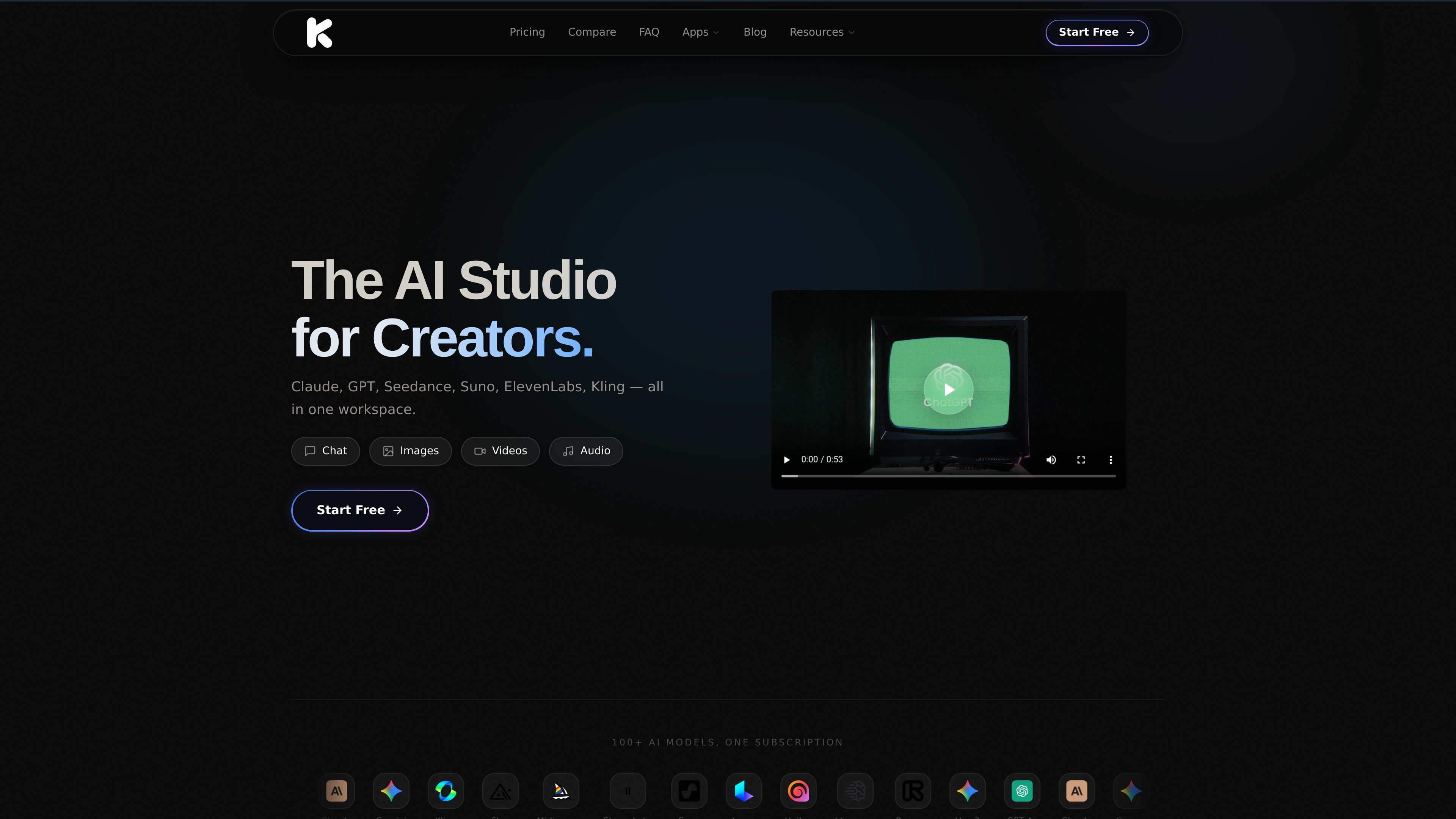
Kolbo.AI is an AI creative platform that combines image, video, music, audio, 3D, chat, and code-related generation tools in one workspace. The source describes it as a project-based environment where shared context follows the work across models and tools.
The site also presents Kolbo Studio, Kolbo MCP, and Kolbo Code as connected ways to use the same creative system on desktop, in agents, or from the terminal. Together, these products are positioned for creators and teams who want to generate and manage media without moving between separate apps or recreating context manually.
Kolbo brings images, video, music, audio, 3D models, chat, and code workflows into a single workspace so project context stays in one place.
The platform advertises 100+ AI models, including models for text, image, video, audio, and specialized creative tasks.
Auto Select Model can choose a model or tool automatically based on the task, reducing manual model selection.
Kolbo Studio provides a native desktop app with file management, drag-and-drop export, and editing tools for media work.
Kolbo MCP and Kolbo Code connect Kolbo tools to agents and terminals so users can generate content from Claude, Cursor, and other compatible tools.
The source describes custom model training, multi-model comparison, and project-based collaboration features for organized creative work.
Create campaign assets across image, video, and audio formats while keeping the same project context and shared references in one workspace.
Use Kolbo Studio to generate media on a desktop machine, manage files locally, and move results directly into editing software such as Premiere Pro or DaVinci Resolve.
Connect Kolbo to Claude, Cursor, or another MCP-compatible app to let an agent create images, video, music, and audio from chat.
Run Kolbo Code from a terminal to build autonomous creative pipelines, research-driven content, or batch generation workflows.
Train custom models and reuse them for recurring styles, characters, or products when consistency matters across repeated outputs.
Yes. The source says Kolbo Studio is a native desktop app for Mac and Windows, and Kolbo AI also offers browser-based access.
No. The source states that Kolbo AI can be used without API keys and that setup is not required to start creating.
Kolbo AI supports images, videos, music, audio, 3D models, chat, code-related workflows, and other creative outputs through its model library and MCP tools.
The MCP page says generated images, video, and audio sync to your Kolbo library, where you can continue on the web or download the originals.
The source says Kolbo Studio is free to download, Kolbo Code installs with one command, and the MCP connector can be added without an API key for browser-based agents.

AI Magicx is a unified AI workspace for chat, image, video, voice, music, email and developer tasks, helping teams and creators manage multiple models in one place.

Orca is an Agent Development Environment for shipping with coding agents, running multiple CLI agents in parallel across isolated worktrees, with desktop and mobile workflows.

Firebase Studio is a web-based workspace for full-stack app development with Gemini-assisted coding, app previews, cloud emulators, collaboration, and browser deployment.

小艺 is Huawei’s AI smart assistant for Q&A, writing, document reading, code help, image recognition, and file drag-and-drop.

Paper is a design tool that connects canvas, code, and AI agents so teams can create, share, and ship work in one workflow. Includes desktop app and MCP access.

blop is a QA agent that writes browser tests as code in your repo, runs them in CI, clusters repeated failures, and can open PRs to fix broken tests.