

Text-to-logo generation
Generate logo concepts from a text prompt, with the product showing up to four options per generation and multiple logo styles to choose from.

Logo Diffusion is an AI logo maker that creates logos from text, sketches, or images, with editing, vector export, and production-ready output.
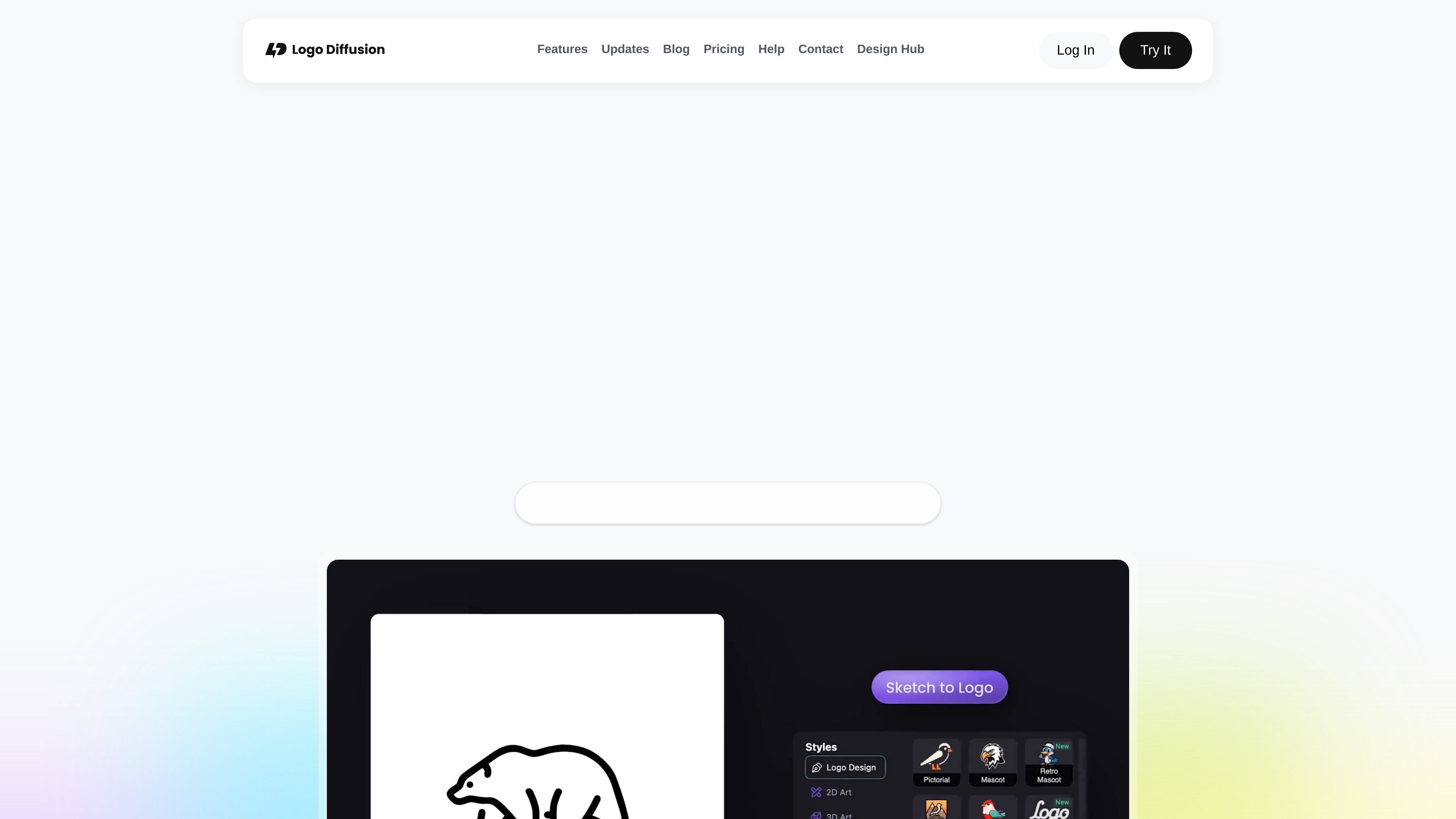
Logo Diffusion is an AI logo maker that generates logo concepts from text, sketches, or images and then lets users refine, vectorize, mock up, and export the result in the same product. The homepage positions it as a tool for creating professional logos in minutes without starting from templates.
The site emphasizes a logo-focused workflow rather than a general image generator. It includes editing tools for changing text and variations, plus post-production features such as vector export, background removal, upscaling, and mockups for production-ready delivery.
Generate logo concepts from a text prompt, with the product showing up to four options per generation and multiple logo styles to choose from.
Start from a rough sketch and let the editor turn it into logo concepts, which is useful when you already have a visual direction.
Upload an existing image or logo and use it as the starting point for new logo options, with optional text guidance.
Edit logo text, variations, layout changes, and logo-to-icon transformations without leaving the app, while preserving the design style.
Export clean SVG vectors and transparent PNG files, with the site emphasizing vector files with layers rather than auto-traced output.
Apply background removal, upscaling, mockups, and style transfer after generation to finish and present the logo in one place.
A founder can describe a new brand idea, generate several logo directions, and refine the strongest concept without hiring a designer for the first pass.
A designer or freelancer can move from rough sketch to polished logo, then export vector files for use in Illustrator, Figma, or other design workflows.
A business can update an existing logo or brand mark by editing text, generating variations, and building matching icon sets or layout options.
A team can create transparent PNGs, mockups, and styled presentations for decks, packaging, or web use after the initial logo is generated.
An agency can use the paid plans for private generations and higher monthly capacity when handling multiple logo projects in parallel.
Yes. The pricing page shows a free plan with limited monthly credits and no commercial license, plus paid plans for commercial use.
The product is built for generating logos, then refining them with Magic Editor, vectorizing output, removing backgrounds, and exporting production-ready files.
Paid plans include commercial use licensing, while the free plan does not allow commercial use according to the pricing page.
The site says generated logos can be exported as vector files and transparent PNGs, and the pricing page lists vectorizer exports on paid plans.
The pricing page says you can cancel anytime and keep using the service until the end of the current billing cycle.

简单AI is Sohu’s online AI tool for AI image generation, AI writing, and online image editing—ideal for quickly creating images, copy, or basic retouching.

Recraft is an AI image generation and design platform for designers, creatives, sellers, and teams. It supports raster and vector generation, custom styles, mockups, editing, and API-based workflows.

Pixazo is an AI platform for generating and editing images, videos, audio, logos, animations and design assets from prompts or uploads, with free access and developer APIs.

Plugger is an AI design generator that creates social media graphics, banners, illustrations, logos, and other visuals from text. It is positioned for startups, e-commerce businesses, and marketing teams that need fast design output.

Paper is a design tool that connects canvas, code, and AI agents so teams can create, share, and ship work in one workflow. Includes desktop app and MCP access.

Superside is an AI-powered creative service for enterprise and in-house teams, with global talent, AI-first workflows, and subscription-based support.