

Multiple asset types
Browse a collection of AI-generated stock photos, illustrations, and 3D assets in one place. This makes it easier to search for the visual format that fits a project instead of switching between separate libraries.

Lummi is a free AI stock media platform for browsing royalty-free photos, illustrations, 3D assets, and short video generations. It also includes tools for reframing, restyling, background removal, and 3D customization.
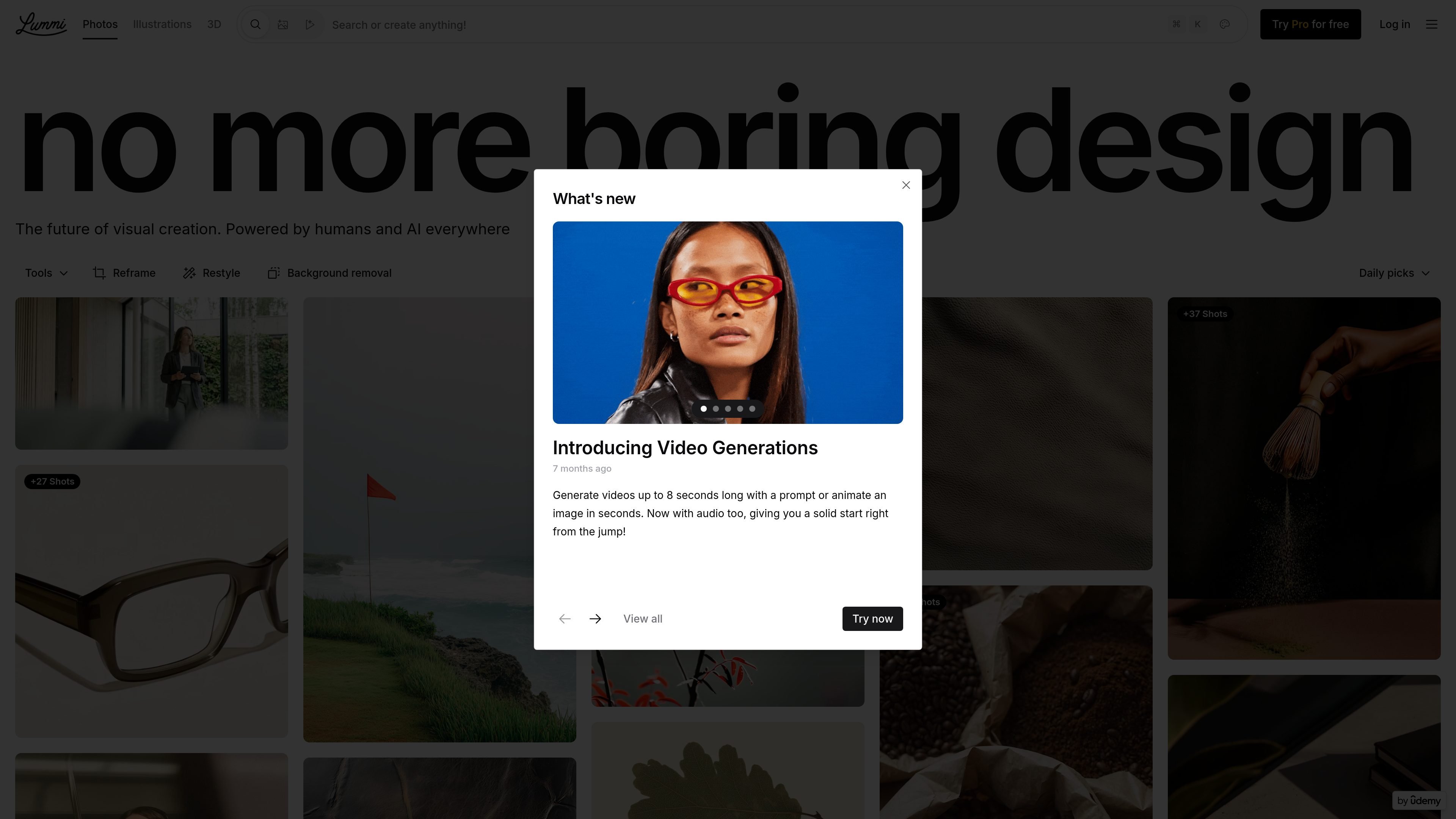
Lummi is a visual asset platform that offers free AI stock images, illustrations, and 3D content. The site describes its library as royalty-free and built for creative projects, with assets crafted by a community of digital artists.
Beyond browsing, Lummi includes tools for reframing, restyling, background removal, 3D adjustment, bulk downloading for Pro users, and AI video generation. That makes it useful both as a source of ready-made visuals and as a lightweight workflow for adapting those visuals to a specific layout or format.
Browse a collection of AI-generated stock photos, illustrations, and 3D assets in one place. This makes it easier to search for the visual format that fits a project instead of switching between separate libraries.
Use built-in tools such as Reframe, Restyle, and background removal to adapt visuals after you find them. The source pages present these as part of the site’s workflow, not as standalone export software.
Create or animate short videos from a prompt or an image. The pricing page says video generations can be up to 8 seconds long and now include audio.
Adjust 3D illustrations and icons by rotating them, changing the angle, and changing the background color. The 3D page also says they can be downloaded as `.gltf` for design projects, games, and interactive experiences.
Download selected images in bulk from the grid if you are a Pro user. The pricing page presents this as a way to collect favorites and download them together.
Browse daily picks and creator collections from the community of digital artists. The pages surface artist names and grouped shots to help people discover styles and related assets quickly.
Find royalty-free visuals for a landing page, blog post, or campaign without starting from scratch. The mix of photos, illustrations, and 3D assets gives teams several visual styles to work with from one source.
Use Reframe, Restyle, and background removal to tailor a visual to a specific layout. This is useful when the original asset is close, but not yet aligned with a banner, hero, or social format.
Build interactive or technical design assets from 3D illustrations and icons. The ability to rotate, change the background color, and download `.gltf` files makes the library relevant for product demos, interfaces, and game-oriented work.
Generate a short video from a prompt or animate a still image when a project needs motion quickly. The source page says video generations can run up to 8 seconds and include audio.
Collect multiple approved visuals and download them together as a Pro user. That is useful when a team wants to move from browsing to production without downloading one asset at a time.
Lummi provides a library of free, royalty-free AI-generated stock photos, illustrations, and 3D assets. The site also highlights tools such as Reframe, Restyle, background removal, and video generation.
The source pages show downloadable visual assets and tool-based editing options. For 3D assets, the site says users can rotate objects, choose an angle, change the background color, and download files as `.gltf` for design projects, games, and interactive experiences.
The pricing page highlights a Pro experience for at least some workflows, including bulk downloading images straight from the grid for Pro users. The public source text does not provide full plan names or prices.
Yes. The 3D page says the assets are royalty-free and suitable for websites, UIs, presentations, and commercial use. The illustration page also says the illustrations are ideal for commercial use.
The home and category pages emphasize image, illustration, and 3D browsing, while the pricing page announces video generation support. The source text does not fully document every workflow or export option, so the safest answer is that Lummi combines a stock-media library with some AI editing and generation tools.

Photoroom is an AI visual editing platform for e-commerce that removes backgrounds, creates product images, and prepares listings from phone, web app, or API workflows.

Upsampler is an AI platform for creating, editing and upscaling images and videos in one workspace. Pay per credit, full API access, commercial use included.

Photoeraser is a web-based AI photo editor for removing backgrounds, erasing unwanted objects, and enhancing image quality with simple upload workflows.

Rizzle turns articles into editorial-grade video and distributes it across major channels with AI-assisted, human-reviewed workflows for publishers.

豆绘AI is an online AI image generation and editing platform for ecommerce and design, supporting white background, scene, interior rendering and post-processing.

AI HomeDesign is a web-based photo editing toolbox for real estate listings, with AI staging, item removal, day-to-dusk rendering, enhancement, and renovation tools. It is built for agents and other listing workflows that need editable, listing-ready images quickly.