

Browser screenshot workflow
Screenshot homework in the browser and get step-by-step answers without leaving the page.

Math AI is a Chrome extension for screenshots of homework in the browser with step-by-step answers. It also covers related subjects, powered by GPT-4 Vision.
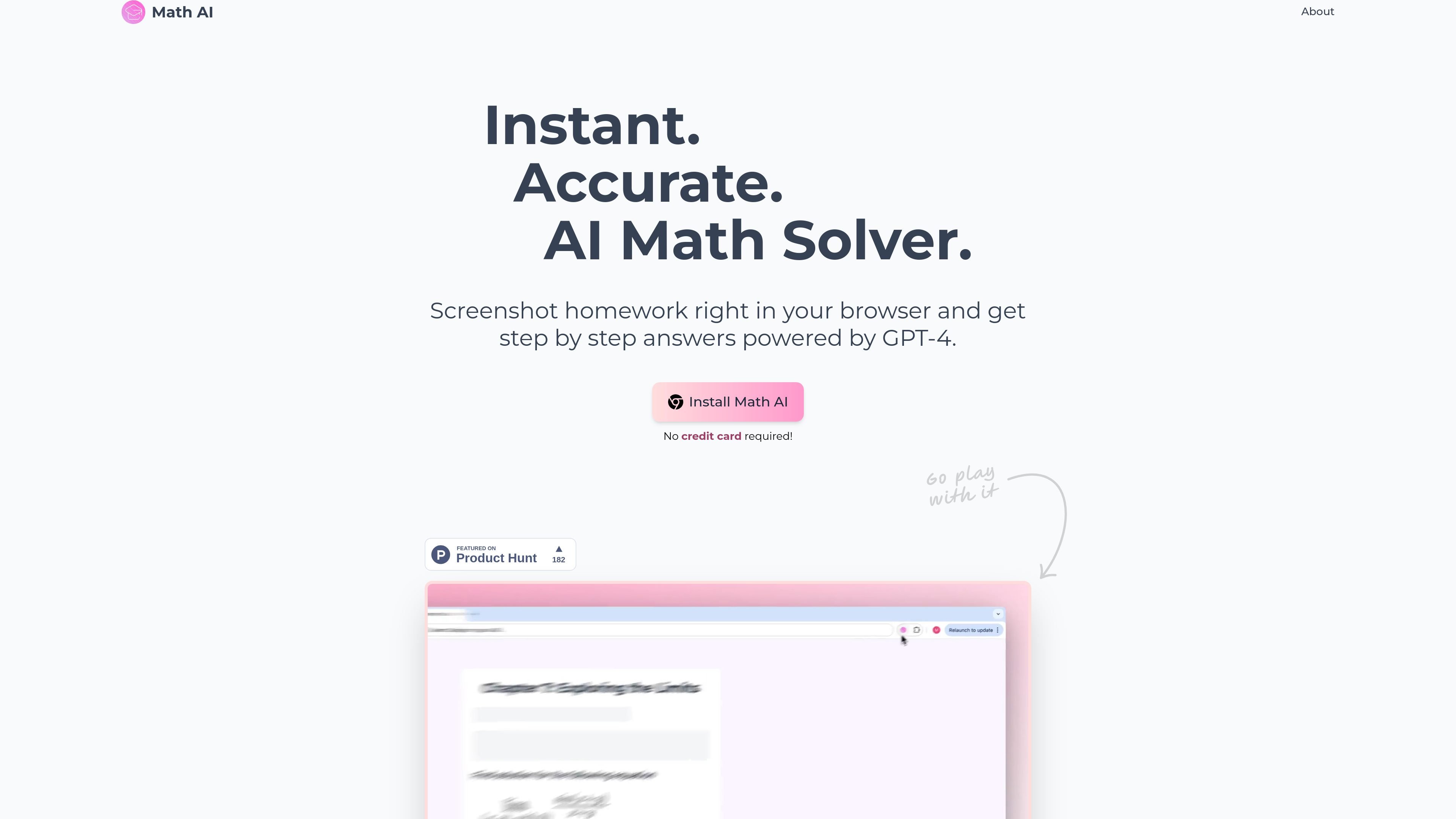
Math AI is a Chrome extension that lets users screenshot homework in the browser and get step-by-step answers. The site describes it as a tool for instant help with math and related school subjects.
The product positions itself around a simple capture-and-solve workflow: install the extension, take a screenshot, and receive explanations or shorter answers depending on the selected mode. The homepage and about page both describe the core engine as GPT-4 Vision-powered.
Screenshot homework in the browser and get step-by-step answers without leaving the page.
Uses GPT-4 Vision according to the site to interpret captured homework problems and produce answers.
Offers education modes for detailed steps, quick answers, or an interactive AI tutor experience.
Covers more than math, with the site naming physics, chemistry, biology, and other homework tasks.
Supports LaTeX formatting so formulas are presented in a readable mathematical layout.
Includes light and dark appearance handling plus shortcut support for quicker screenshots.
A student can capture a homework question in the browser and get a worked solution without switching to a separate calculator or search tool.
When a problem needs only a brief result, the quick-answer mode can provide a shorter response instead of a full explanation.
For more complex problems, the detailed mode and tutor-style workflow are meant to provide more guided help and step-by-step reasoning.
The site says the tool can be used beyond math, so it may also help with homework in physics, chemistry, or biology.
The extension’s shortcut and screenshot workflow is suited to users who want fast capture-based help inside the browser.
The source says Math AI is a Chrome extension. You install it in your browser, then screenshot homework problems and receive step-by-step answers.
The site says Math AI provides step-by-step answers powered by GPT-4 Vision and offers different education modes, including detailed steps, quick answers, and an interactive AI tutor.
Yes. The site says Math AI is not limited to mathematics and can also be used for subjects such as physics, chemistry, biology, and other homework tasks.
The pricing page is a login page, and the home page says 'No credit card required!' near the install call to action. Beyond that, the source does not show public pricing details.
The source does not provide team or multi-seat details. It presents Math AI as a browser extension for students and homework use.

Solvely is an AI study tool for students that helps with homework, notes, quizzes, flashcards, study guides, and exam practice. It works across web, iOS, Android, and browser extensions, with step-by-step help and a paid Unlimited plan.
Answers AI is an AI-powered education platform for students and educators, offering answers, study help, and assignment support across web, mobile, and Chrome tools.

Super Teacher is a tutoring app for elementary schools that teaches reading and math with step-by-step instruction, classroom use, home access, and progress tracking.

Flashcard Generator turns documents, notes, images, audio, video, and YouTube links into study cards. Free plan, edit and share decks.

Quenti is an online learning platform for flashcards, practice tests, matching games, and AI-assisted grading for students, teachers, schools, and organizations.

Tich Academy is a learning platform for students with workshops, flashcards, diagnostics, and personalized document-based study tools. Free trial available.