

Always ready in the background
Medal runs in the background so it can save gameplay after something happens, instead of requiring you to start recording first.

Medal is a game recording and clip-sharing app for PC and mobile. Capture gameplay, edit clips, and share highlights with instant links.
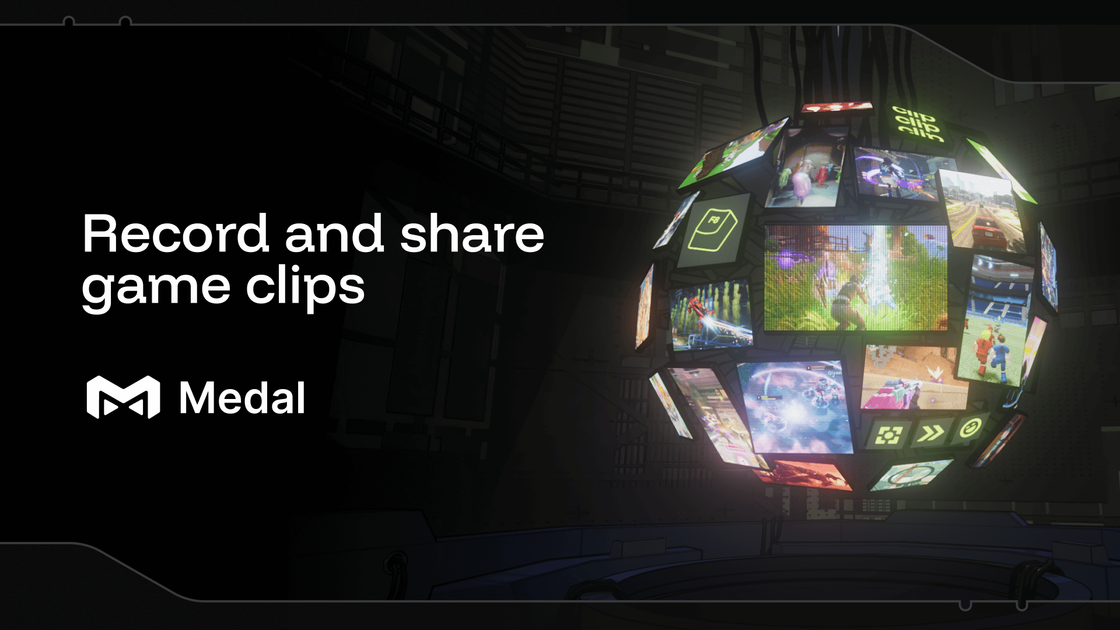
Medal is a game recording and clip-sharing app for PC and mobile. Its core job is to capture gameplay, let users edit or organize the result, and generate a shareable link so clips can be sent quickly after the moment happens.
The product page positions Medal as a lightweight background recorder for gaming highlights. It supports Windows on PC, includes iOS and Android apps, and emphasizes instant clipping, editing, and sharing rather than long-form production workflows.
Medal runs in the background so it can save gameplay after something happens, instead of requiring you to start recording first.
The desktop app is described as optimized for low impact while you play, with a stated 100–400MB RAM impact for multitasking or low-spec systems.
Medal generates an instant link for each clip so you can share it right away without extra export steps.
The mobile experience lets you watch and post clips away from your PC, including on supported iOS and Android apps.
Medal supports separate tracks for game audio, microphone, and Discord, which makes it easier to balance or mute sources during editing.
Users can choose replay lengths such as the last 15 seconds, 60 seconds, 10 minutes, or the full session.
Good for players who want to save unexpected moments without keeping a recording running manually. Medal stays in the background and can save the last moments of play when you press the clip button.
Useful for creators or players who want to send a clip quickly to friends or communities. Medal creates an instant link for sharing instead of requiring a longer export-and-upload process.
Helpful when you want cleaner audio control during editing. Separate tracks for game audio, mic input, and Discord make it easier to mute or balance each source.
Fits users who switch between PC and mobile. The site highlights iOS and Android apps for watching and posting clips away from the desktop.
Works for players who want to capture both short highlights and longer sessions. Replay lengths can be set from 15 seconds up to the full session, depending on the moment you want to keep.
Yes. The source says Medal is completely free on PC and mobile, with optional premium paid features.
Medal supports PC and mobile. The source also says you can import console system captures to edit and share them.
Medal supports event detection in games including Fortnite, Valorant, League of Legends, Apex Legends, and Counter-Strike, with more supported games listed on the site.
The source says Medal is compatible with Windows 10 or later on PC.
Medal can capture any PC game you are running, and the site says it regularly adds support for new games.

BotLab is a tool for testing video-game bots by running them in simulated game clients, reviewing session logs, and comparing results in the Reactor. It offers a free tier for short sessions and a paid Pro plan for longer online runs.

HiringPartner.ai is an autonomous AI recruiting platform for sourcing, screening, and interviewing candidates 24/7. It supports ATS-connected workflows, bulk resume uploads, and reviewable interview outputs for hiring teams.

Minimap is a game tracking platform for PC and console players that unifies backlog management, play history, reviews, and social sharing.

Diffusion Studio is a browser-based video editor with an infinite canvas, timeline editing, AI workflows, 4K export, and a free plan with unlimited projects, no watermark, and commercial use.

Latitude is the company behind AI Dungeon and Voyage, an AI-native RPG platform for creating, publishing, and playing interactive worlds.
Block Blast Cheat is a free online solver for Block Blast puzzles that analyzes a screenshot of the current board and suggests the best moves. It works in the browser and supports screenshots from iPhone, iPad, Android, and tablets.