

File and link input
Upload audio or video files directly, or paste supported video links to fetch content for transcription.
NeverCap AI transcription tool for audio and video to editable text, with batch uploads, speaker labels, timestamps, and 100+ languages.
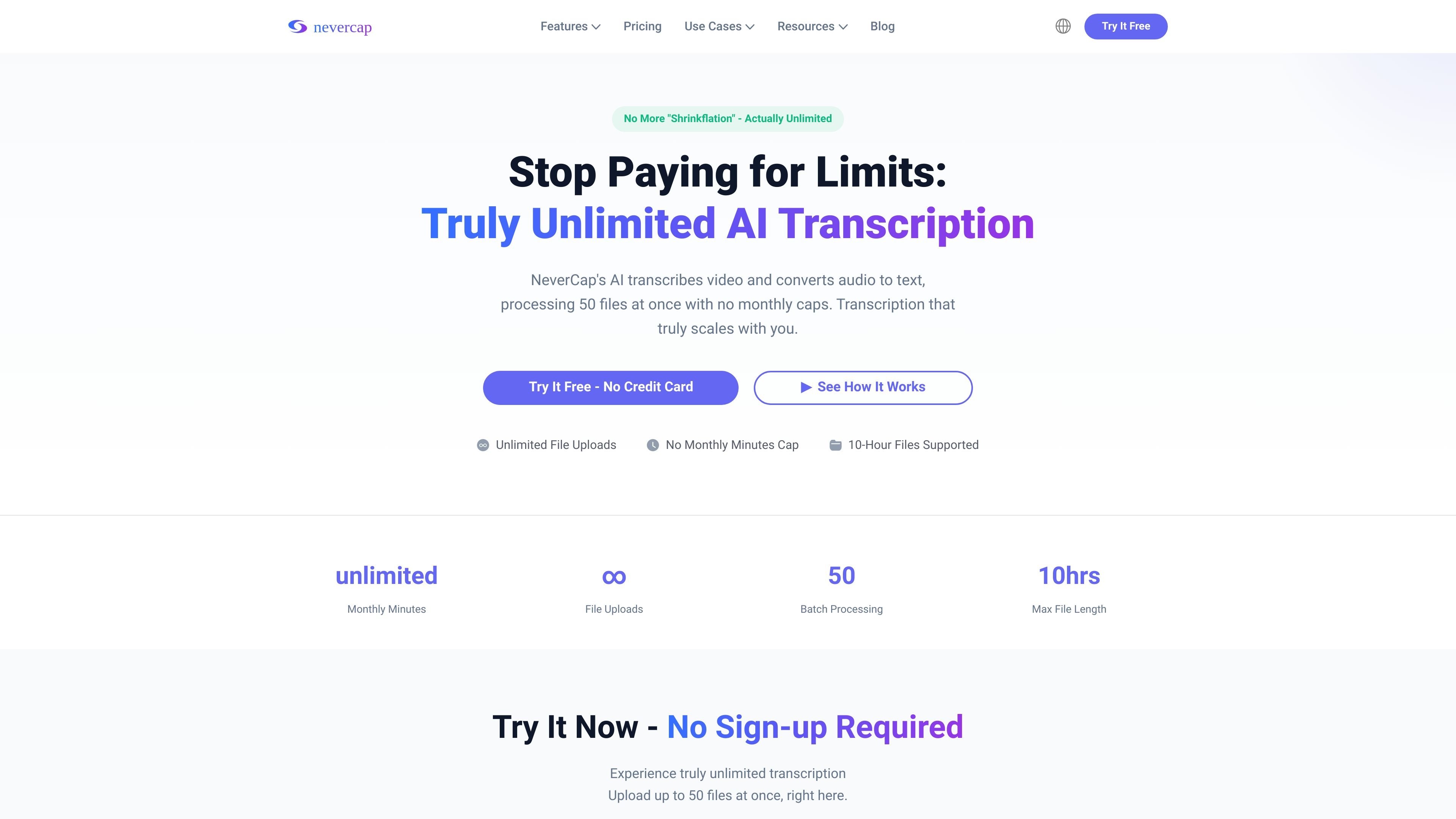
NeverCap is an AI transcription product for converting audio and video into editable text. It is positioned for people who need to process large amounts of content without monthly minute caps, including podcasts, interviews, lectures, and social video.
The site emphasizes unlimited batch processing, with uploads of up to 50 files at once and files as long as 10 hours or 5 GB each. It also says the service supports 100+ languages, speaker labels, timestamps, and exports in common file formats for publishing and editing work.
Upload audio or video files directly, or paste supported video links to fetch content for transcription.
Process large backlogs by uploading up to 50 files at once, with repeated batch runs allowed.
The site claims 96% accuracy, speaker labels, word-level timestamps, and formatted output with paragraphs and punctuation.
Transcribe in 100+ languages and translate transcripts into 249 languages for multi-language publishing.
Export transcripts in formats such as SRT, VTT, DOCX, PDF, CSV, and TXT for different editing and publishing workflows.
Creators can paste video links or upload clips to produce transcripts and subtitles for YouTube, TikTok, Instagram, and other supported platforms.
Journalists can upload interview batches, search transcripts for quotes, and manage long investigations without choosing which recordings to skip.
Podcasters can process back catalogs, generate show notes, and transcribe multiple episodes at once without tracking minute quotas.
Educators and training teams can turn lectures, classes, and recorded sessions into text with speaker labels and timestamps for review or accessibility.
Researchers and business teams can transcribe multi-speaker recordings such as studies, meetings, and calls, then export the text for analysis or sharing.
NeverCap is an AI transcription tool that converts uploaded audio or video into editable text. The site says you can paste video links or upload files, then receive transcripts with speaker labels and timestamps.
The site describes a free plan and paid Pro plans. The free tier includes daily limits, while Pro Monthly and Pro Annual remove monthly caps and add higher-volume batch processing.
NeverCap supports uploads up to 10 hours or 5 GB per file, and it can process up to 50 files at once. The site also says transcription is available in 100+ languages and translation in up to 249 languages.
Yes. The site says you can transcribe YouTube, TikTok, Instagram, Facebook, Vimeo, Dropbox, Google Drive, Twitter, and direct audio or video files by pasting a link or uploading files.
The site says exported transcripts are available in multiple formats, including SRT, VTT, DOCX, PDF, CSV, and TXT, depending on the workflow.

Minutes is an AI note taking and transcription app for meetings, lectures, and recordings. Turn live audio, files, or YouTube links into notes, transcripts, and summaries.

Transkrip.com is an AI transcription tool for audio and video to text, focused on Bahasa Indonesia, long files, and per-file pricing.

Podsqueeze is an AI podcast production tool that generates transcripts, show notes, clips, audio enhancements, and branded podcast pages. It is aimed at podcasters, podcast managers, agencies, and media teams that want to repurpose episodes faster.

Altered is an AI voice changer and voice content creation platform for media production and live voice use. It combines voice morphing, text-to-speech, transcription, translation, cloning, and editing in one application.

Subtitle Translate AI is a browser-based subtitle translation tool for SRT and related files. Translate subtitles into 100+ languages while preserving timing, formatting, and context.

讯飞会议 cloud video conferencing for enterprise collaboration, with video meetings, AI transcription and translation, and automatic meeting notes. Public and private cloud.