

Natural-language analysis
Ask questions in plain language instead of writing SQL. The site frames Annie as a conversational analyst that understands intent, not just keywords.

PandasAI is an AI dashboard for business intelligence that lets you ask about your data and get charts, dashboards, and analysis with no-code workflows.
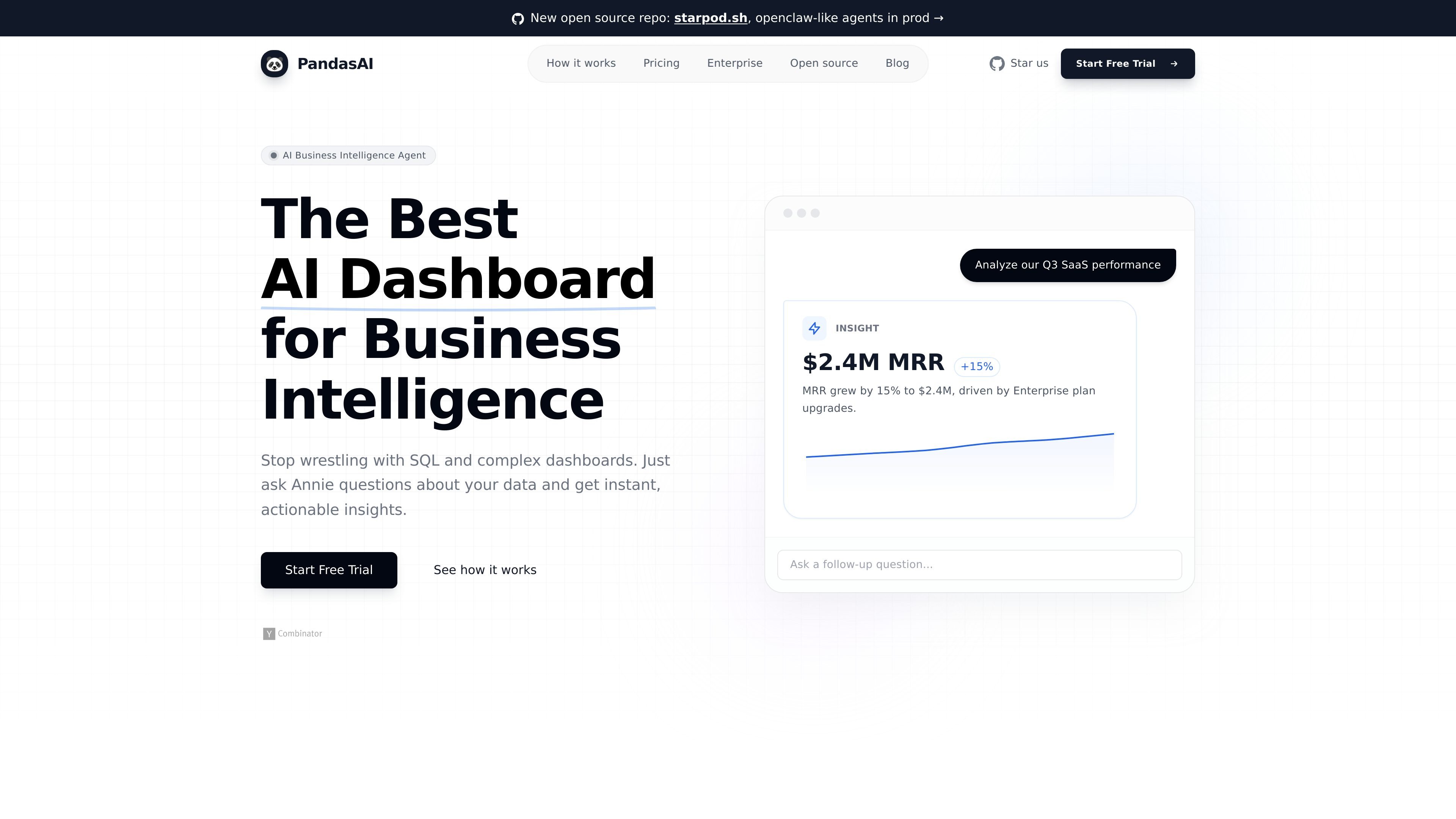
PandasAI is an AI dashboard product for business intelligence. It centers on Annie, a conversational data analyst that lets users ask questions about their data and receive charts, dashboards, and analysis without writing SQL or Python.
The product is positioned for analysts, operators, marketers, and small teams that want a no-code way to explore business data, connect multiple sources, and turn findings into shareable dashboard outputs. The site also describes enterprise deployment options for organizations that need stronger governance, access control, and hosting flexibility.
Ask questions in plain language instead of writing SQL. The site frames Annie as a conversational analyst that understands intent, not just keywords.
Turn queries into charts and dashboards in seconds. The product emphasizes presentation-ready visuals for sharing and reporting.
Surface trends, anomalies, and opportunities automatically. The homepage describes proactive discovery for hidden patterns and root-cause analysis.
Connect to CSVs, databases, and SaaS sources, then work from a unified view of business data. The site also mentions custom enterprise connectors on demand.
Share insights with one click and export to PDF. The product positions outputs for executive summaries, client reports, and team distribution.
Built on pandas and described as accurate and reliable for data precision. The site presents this as the underlying analysis layer for the platform.
Upload or connect business data, then ask questions such as performance, trend, or revenue analysis without using SQL. This fits users who want faster exploratory analysis than a manual dashboard build.
Create boardroom-ready charts, executive summaries, and PDF exports for recurring reporting. The site positions the output as presentation-ready for internal updates and client-facing materials.
Use the platform to surface anomalies, root causes, and growth opportunities that are not obvious in a spreadsheet or static report. The site describes this as automated discovery.
Connect operational and marketing sources such as databases or SaaS tools to get a unified view of the business. The site specifically mentions sources like HubSpot and Stripe on the products page.
Adopt enterprise deployment and governance features when data access, hosting, or compliance needs are stricter. The site lists SSO, RBAC, audit logs, private VPC hosting, and on-premise deployment as enterprise capabilities.
Annie is the AI data analyst on the PandasAI platform. The site describes it as a tool that lets you ask questions about your data and get charts, dashboards, and analysis without SQL or Python.
The product is presented as a no-code workflow: upload data or connect supported sources, ask natural-language questions, and receive charts, dashboards, summaries, or analysis.
The site says Annie can work with CSVs, databases, and SaaS sources, but it does not publish a full file-format list on the pages provided.
Pricing is described with Plus, Pro, and Enterprise options on the site, but the separate pricing page redirects back to the homepage, so plan details should be verified there.
Yes. The site says users can share insights with one click and includes a dashboard-sharing workflow aimed at teams.

北极九章 is an enterprise AI data insight engine for natural-language data analysis. Ask by typing or voice and get charted results in workflows.
Tableau is a business intelligence and visual analytics platform that helps people explore data, create visualizations, and share insights. It offers hosted, self-managed, and desktop options for teams that need analytics, governance, and collaboration.

Hurree is an AI-powered reporting and analytics platform that centralizes company data, shared dashboards, and Riva summaries, recommendations, and forecasts.

Postfity is a social media management tool for scheduling, planning, publishing, and tracking posts across connected accounts. Includes analytics, inbox management, AI tools, team workflows, and Free and paid plans.

EZsite AI is an AI website builder that turns a URL into a fullstack React or Vue.js app with hosting, custom domains, code export, and backend features.

Framer is an AI website builder for professional sites. It helps teams design, manage CMS content, optimize SEO, collaborate, and publish from a single no-code workflow.