

Multiple input modes
Generate AI photos from a selfie, text prompt, or reference image, depending on the workflow you choose.

Photo AI Studio is an AI image and video generator for headshots, product shots, virtual try-on, hair-style previews, and prompt-based portraits.
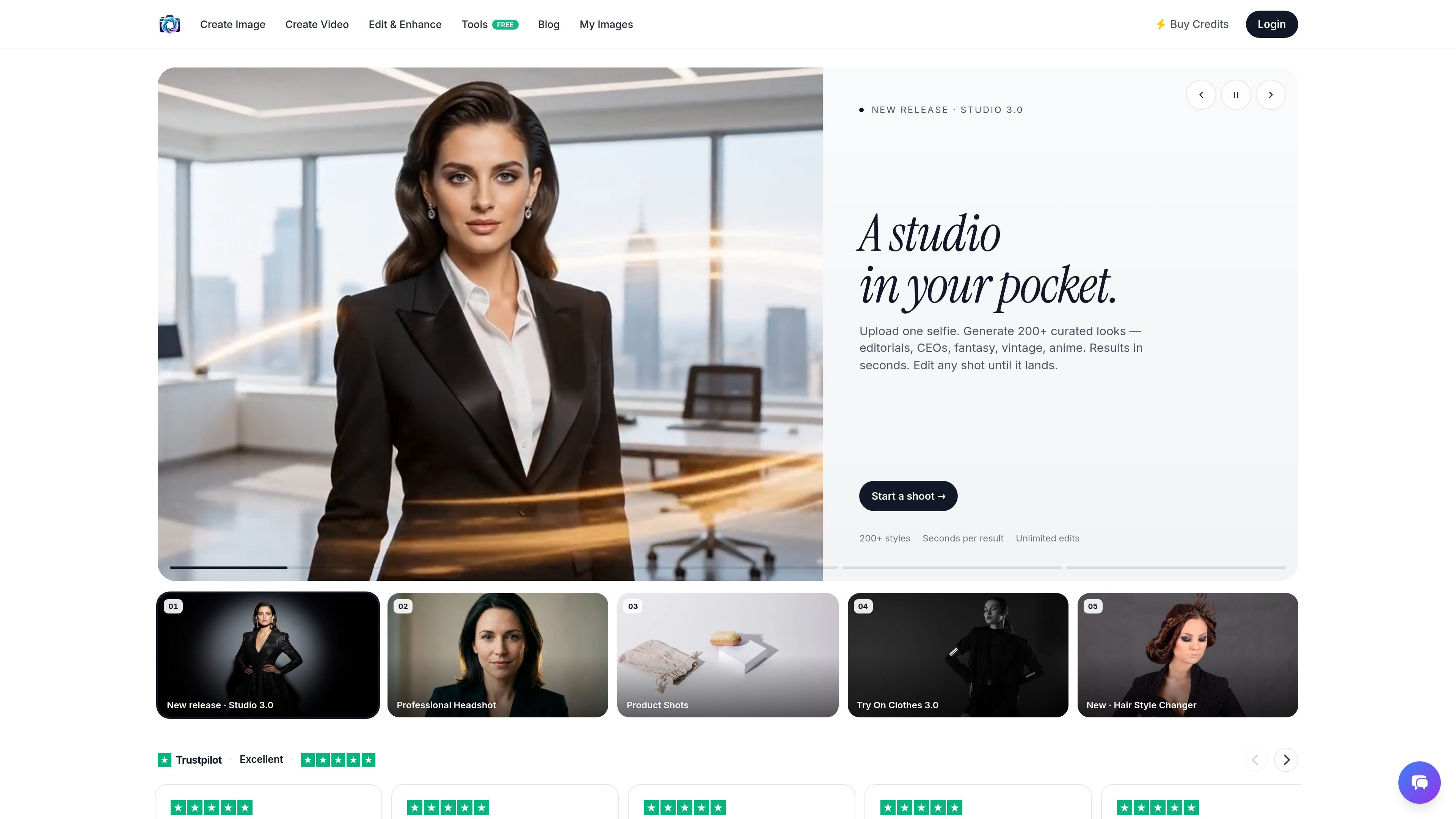
Photo AI Studio is an AI image and video generator that turns uploaded selfies, prompts, or reference images into studio-style photos and related creative outputs. The site positions it as a tool for professional headshots, product images, fashion try-on, hair-style previews, and other portrait or campaign-style visuals.
The product is organized around specific creation flows rather than a single generic editor. Visitors can start with a photo generator, a professional headshot workflow, a product promotion generator, or try-on and style-change tools, then refine outputs by rerunning them until they fit the result they want.
Generate AI photos from a selfie, text prompt, or reference image, depending on the workflow you choose.
Choose from curated looks and styles for headshots, portraits, product shots, and other generated scenes.
Regenerate results and edit shots until they match the intended look, with the homepage emphasizing unlimited edits.
Create professional headshots with reference settings such as studio, office, or outdoor looks.
Produce product promotion images and videos by combining a product image with a person image or text description.
Access video generation and advanced tools on paid plans, including relight, expression, try-on, batch export, and higher-resolution output.
Create LinkedIn-ready or portfolio headshots from a selfie, using the headshot workflow to choose settings such as studio, office, or outdoor looks.
Generate product images or promotion assets by combining a product photo with a person image, or by using the product promotion generator for campaign-style visuals.
Try clothing looks, garments, or fits before production or purchase with the try-on workflow, which is designed to show items on a model or body reference.
Preview haircuts, colors, and styling ideas from a selfie before making a salon decision.
Create custom portraits, fantasy scenes, and other prompt-driven images when a specific concept or visual style is already in mind.
The site says AI photos typically take about 15 seconds to capture, while processing usually takes less than a minute and can occasionally take up to 5 minutes.
The homepage says the product can create AI photos from a single selfie, and the photo generator page also supports text prompts or reference images for generating images.
The pricing page states that the plans include commercial usage licenses, and the FAQ says you retain ownership of your uploaded photos and processed outputs.
Supported upload formats listed on the pricing page are JPG, PNG, WebP, HEIC, and AVIF.
The pricing page says Stripe is used for secure payment processing, and it also states that you can cancel anytime and that there is a 14-day refund guarantee.

豆绘AI is an online AI image generation and editing platform for ecommerce and design, supporting white background, scene, interior rendering and post-processing.

Upsampler is an AI platform for creating, editing and upscaling images and videos in one workspace. Pay per credit, full API access, commercial use included.

PixelPrompt is a browser-based AI image and video workspace for prompt optimization, text-to-image, and text-to-video generation. It supports ecommerce visuals, ad creatives, and short-form UGC-style content without requiring a local GPU.

Nim Video is a web-based AI video and image creation platform for turning prompts, images, and source footage into editable visuals. It offers a free tier and paid subscriptions with added credits, higher output options, and commercial-use features.

HiDream.ai is a free, browser-based AI image and video creation platform for prompts, images, audio, lip-sync, and 4K editing.

Creativio AI turns basic images into polished product visuals for ecommerce, marketing, and social campaigns—fast, with less manual editing.