

AI portrait transformation
Upload a photo, pick a style from the library, or create a custom prompt to generate a themed portrait.

Photobooth AI turns photos into themed AI portraits and powers branded event photobooths with guest sharing and pay-as-you-go credit management.
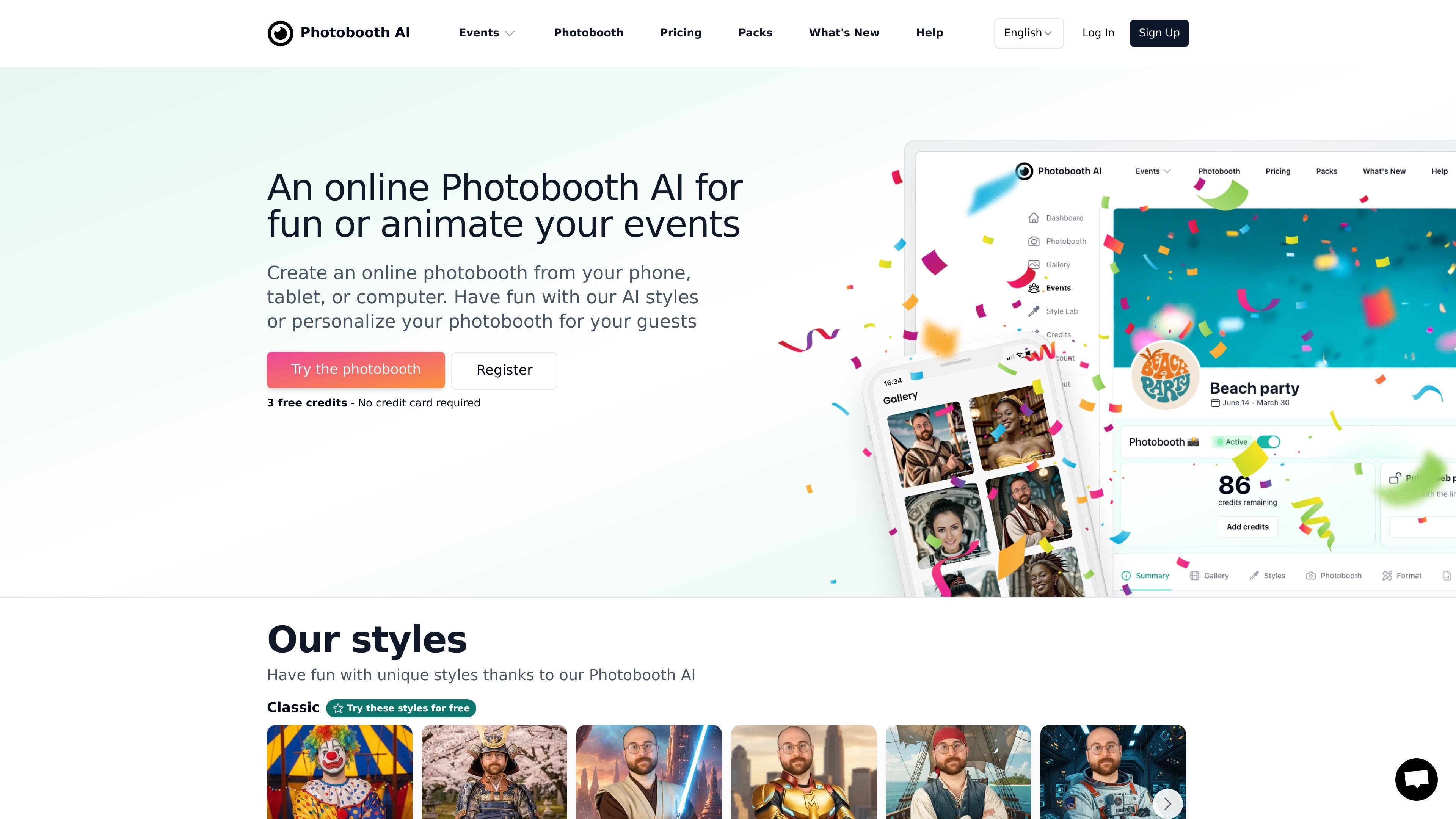
Photobooth AI is a web and mobile photobooth app that turns photos into themed portraits with artificial intelligence. Users can upload a photo or take one in the app, choose a style from the library, or create a custom prompt to generate a new portrait.
The product is designed both for personal use and for events. It supports self-serve photo creation on the web, Android, and iOS, and it also provides an event workflow where organizers can set up a dedicated photobooth, distribute access to guests, and manage credits and branding from a dashboard.
Upload a photo, pick a style from the library, or create a custom prompt to generate a themed portrait.
A large style catalog covers free and premium themes, including classic costumes, seasonal looks, and event-specific packs.
Create dedicated events from the dashboard, assign a credit stock, and reuse unused credits for later events.
Customize the photobooth with colors, logos, and banners, and add a logo to generated photos for a branded experience.
Guests can join from the web app or mobile apps and receive photos through link, email, or QR code.
Photos are stored securely and remain accessible from the web or mobile app, with online generation handled on the service's servers.
Create themed portraits from a phone, tablet, or computer by uploading a photo and choosing a style or custom prompt.
Set up a dedicated event photobooth for weddings, birthdays, or corporate events and share access with guests.
Brand an event with your colors, logo, and banners, then add your logo to the generated photos.
Reuse unused credits across events and adjust the credit stock while an event is running.
Let guests access the photobooth from the web or mobile app and receive finished photos through links, email, or QR codes.
Photobooth AI is a web and mobile app that transforms photos using artificial intelligence. You can take a photo or choose one from your gallery, then apply a style or create your own prompt.
Yes. The site says you can try Photobooth AI with 3 free credits, and no credit card is required to start.
Photobooth AI supports Android and iOS devices, including smartphones and tablets, as well as modern browsers on devices with a camera. The desktop web version is available at photobooth-ai.app.
The mobile app can detect compatible printers on the same Wi-Fi network without extra software or plugins. The site recommends a 15 × 10 cm print size and offers square, portrait, and landscape photo formats.
An event works by assigning credits, choosing or creating styles, customizing the photobooth appearance, and then sharing access with guests through the web app, an app code, link, email, or QR code.

Nim Video is a web-based AI video and image creation platform for turning prompts, images, and source footage into editable visuals. It offers a free tier and paid subscriptions with added credits, higher output options, and commercial-use features.

Creativio AI turns basic images into polished product visuals for ecommerce, marketing, and social campaigns—fast, with less manual editing.

Recraft is an AI image generation and design platform for designers, creatives, sellers, and teams. It supports raster and vector generation, custom styles, mockups, editing, and API-based workflows.

BabyFaceGenerator uses AI to create a future-baby image from two partners’ photos. An entertainment tool for couples, newlyweds, and parents.

a1.art is an AI image and video generator for browsing and running reusable filters to create stylized results from existing images or prompts.

Rendair AI is a web-based AI workspace for architects and designers to create, edit, upscale, and animate architectural visuals from text, sketches, plans, CAD, and 3D models.