

Generate sites from prompts, screenshots, or URLs
Describe a site in plain language and Readdy generates layouts, pages, copy, images, and structure in seconds. It can also start from screenshots, reference URLs, or a template.

Readdy is an AI website builder that creates complete sites from prompts, screenshots, images, or URLs, then lets you edit and publish with hosting and custom domains.
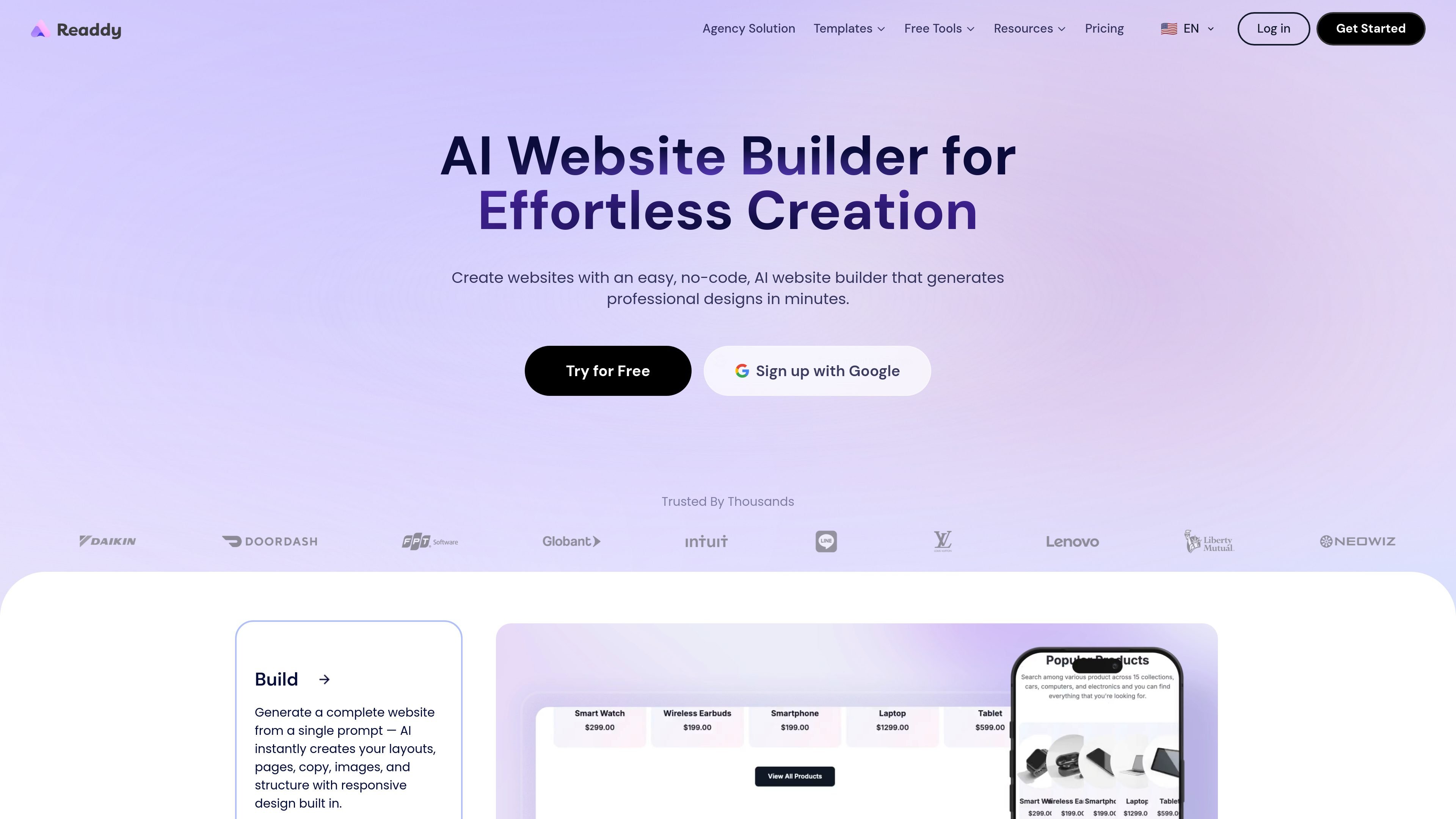
Readdy is an AI website builder for creating complete websites without starting from a blank canvas or using traditional drag-and-drop page assembly. The product generates layouts, pages, copy, images, and structure from plain-language prompts, screenshots, image references, or URLs, then lets you refine the result in a visual editor.
The site positions Readdy for business websites, portfolios, blogs, stores, and agency workflows. Its launch flow includes hosting, custom domains, SEO tools, form storage, and integrations, while the pricing page shows a free plan alongside paid plans that add more credits, sites, storage, and collaboration capacity.
Describe a site in plain language and Readdy generates layouts, pages, copy, images, and structure in seconds. It can also start from screenshots, reference URLs, or a template.
Edit the result in a visual builder with direct controls for text, images, colors, spacing, sizing, and layout. Selector Mode lets you click specific elements to change them.
Automatic responsiveness keeps edits working across mobile and tablet views, so pages adapt without manual breakpoints or separate rebuilds.
Add hover states, scroll effects, animations, and video backgrounds to shape the presentation without custom code.
Publish with hosted deployment, custom domains, SSL, SEO controls, analytics, form storage, and a Supabase-backed form flow.
The pricing page also lists exports and business tools such as clean code export, Figma export, GitHub export, branded email, and client management on higher tiers.
Build a business website quickly by describing the company, services, and preferred style. Readdy can generate the first version, after which you can refine sections and publish with hosting and a domain.
Turn a screenshot, mockup, or Figma frame into a starting point for a client or internal project, then adjust visuals and content in the editor.
Create a portfolio or blog with template starting points or AI generation, then customize the layout, copy, and imagery to match an individual brand.
Launch a storefront or marketing site with built-in domain handling, SEO controls, form storage, and integrations that support business operations.
Use higher-tier plans for collaboration, client management, and export workflows when delivering multiple sites or managing projects for others.
Readdy generates websites from plain-language prompts, screenshots, images, or URLs, then lets you refine the result in a visual editor before publishing.
Yes. The source describes Readdy as a no-code builder with a visual editor, drag-and-drop editing, Selector Mode, and direct controls for text, images, layout, colors, and spacing.
Readdy can publish with built-in hosting and custom domains, and it also supports exporting clean code or Figma files.
The pricing page shows a free plan and paid plans with more credits, more sites, more storage, and additional team and backend features.
The source highlights use cases for business sites, portfolios, blogs, storefronts, and agency workflows, especially when teams want to move from idea to launch quickly.

Framer is an AI website builder for professional sites. It helps teams design, manage CMS content, optimize SEO, collaborate, and publish from a single no-code workflow.

Pineapple Builder is an AI website builder for businesses to create, host, and publish sites with pages, forms, analytics, SEO tools, custom domains, and SSL.

EZsite AI is an AI website builder that turns a URL into a fullstack React or Vue.js app with hosting, custom domains, code export, and backend features.

Softr is a no-code platform for business apps, portals, and internal tools with AI-assisted creation, visual editing, and data connections.

UXbot turns plain-language product ideas into user flows, UI, interactive demos, and exportable code for websites and apps.

Topline Pro is an AI-powered platform for home service businesses with a managed website, marketing tools, lead response, and back-office operations.