

Grammar and Language Enhancement
Check grammar, language, punctuation, and style with contextual corrections aimed at academic and technical writing.

Trinka is an AI writing and grammar checker for academic, technical, and professional writing. It helps individuals, institutions, publishers, and teams improve clarity, correctness, and publication readiness, with separate options for confidential data workflows.
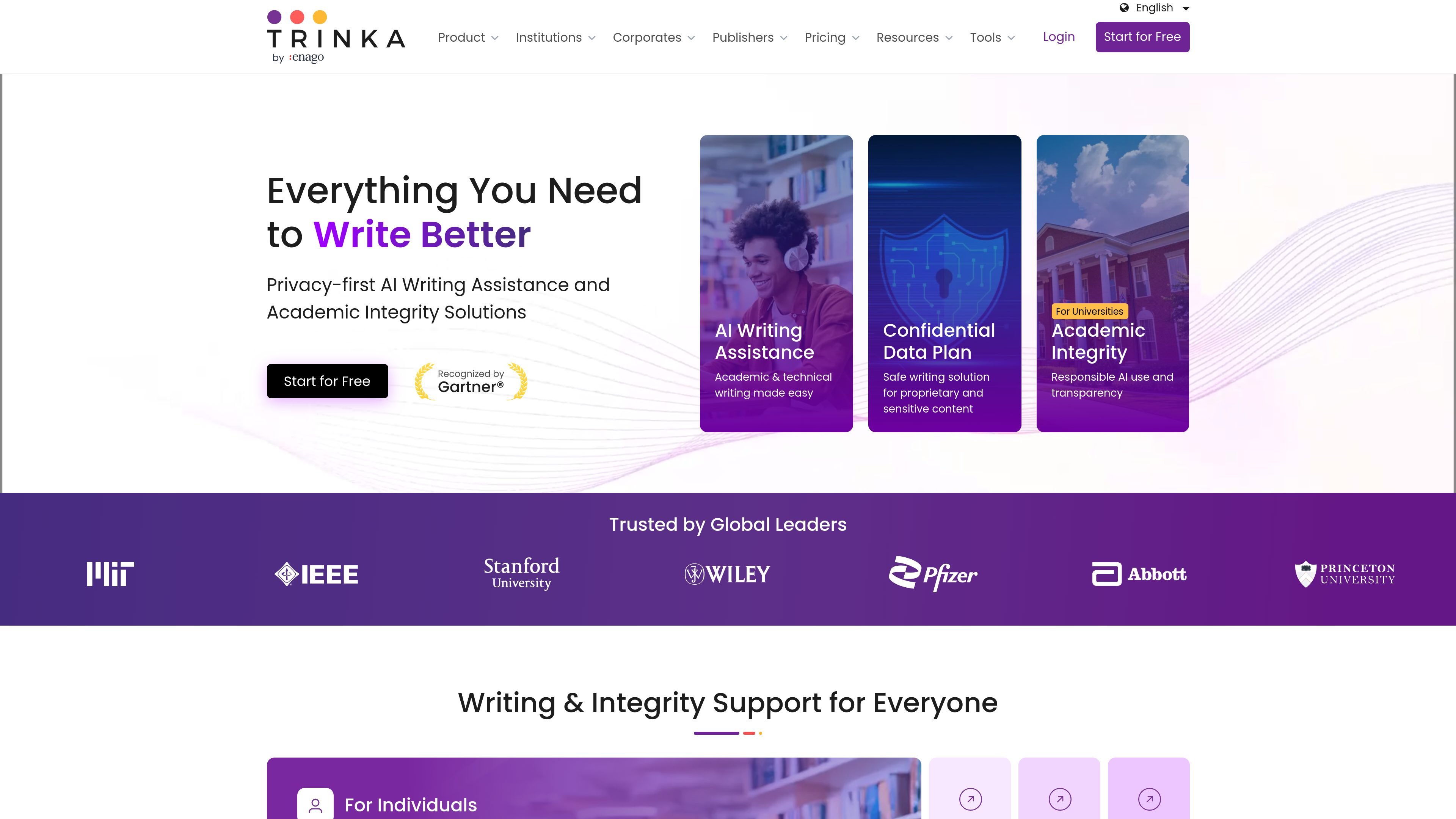
Trinka is an AI writing and grammar checker built for academic, technical, and professional documents. The site positions it as a tool for improving clarity, correctness, and publication readiness across individual writing, institutional workflows, and team use cases.
Its product pages highlight grammar and style correction, file proofreading for Word and LaTeX, AI-assisted drafting and paraphrasing, citation-quality and plagiarism-related checks, and privacy-focused options for sensitive data. Pricing pages also show separate plans for individuals, teams, institutions, and confidential-content workflows.
Check grammar, language, punctuation, and style with contextual corrections aimed at academic and technical writing.
Proofread full documents in Word or LaTeX while keeping formatting, tables, structure, and code intact.
Identify inconsistencies in spelling, hyphenation, number formats, and symbol styles across an entire document.
Rewrite, expand, or refine drafts with AI-assisted writing help through /ask and paraphrasing tools.
Check citation quality, format references, detect AI-generated text, and run plagiarism checks from the product suite.
Translate documents to English or Spanish while preserving meaning and formatting, and use AI agents for standardized content tasks.
Researchers and students can draft, revise, and polish academic work with grammar, style, paraphrasing, citation, and consistency checks.
Publishers and editorial teams can use Trinka to streamline copyediting, screening, and review-oriented workflows while maintaining document quality.
Teams handling confidential or regulated material can use the confidential-data plan for secure writing assistance with no AI training and instant data deletion.
Institutions can combine writing assistance with academic integrity tools such as DocuMark to support responsible AI use and student learning.
Writers working in Word or LaTeX can proofread full files without breaking formatting, tables, or structural elements.
Trinka is designed to check grammar, style, punctuation, and other writing issues in academic and technical documents. It also supports paraphrasing, citation-related checks, plagiarism and AI detection, and file proofreading.
The pricing page shows a free Basic plan, paid Premium and Premium Plus plans, and a Confidential Data option for sensitive content. It also offers team and institutional buying paths with quote or demo flows.
The site presents Trinka for individuals, institutions, publishers, and teams that handle sensitive or regulated content. It highlights use for academic writing, publication workflows, and confidential data processing.
The features page says Trinka can proofread full documents in Word and LaTeX, while the pricing page shows a Windows desktop app for MS Word, Outlook, and related workflows on higher plans.
The source mentions integrations and LMS/SSO support, but it does not provide a complete public list of every integration or offline option on the main feature pages.

Paperpal is an AI academic writing tool and research assistant for students and researchers, with drafting, paraphrasing, citation support, PDF research, and submission checks.

PerfectEssayWriter.ai is a web-based AI essay writing tool that creates structured, cited drafts from topics, prompts, or rubrics, with tools for outlines, citations, grammar, plagiarism, and AI checks.

Inkey.ai is a student-focused AI tutor for essay writing, math word problems, plagiarism checking, paraphrasing, and grammar support. It offers a free Basic plan and paid tiers for heavier usage.

迅捷AI写作 is an online AI writing tool for papers, novels, office docs and content creation, with scenario templates, online document writing and multi-format export.

Nily AI is a browser-based AI assistant platform with 20+ models and tools for chat, writing, PDFs, email, images, and web page analysis. 7-day free trial.

Conch AI is a browser-based writing and study assistant for students, researchers, and academic writers, with drafting, rewriting, notes, flashcards, mind maps, and citation help.