

Multi-source summarization
Generate quick summaries from YouTube, podcasts, web articles, PDFs, Google Slides, and Google Drive files, so one tool can cover several source types.

TubeOnAI is an AI summarizer that extracts key points from videos, podcasts, articles, PDFs, and Drive files, then turns them into blog posts, threads, newsletters, and more.
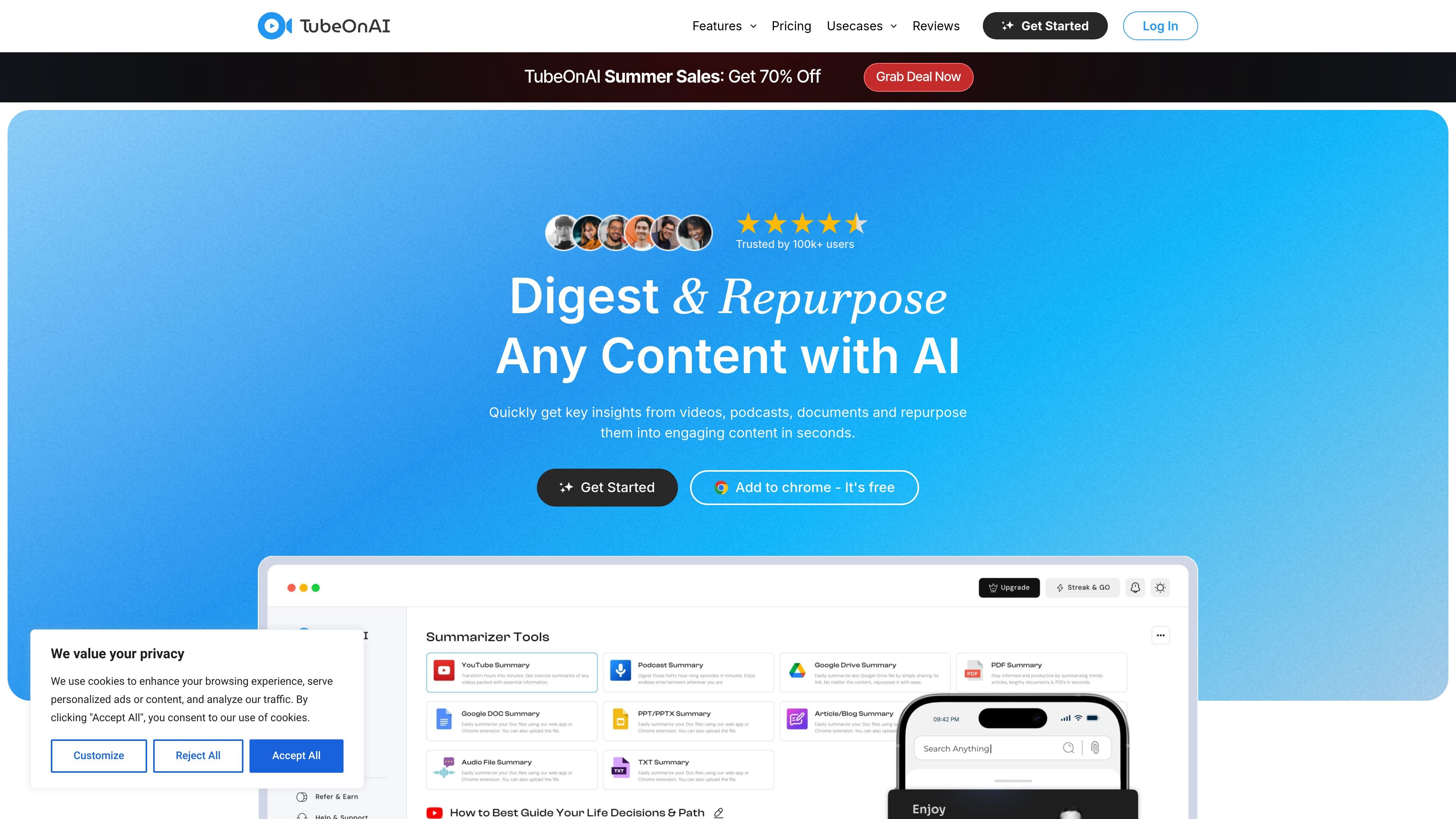
TubeOnAI is an AI summarizer and content repurposing tool focused on helping people digest long-form content faster. The site describes it as a way to get key insights from videos, podcasts, documents, and other sources, then turn those insights into publishable content in seconds.
The product supports a mix of consumption and creation workflows. Users can summarize YouTube videos, podcasts, web articles, PDFs, Google Slides, and Google Drive files; subscribe to creators or channels for new summaries; and repurpose content into formats such as blog posts, social posts, newsletters, and scripts.
Generate quick summaries from YouTube, podcasts, web articles, PDFs, Google Slides, and Google Drive files, so one tool can cover several source types.
Subscribe to YouTube channels and receive automatic summaries of new videos, with notifications when summaries are ready.
Turn source material into blog posts, threads, newsletters, LinkedIn content, podcast scripts, and other formats using the repurposing templates listed on the site.
Extract transcripts from YouTube Shorts, then edit, copy, download, or add your own context for reuse.
Listen to summaries with text-to-audio support, and use translated insights for multilingual consumption where available.
Save summaries into collections and organize them for later access; higher plans also mention customized content libraries and auto-import for YouTube channels.
Researchers and readers can pull the main points from long videos, podcasts, articles, or PDFs instead of working through the full source manually.
Creators can repurpose a source into a blog post, newsletter, Twitter thread, LinkedIn post, or podcast script without starting from a blank page.
People who follow specific channels can subscribe once and receive summaries of new videos, which makes it easier to track ongoing updates.
Short-form video workflows can start with a YouTube Short transcript, then move into editing, copying, downloading, or reuse in another piece of content.
Teams or solo users can collect summaries in organized libraries and return to them later, which supports ongoing research and topic tracking.
TubeOnAI can summarize YouTube videos, podcasts, web articles, PDFs, Google Drive files, and Google Slides. The pricing page also mentions YouTube summary without transcript and document summaries.
The pricing page says TubeOnAI supports a web app in modern browsers, a Chrome extension, and iOS and Android mobile apps.
Yes. The pricing page says the Starter plan is free forever, while paid plans include a 7-day free trial.
TubeOnAI says you can cancel at any time from your profile settings. The pricing page states subscriptions are prepaid and there are no refunds.
TubeOnAI offers content repurposing features such as blog posts, Twitter threads, email newsletters, LinkedIn content, podcast scripts, and other templates, with collections and auto-import for YouTube channels on higher plans.

Podsqueeze is an AI podcast production tool that generates transcripts, show notes, clips, audio enhancements, and branded podcast pages. It is aimed at podcasters, podcast managers, agencies, and media teams that want to repurpose episodes faster.

MailerLite is an email marketing platform for sending campaigns, building automations, and creating landing pages, forms, and websites. It also supports digital products, paid newsletters, and recurring subscriptions.

RankSpot is an AI SEO platform that researches, writes, and publishes blog content automatically to boost organic visibility in Google and AI answers.

Noiz is an AI YouTube video summarizer that turns videos into key points, Q&A-style takeaways, timestamped summaries, or readable text. It is aimed at people who want to review, study, or scan YouTube content faster without watching it end to end.

Glarity is a browser extension that summarizes and translates online content with ChatGPT-style AI. Work faster on YouTube, webpages, PDFs, search results, and email.
ChatGPT for Outlook is an AI add-in for Outlook emails and drafts, using custom prompts to summarize, highlight, and process messages without leaving Outlook.