

AI document generation
Create documents from a plain-English prompt, such as an invoice, resume, report, or proposal, and have the AI generate a draft for you.

UglyPDF is an AI PDF creator and editor that turns prompts or uploads into editable documents, with chat-based generation, visual editing, and PDF, JPG, or PNG export.
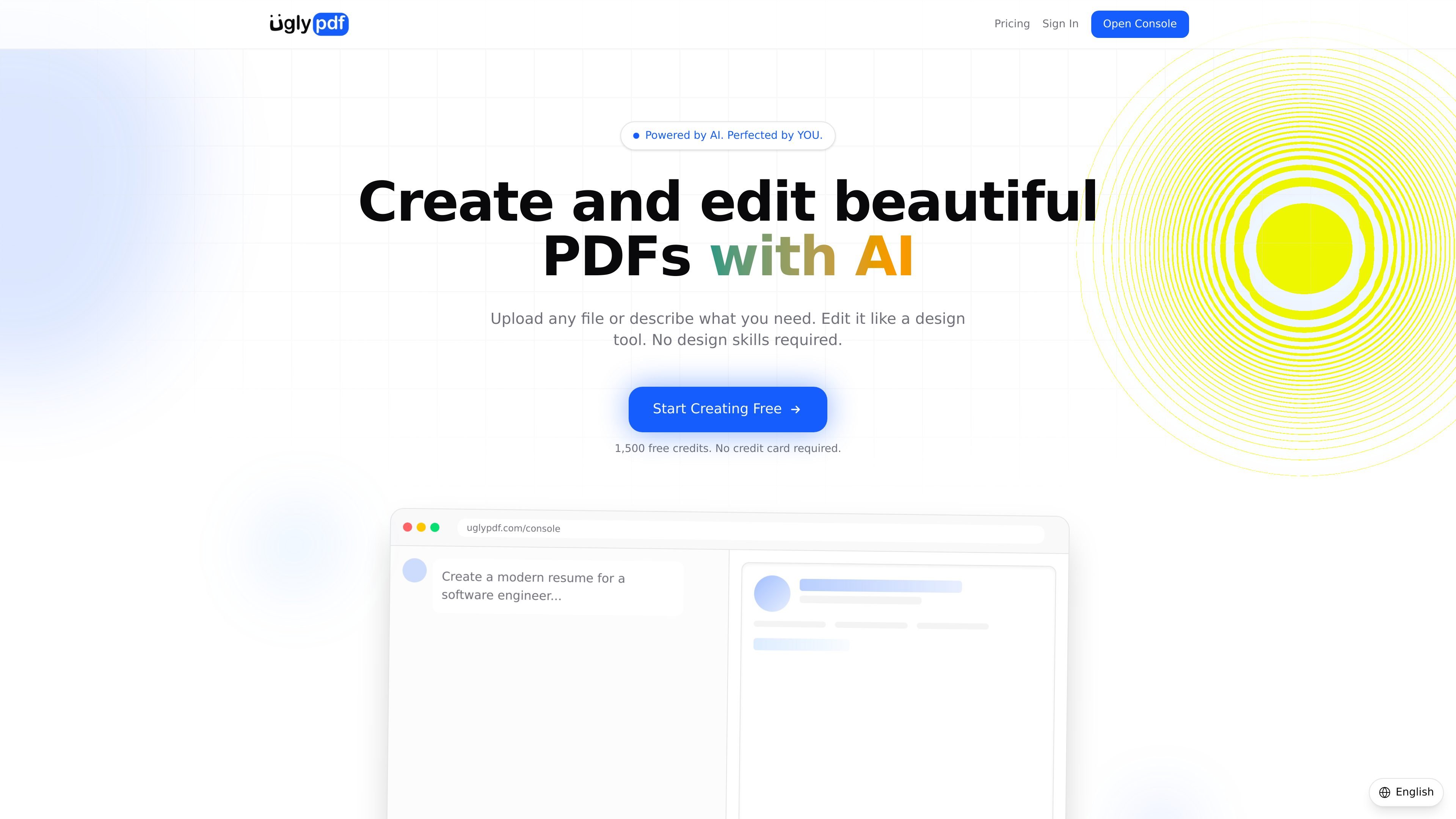
UglyPDF is an AI-powered PDF creator that helps you generate and edit polished documents through conversation and direct manipulation. You can start from a blank prompt or upload an existing file, including PDFs, photos, screenshots, and scanned pages, then turn it into a fully editable document.
The product is built for people who need practical documents such as resumes, invoices, reports, proposals, certificates, contracts, letters, and schedules. Its workflow combines AI generation with a visual editor, so you can create a layout from scratch, adjust it by hand, and then refine it again with chat prompts before exporting in PDF, JPG, or PNG format.
Create documents from a plain-English prompt, such as an invoice, resume, report, or proposal, and have the AI generate a draft for you.
Upload PDFs, photos, screenshots, or scanned pages and convert them into editable documents instead of starting over from scratch.
Edit content directly in the canvas, including text, element order, colors, fonts, and spacing, with live preview and undo/redo history.
Refine a document through chat prompts, including requests such as making a layout more modern or adding a logo to the header.
Export finished documents as PDF, JPG, or PNG for sharing, printing, or archiving.
Start with a free tier, then move to Pro for higher credit volume, watermark-free downloads, and priority support.
Create or refresh resumes, then fine-tune layout, spacing, and wording through the editor before exporting a shareable file.
Draft invoices, proposals, reports, letters, schedules, or contracts from a short prompt, then revise the structure without rebuilding the document.
Upload a scanned page, screenshot, or photo of an existing file and convert it into an editable version for correction or redesign.
Make a document look more polished by adjusting fonts, colors, element order, or spacing by hand and then asking the AI to restyle it.
UglyPDF is an AI-powered PDF creator and editor. You can describe a document in plain language to generate one, or upload a file and then edit it through chat or the visual editor.
The source shows support for PDFs, photos, screenshots, scanned pages, and image uploads. Finished documents can be exported as PDF, JPG, or PNG.
Yes. The pricing page shows a Free plan with 1,500 credits and a Pro plan at $7.99 per month with 50,000 credits per month. The site also says no credit card is required to get started.
Yes. The product page says you can edit text directly, drag and drop elements, change fonts, colors, and spacing, and use chat-based prompts to redesign the document.
The site indicates a Business plan is coming soon with team features, higher limits, and more, but it does not yet provide detailed team-workflow information.
Traffic data is for reference only.
Traffic analytics are not available yet.

小艺 is Huawei’s AI smart assistant for Q&A, writing, document reading, code help, image recognition, and file drag-and-drop.

Prosed turns creator content into a publish-ready non-fiction book, with manuscript assembly, chapter review, editorial review, and PDF, ePub, or DOCX export.

OCR.chat is a browser-based OCR and document chat tool for converting images, PDFs, Word files, and screenshots into editable text and structured outputs. It also lets users ask questions about finished documents, with answers cited to the source page.

Rows is a spreadsheet-based AI data analyst for importing, analyzing, and sharing business data in one workspace using plain language, not code or formulas.

Rayyan is an AI-powered platform for systematic and literature reviews, helping teams manage screening, extraction, bias assessment and reporting in one shared workflow.

Arcwise is an AI product for detecting meaningful metric changes and explaining them with data-grounded analysis. It turns warehouse and business-context data into decision-ready reports in app, docs, or slides.