

Custom UI layers
Add buttons, panels, summaries, counters, and other UI elements directly inside a browser-based app without modifying the underlying product.

Drop in is a Chrome extension that adds custom features, smart workflows, and integrations to web apps without changing the product.
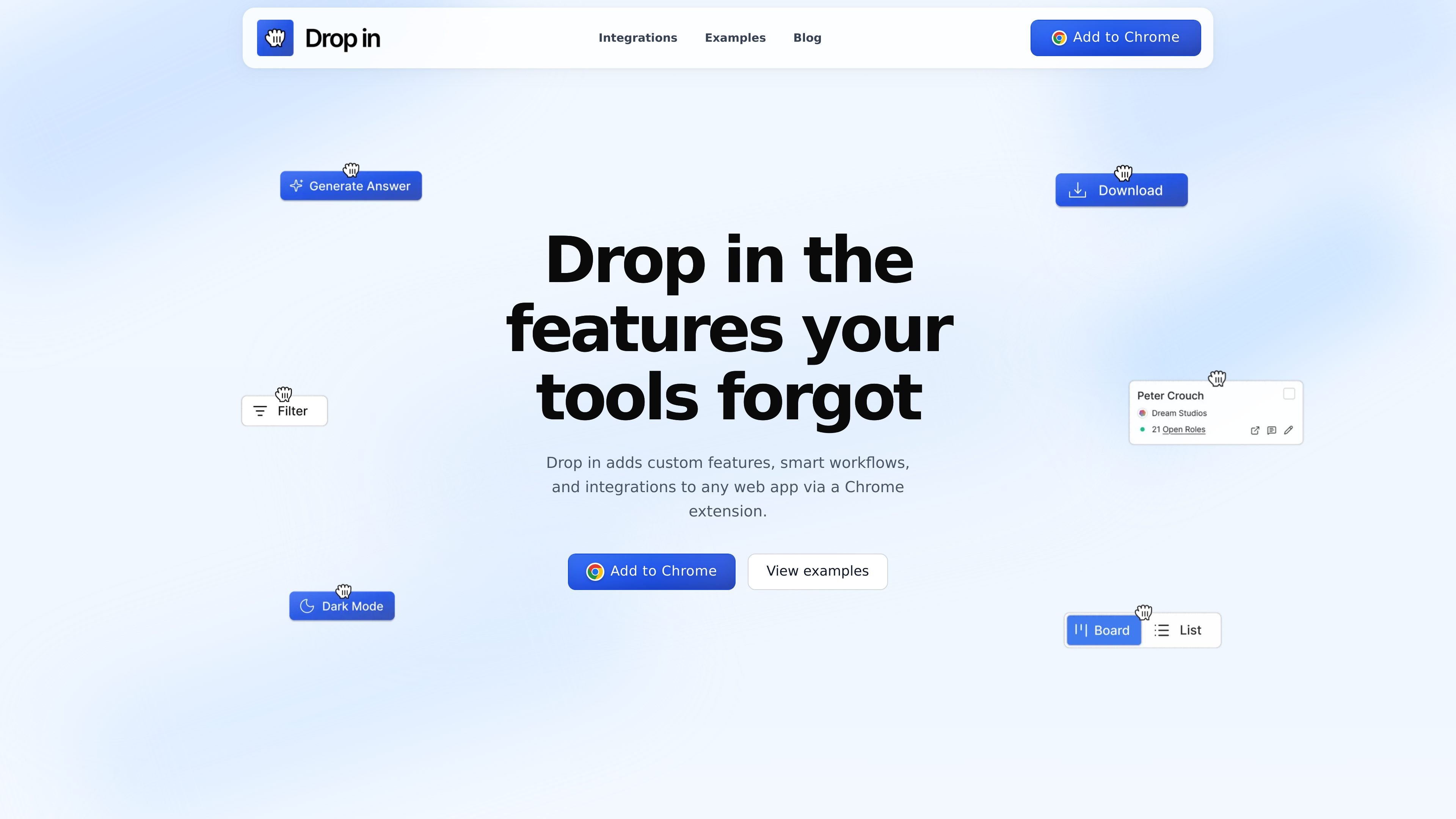
Drop in is a browser-based product that lets people add custom features, smart workflows, and integrations to web apps through a Chrome extension. The site positions it as a way to “drop in” new UI and automation on top of tools you already use, without requiring source code changes.
Its main purpose is to extend existing web apps with task-specific controls and data connections. The examples shown on the site range from reply buttons and search helpers to workflow panels, which suggests the product is aimed at people who want to adapt browser apps to a specific process or team workflow.
Add buttons, panels, summaries, counters, and other UI elements directly inside a browser-based app without modifying the underlying product.
Create behavior based on the current page or selected app so the added feature can respond to what is already on screen.
Connect Drop in to services such as Airtable, Google Sheets, HubSpot, Notion, OpenAI, Personio, Pipedrive, and YouTube for data access and automation.
Browse and reuse example builds for apps like ChatGPT, LinkedIn, YouTube, Slack, Google, Binance, and GitHub to see what is possible.
Turn added features on or off and revoke access per site, so the browser layer stays under user control.
Share features with a team so people can use the same interface improvements and workflow shortcuts.
Add task-specific controls inside tools like HubSpot, LinkedIn, or ChatGPT so users can work without switching tabs or copying data into another system.
Build team-specific buttons, panels, and shortcuts that standardize how a group handles a repeated workflow such as replies, lookups, or exports.
Connect app screens to external services like Airtable, Google Sheets, or HubSpot to capture, update, or read records from within the browser.
Reuse published examples as starting points when you want a similar browser-side feature, such as smart replies, watch-time tracking, or lead capture.
Apply read and write controls carefully when features need access to page data or external APIs, then revoke access per site when you no longer need it.
Drop in is a Chrome extension that adds custom features, smart workflows, and integrations on top of web apps. It works in the browser without requiring source code changes in the underlying app.
No. The product adds a visual layer on top of the app you are using. Features can be turned on or off at any time without changing the underlying product.
Drop in says you control what a feature can read and change, and you can revoke access per site. It also says data stays local unless a feature needs to call an external API.
Yes. The site says you can share features and standardize the same UI improvements across a team.
The site says it is free to try, and paid plans unlock more features, higher limits, and team controls.
Traffic data is for reference only.

Exalate is a bidirectional integration platform for syncing work items in real time across teams, systems and companies with controlled data flow.

EZsite AI is an AI website builder that turns a URL into a fullstack React or Vue.js app with hosting, custom domains, code export, and backend features.

Hypertype is an AI agent for industrial support teams, reducing repetitive work, integrating with existing tools, and using selected company data through consultative enterprise onboarding.

TakeCareOS is a web platform for home care, disability, and aged care agencies, with rostering, billing, compliance, and AI admin tools.

Framer is an AI website builder for professional sites. It helps teams design, manage CMS content, optimize SEO, collaborate, and publish from a single no-code workflow.

CREAO is an AI agent platform for turning recurring business work into reusable workflows, with schedules, approvals, and tool integrations.