

Production trace observability
See prompts, responses, tool calls, latency, cost, and request metadata for each AI call. The UI is designed for inspecting production behavior and finding issues from real traces.

Braintrust is an AI observability platform for tracing production AI behavior, running evaluations, and catching regressions before users see them.
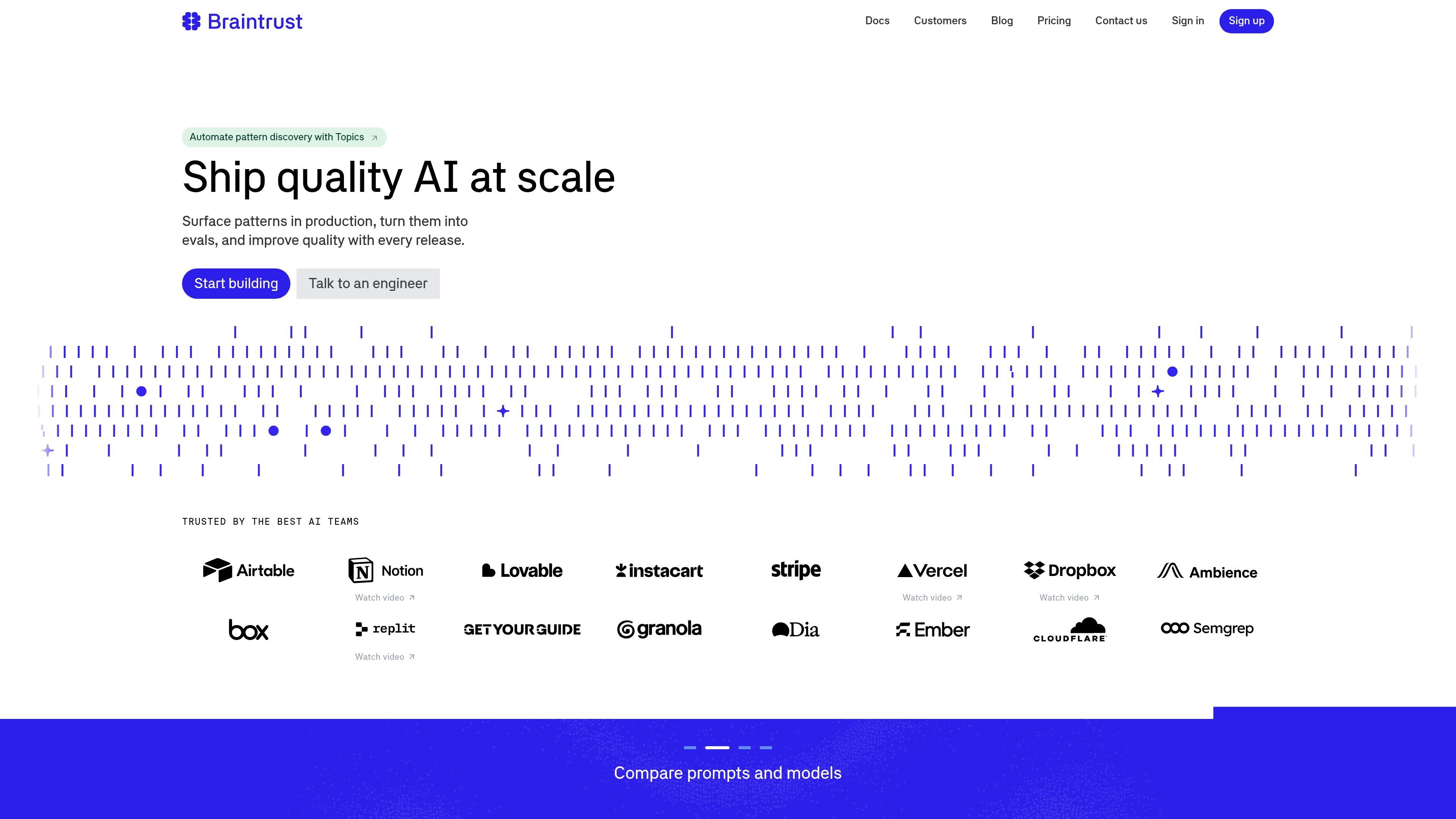
Braintrust is an AI observability platform for teams that want to trace production behavior, evaluate model quality, and catch regressions before they reach users. The site positions it as a system for understanding what actually happened in production rather than relying only on offline testing.
The product combines trace inspection, evals, automation, and workflow tooling. Teams can instrument applications, inspect prompts and tool calls, compare models and prompts, build datasets from real failures, and use production signals such as Topics to guide improvements over time.
See prompts, responses, tool calls, latency, cost, and request metadata for each AI call. The UI is designed for inspecting production behavior and finding issues from real traces.
Run experiments against datasets and score outputs with LLMs, code, or humans. The product positions evals as a way to define quality before release and compare prompts or models side by side.
Surface recurring patterns in real traffic with Topics, then convert those patterns into evaluations or alerts. The pricing and homepage copy both describe Topics as a way to classify and discover domain-specific issues in production logs.
Turn production traces into datasets for regression testing and create human review workflows without building custom frontend code. The site also highlights datasets, playgrounds, and custom annotation interfaces.
Use the CLI, SDKs, and MCP server to instrument apps, query logs, run evals, and update prompts from development tools. The docs emphasize repeatable setup and scripting for coding-agent workflows.
Customize trace views, charts, environments, and access controls as your team grows. The pricing page lists saved table views, custom columns, custom charts, environments, RBAC, SSO, MFA, and data retention controls on higher tiers.
Instrument an AI application so every call writes traces to Braintrust, then inspect prompts, outputs, tool calls, token counts, latency, and cost in the Logs view.
Build evals from real datasets, compare prompts and models side by side, and score outputs with LLMs, code, or human reviewers before releasing changes.
Use Topics to surface recurring patterns in production logs, then turn those patterns into evals, quality gates, or alerts when new regressions appear.
Create datasets and custom review flows from actual traces so teams can test against edge cases and review outputs in a workflow that matches their task.
Use the CLI, SDKs, or MCP server to query logs, run evals, and manage prompts from engineering tools and agent workflows.
Braintrust is set up by installing the CLI, instrumenting your app, and then viewing traces in the Braintrust UI. The quickstart shows a setup script that installs `bt` and guides instrumentation, and the docs also describe using the `bt` CLI for repeatable work such as running evals, querying logs, and syncing data.
The tracing quickstart says that once your app is instrumented, it logs traces for every AI call. In the UI, you can inspect the full input prompt and model output, token counts, latency, cost, model configuration, and request/response metadata.
The docs present Braintrust as a platform for capturing traces, analyzing logs, adding human feedback, building datasets, testing changes with experiments, and shipping while monitoring production. The workflow is organized around capturing traces, finding patterns, adding feedback, testing changes, and then monitoring production.
The documentation and pricing page indicate support for Python, TypeScript, Go, Ruby, C#, and more through native SDKs, plus integrations with AI providers, frameworks, and developer tools. The integrations page also points to framework-agnostic usage and a developer-tools workflow through MCP and the CLI.
Braintrust offers a free Starter plan, a paid Pro plan, and custom Enterprise pricing. The pricing page also shows options for usage-based fees tied to processed data and scores, along with features such as custom charts, RBAC, and higher retention on higher-tier plans.

blop is a QA agent that writes browser tests as code in your repo, runs them in CI, clusters repeated failures, and can open PRs to fix broken tests.

Orca is an Agent Development Environment for shipping with coding agents, running multiple CLI agents in parallel across isolated worktrees, with desktop and mobile workflows.

BotLab is a tool for testing video-game bots by running them in simulated game clients, reviewing session logs, and comparing results in the Reactor. It offers a free tier for short sessions and a paid Pro plan for longer online runs.

Firebase Studio is a web-based workspace for full-stack app development with Gemini-assisted coding, app previews, cloud emulators, collaboration, and browser deployment.

EZsite AI is an AI website builder that turns a URL into a fullstack React or Vue.js app with hosting, custom domains, code export, and backend features.

AI Magicx is a unified AI workspace for chat, image, video, voice, music, email and developer tasks, helping teams and creators manage multiple models in one place.