

Multi-surface documentation platform
Create product docs, knowledge bases, API references, and help centers from one platform, with surfaces for product guides, changelogs, AI assistant experiences, and AI workflows.

Documentation.AI is AI documentation and knowledge base software for product, developer, and support teams. It helps create and maintain docs, knowledge bases, API references, and help centers with AI-assisted editing and in-doc answers.
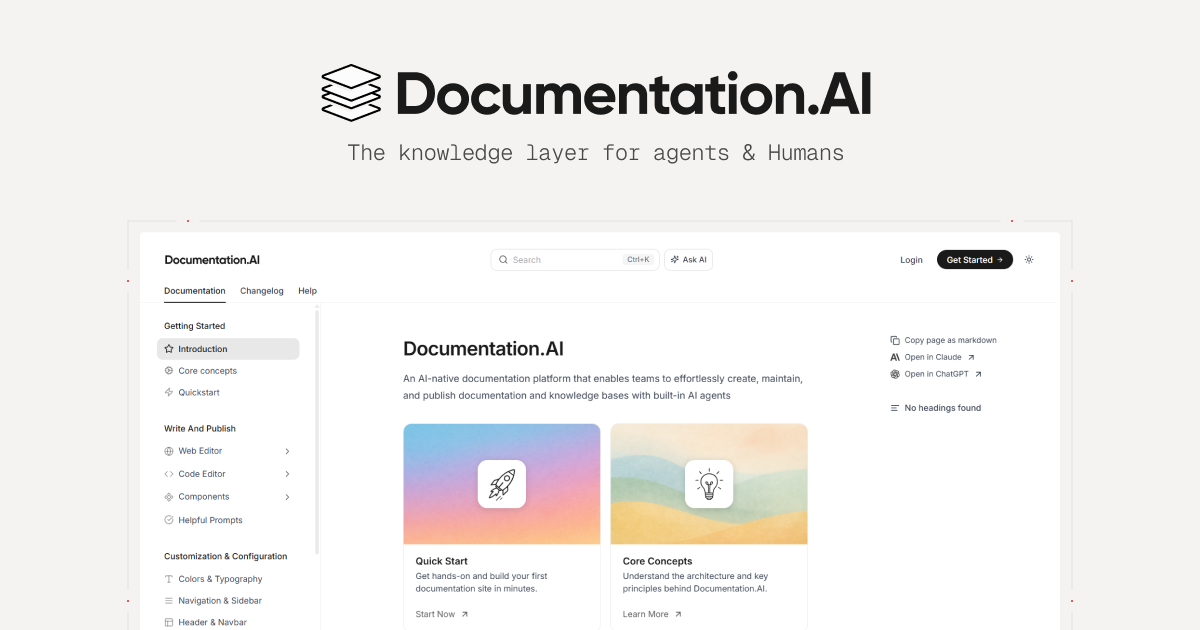
Documentation.AI is an AI documentation and knowledge base platform for teams that need to create, publish, and maintain product docs, help centers, API references, and internal or external knowledge bases in one place. The site positions it as a knowledge infrastructure layer for both AI agents and humans.
Its core job is to keep documentation current and easy to use. The product combines a web editor, docs-as-code support, an AI Documentation Agent, and an in-doc AI assistant so teams can draft updates, structure content for retrieval, and surface answers directly where readers need them.
Create product docs, knowledge bases, API references, and help centers from one platform, with surfaces for product guides, changelogs, AI assistant experiences, and AI workflows.
Use the web editor to create and update docs with drag-and-drop blocks, slash commands, AI-assisted rewriting, and structured publishing.
Write in Markdown or MDX, keep content in Git, and work alongside coding tools with MCP so documentation can move with the codebase.
Let readers ask questions inside the docs and receive cited answers, or use the AI assistant outside the docs on supported plans.
Organize content for AI and search with structured headings, code blocks, parameters, llms.txt, and MCP-friendly output.
Track page views, search terms, drop-offs, and user feedback to find content gaps and improve documentation.
Create feature guides, release notes, onboarding materials, and changelogs that stay aligned with product changes and can be updated with AI assistance.
Publish API references, SDK docs, tutorials, and engineering guides using Markdown, MDX, Git workflows, and schema-driven pages.
Build a searchable help center with FAQs, troubleshooting articles, and an embedded AI assistant to help customers find answers faster.
Maintain internal documentation or team knowledge bases where AI search, structured content, and up-to-date answers matter for onboarding and day-to-day operations.
Let product, support, and engineering teams review page views, search terms, drop-offs, and feedback to prioritize documentation fixes.
Documentation.AI is a documentation and knowledge base platform with AI-assisted writing, an AI assistant for readers, and workflows to keep content current. The pricing page shows a free Starter plan plus paid Standard, Pro, and Enterprise plans.
The site says you can use the web editor or docs-as-code workflows, including Markdown/MDX and Git-based updates. It also mentions MCP support so coding agents like Cursor, Windsurf, or Copilot can work with live documentation context.
The homepage lists product guides, API reference, help center, changelog, AI assistant, AI agent, and AI workflows as core surfaces. The pricing page also mentions an API playground, PDF export, analytics, authentication, and integrations on higher plans.
The pricing page indicates Starter includes core documentation tools and AI credits, while Standard adds password-protected docs, external sources for the AI assistant, PDF export, and Slack support. Pro adds private docs, advanced analytics, role-based permissions, and priority support; Enterprise adds SSO, SCIM, and custom support terms.
Some capabilities are described as coming soon, including automatic monitoring of product changes, doc drift detection, and certain external-source and assistant embedding features. The site also presents the product primarily through marketing pages rather than detailed technical documentation.

书生 is a general-purpose large model suite for language, multimodal, weather, ocean, industrial design, 3D, finance, and scientific discovery tasks.

RLAMA is a local AI platform for building RAG systems and intelligent agents on macOS, Linux, and Windows, with HTTP API support.

心流AI助手 is an AI assistant for fast knowledge lookup, covering daily百科, life, entertainment, and academic Q&A on web and App.

Hugo is an AI-powered support agent for customer service teams. Resolve tickets, automate support work, and provide 24/7 replies with your business data.

Anara is an AI research workspace that searches your library and the web, then helps you write with cited claims and source-backed answers.

Quenti is an online learning platform for flashcards, practice tests, matching games, and AI-assisted grading for students, teachers, schools, and organizations.