

Image background removal
Remove backgrounds from uploaded images or pasted image URLs, with the homepage describing the tool as an automatic background removal service for humans, animals, and objects.

Erase.bg is an AI background remover for images and short videos, with transparent backgrounds, free starter credits, paid packs, and enterprise options.
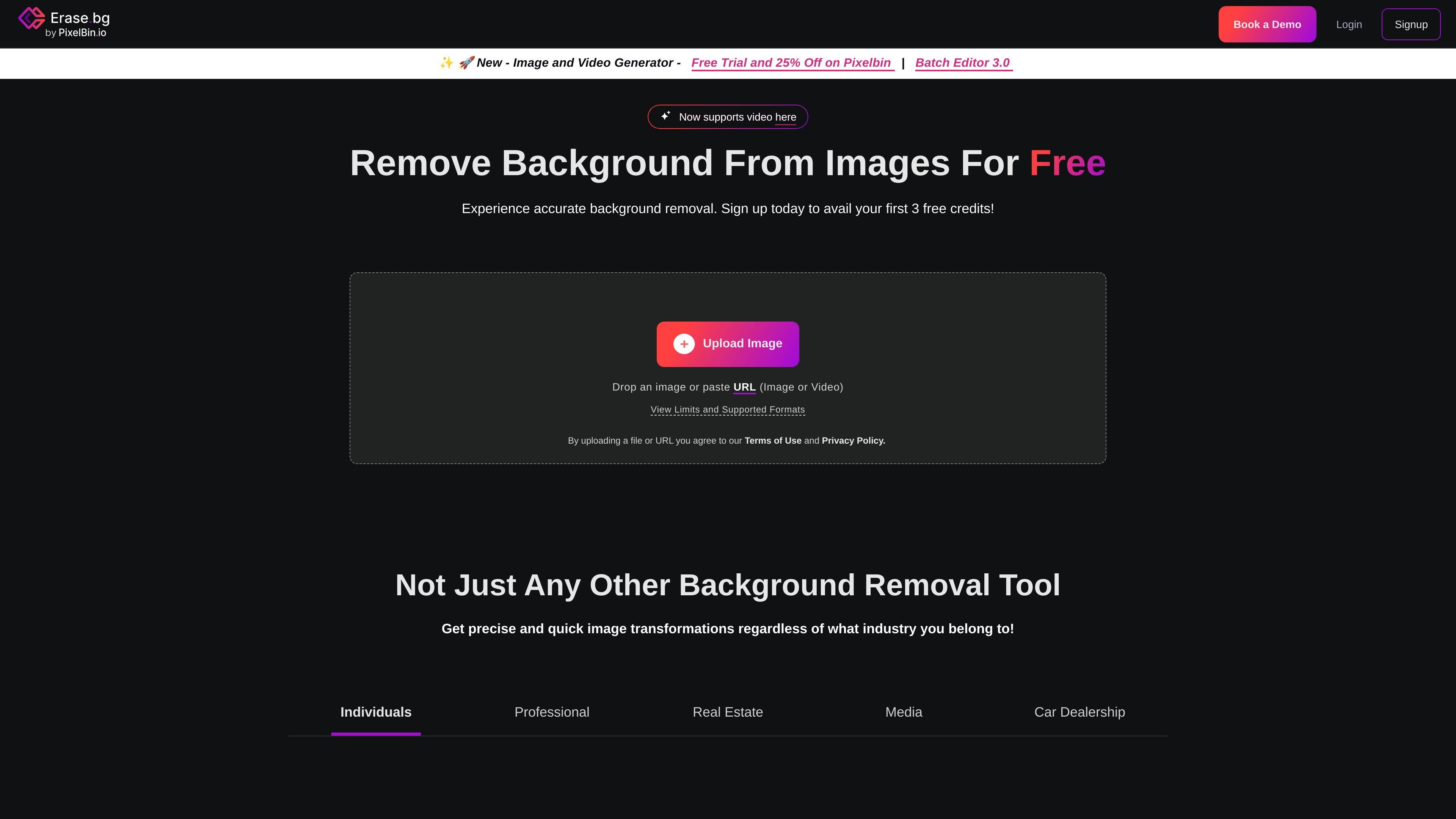
Erase.bg is an AI background removal tool for images, with additional support for video background removal on the homepage. It is designed to make backgrounds transparent for people, animals, and objects, and to let users download the result in high resolution.
The core workflow is straightforward: upload a file or paste a URL, let the system process the background automatically, and download the result. The site also points to batch mode, API integration, and enterprise support for teams that need higher-volume or embedded use cases.
Pricing information on the site shows a free starter option with 3 credits for 3 HD downloads, plus paid credit packs and an enterprise sales path for custom needs. That makes the product suitable both for one-off edits and for recurring background-removal work.
Remove backgrounds from uploaded images or pasted image URLs, with the homepage describing the tool as an automatic background removal service for humans, animals, and objects.
The homepage says the product now supports video background removal as well, with a maximum length of 30 seconds and support for MP4, MOV, and WebM files.
The homepage lists supported image formats as PNG, JPEG, JPG, WEBP, and HEIC, with a maximum image resolution of 10,000 × 10,000 px.
The workflow is designed to be fast and hands-off, with the product page describing automatic processing rather than manual selection of subject outlines.
The homepage and pricing page both describe batch or bulk workflows for processing multiple images, aimed at users who need to handle larger sets efficiently.
The pricing and API pages describe API integration for organizations that want to connect background removal into existing workflows.
Create transparent product photos for storefronts and listings, especially when clean subject isolation matters for e-commerce images.
Remove the background from portraits, people photos, or group shots to prepare profile images or marketing assets.
Process many images at once using batch mode when a team needs to handle a larger catalog or repeated editing workflow.
Connect background removal into an existing system through the API when the task needs to run inside a broader workflow.
Remove the background from short video clips, using the page’s video support for clips up to 30 seconds.
Yes. The homepage states that signing up includes 3 free credits, which can be used to download 3 HD images. The pricing page also describes a free starter plan and paid credit packs.
Yes, but the homepage says you must sign up before using Erase.bg. Signing up provides the initial free credits.
The pricing page says credits are used for each background removal. It also says Pro offers unlimited transformations, unlimited HD image downloads, and batch mode.
The homepage says Erase.bg supports image uploads or pasted URLs and now supports video background removal. It lists image and video format limits on the page.
The pricing page says enterprise customers can contact sales for a custom solution, and the homepage mentions API integration and bulk transformation as enterprise capabilities.

BgSub is a browser-based tool to automatically remove or replace image backgrounds, with no image uploads needed. Ideal for photos, product shots, and marketing visuals.

Photoroom is an AI visual editing platform for e-commerce that removes backgrounds, creates product images, and prepares listings from phone, web app, or API workflows.

AI Watermark Remover is a free online tool to remove watermarks from photos and videos with manual brush selection and no added output watermark.

Photoeraser is a web-based AI photo editor for removing backgrounds, erasing unwanted objects, and enhancing image quality with simple upload workflows.

Lummi is a free AI stock media platform for browsing royalty-free photos, illustrations, 3D assets, and short video generations. It also includes tools for reframing, restyling, background removal, and 3D customization.

Aiarty is a desktop AI suite for enhancing images and video and removing backgrounds with precision, built for local photography, e-commerce, design and content workflows.