

AI text humanizer
Converts AI-generated text into natural-sounding text with a human voice, designed to make the result read less robotic and more engaging.

Humanize AI is a web-based tool that rewrites AI-generated text into more natural human-like copy and also offers adjacent tools for detection, grammar checking, plagiarism checking, and paraphrasing. It is aimed at writers, students, marketers, and teams that want a simple text humanization workflow with a free tier and paid plans.
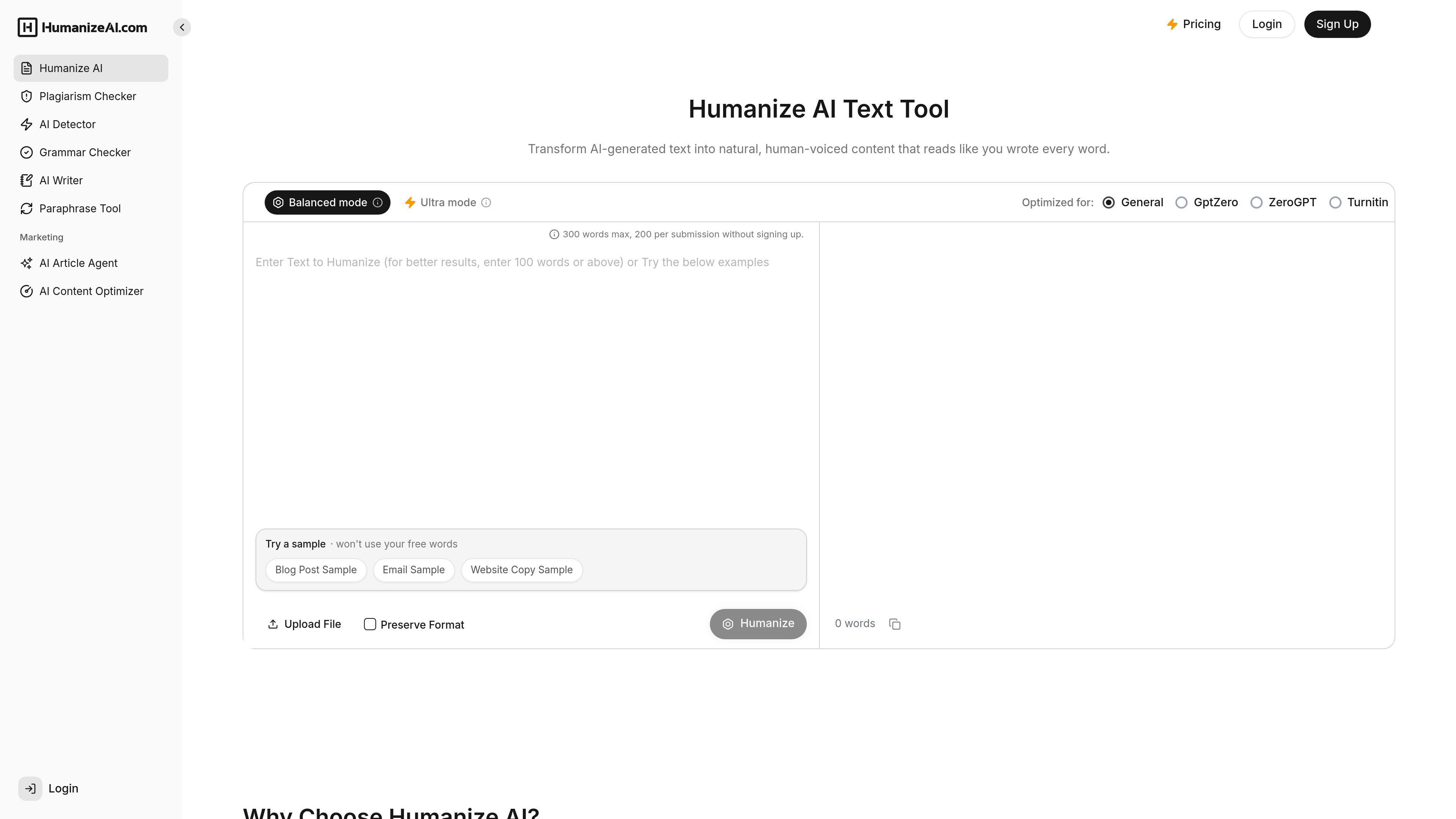
Humanize AI is a web-based writing tool focused on turning AI-generated text into more natural, human-voiced copy. The main product page describes it as a free tool for converting AI text into natural human-like text, while the surrounding site shows related tools for detection, grammar checking, plagiarism checking, paraphrasing, and AI writing.
The workflow is simple: paste text, run the humanizer, compare the original and rewritten versions, and copy the result for publishing or review. The site positions the product for blog posts, academic writing, professional reports, marketing copy, and other text that benefits from a more natural reading experience.
The pricing page shows a free tier and paid plans with higher usage limits and bundled tools. It also shows API access on paid plans, making the product relevant both for individual writers and teams that need broader writing and review workflows.
Converts AI-generated text into natural-sounding text with a human voice, designed to make the result read less robotic and more engaging.
Lets users compare the original text with the humanized version after processing so changes can be reviewed before use.
Includes an AI detector that supports ChatGPT, Claude, Gemini, and other major models, with paste-or-upload input.
Provides a grammar checker for correcting writing issues without requiring sign-up, according to the site’s grammar checker page.
Includes plagiarism checking, paraphrasing, and AI writing/editing tools in the paid plans shown on the pricing page.
Writers can paste AI-generated drafts, humanize them, review the rewritten version, and then publish or submit text that reads more naturally.
Students and researchers can use the detector and humanizer together to refine academic text and check whether content appears AI-generated before submission.
Marketers, bloggers, and content teams can rewrite copy for a more natural tone while keeping a workflow that supports grammar and plagiarism checks.
Editors can use the grammar checker and paraphraser for quick cleanup passes when text needs correction or rewording before handoff.
Teams with heavier usage can use the paid plans’ higher limits and API access for repeated processing across larger writing workflows.
The source shows a free tier and paid plans, and the site also offers a free humanizer workflow. The pricing page lists a Free plan with no credit card required.
The home page describes a simple flow: paste AI-generated text, click Humanize, review the result, and copy the rewritten text. The AI detector page uses a similar paste-or-upload then detect workflow.
The home page says the tool is suited for academic writing, professional reports, blog posts, and other text that needs a more natural tone. The site also shows a separate grammar checker and AI detector, so it covers several writing tasks in one product suite.
Yes. The pricing page lists an Essential plan with Humanize AI API access, while Standard and Pro also include API access.
The AI detector page says content stays yours and that the tool does not store, share, or train on your data.

Paperpal is an AI academic writing tool and research assistant for students and researchers, with drafting, paraphrasing, citation support, PDF research, and submission checks.

PerfectEssayWriter.ai is a web-based AI essay writing tool that creates structured, cited drafts from topics, prompts, or rubrics, with tools for outlines, citations, grammar, plagiarism, and AI checks.

OneClickHuman AI content humanizer rewrites machine text into natural copy while preserving formatting. Free trial, two modes, 10+ languages.

Walter Writes AI rewrites AI-generated text to sound more natural and checks for AI signals—ideal for writers, students, marketers, and teams.

讯飞写作 is an AI writing assistant for office, news, marketing and official content. Import audio, video, Word, images and PPT to draft faster.

ZeroGPT is a web-based AI text detector and writing tool for checking whether text looks human-written or AI-generated, with readability, word count, and text-splitting tools.