

Proofreading and Error Correction
Checks typos, punctuation misuse, basic grammar issues, as well as political errors and nonstandard wording; the plugin description also says it covers common Chinese and English proofreading errors.

火龙果 is a writing assistant for proofreading, rewriting, expansion and translation, with web, Word, WPS, PowerPoint and Chrome plugins.
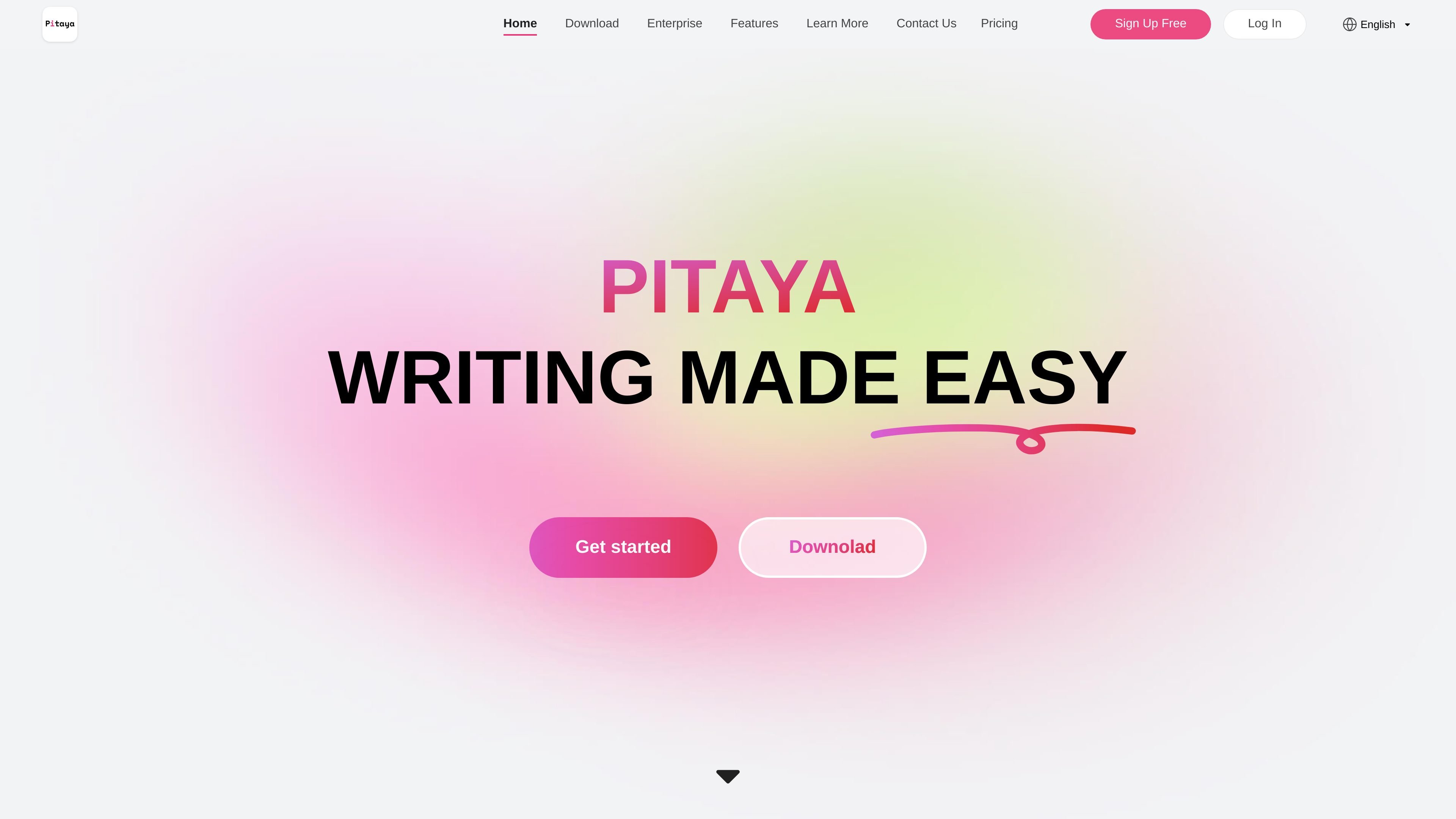
Píngguǒ is a content assistance product centered on writing, focusing on proofreading, rewriting, expansion, and translation to improve content creation and editing efficiency. The homepage positions it as “easy writing” and emphasizes that it can help users reduce basic errors, rewrite expressions, expand content, while preserving document history and sync.
The product offers both a web version and plugins for Word, WPS, PowerPoint, and Chrome. According to the plugin documentation, the main product covers a more complete writing workflow, while the browser plugin only provides proofreading; the thesis page further explains that it can also be used for thesis proofreading, polishing, plagiarism checking, and academic rewriting.
Checks typos, punctuation misuse, basic grammar issues, as well as political errors and nonstandard wording; the plugin description also says it covers common Chinese and English proofreading errors.
Uses synonym-based rewriting to reduce repetition, converts conversational wording into more formal language, and makes verbose text more concise; the plugin and thesis pages also mention academic rewriting and strong rewriting modes.
Expands the following content based on the preceding text; the page says it can expand by several hundred Chinese characters in a short time and is suitable for many writing styles.
Provides Chinese-English translation capabilities, and the plugin description explicitly includes Chinese-English mutual translation.
Supports automatic multi-device backup and sync, and can automatically create history versions to help restore document content.
Word, WPS, PowerPoint, and Chrome plugins can be downloaded and used under the same account, making it convenient to access features across different editing environments.
When writing blogs, drafts, or everyday articles, first use proofreading to check typos, punctuation, and basic grammar, then use rewriting to reduce repetition and adjust tone.
When working on a thesis, combine proofreading, academic rewriting, style polishing, and de-duplication to help adjust wording and reduce repeated content.
When you already have an outline or preceding text, use expansion and continuation to turn it into a more complete paragraph, which is suitable for documents that need to be filled in quickly.
After installing the plugin directly in Word, WPS, or PowerPoint, you can proofread, rewrite, continue writing, and translate within the original office software, reducing switching back and forth.
When entering text on a web page, you can use Chrome and other browser plugins for basic grammar checks, which is suitable for scenarios where you browse and write at the same time.
Píngguǒ provides a web version, and also offers Word, WPS, PowerPoint, and Chrome browser plugins. The plugins can be downloaded and used under the same account, but the feature scope differs by plugin.
From the homepage and plugin descriptions, Píngguǒ covers proofreading, synonym-based rewriting, continuation generation, translation, multi-device sync, and history version recovery; the browser plugin only provides proofreading and does not include rewriting or generation.
The pricing page shows three plans: Standard, Professional, and Enterprise. Standard and Professional are billed monthly or weekly, while Enterprise uses custom pricing; the page also lists features available to free accounts, as well as the extra benefits of the Professional and Enterprise plans.
The installation instructions require Windows, and you need to install the corresponding Office Word 2016+, WPS, PowerPoint 2016+, or Chrome/mainstream browser plugin. Safari and IE are not supported for the browser plugin.
The academic writing page states that Píngguǒ can be used for thesis proofreading, polishing, plagiarism checking, and academic rewriting; some capabilities require a membership or a word-count package.

PerfectEssayWriter.ai is a web-based AI essay writing tool that creates structured, cited drafts from topics, prompts, or rubrics, with tools for outlines, citations, grammar, plagiarism, and AI checks.

讯飞写作 is an AI writing assistant for office, news, marketing and official content. Import audio, video, Word, images and PPT to draft faster.

迅捷AI写作 is an online AI writing tool for papers, novels, office docs and content creation, with scenario templates, online document writing and multi-format export.

OneClickHuman AI content humanizer rewrites machine text into natural copy while preserving formatting. Free trial, two modes, 10+ languages.

Altered is an AI voice changer and voice content creation platform for media production and live voice use. It combines voice morphing, text-to-speech, transcription, translation, cloning, and editing in one application.

Subtitle Translate AI is a browser-based subtitle translation tool for SRT and related files. Translate subtitles into 100+ languages while preserving timing, formatting, and context.