

Document scanning and edge detection
Scan documents by taking a photo, adjusting borders, and applying filters. The Kaagaz Scanner page also mentions automatic edge detection for faster capture.

Kaagaz is a mobile-first app for scanning documents, reading and editing PDFs, backing up files, making posters, and creating resumes on Android and iOS.
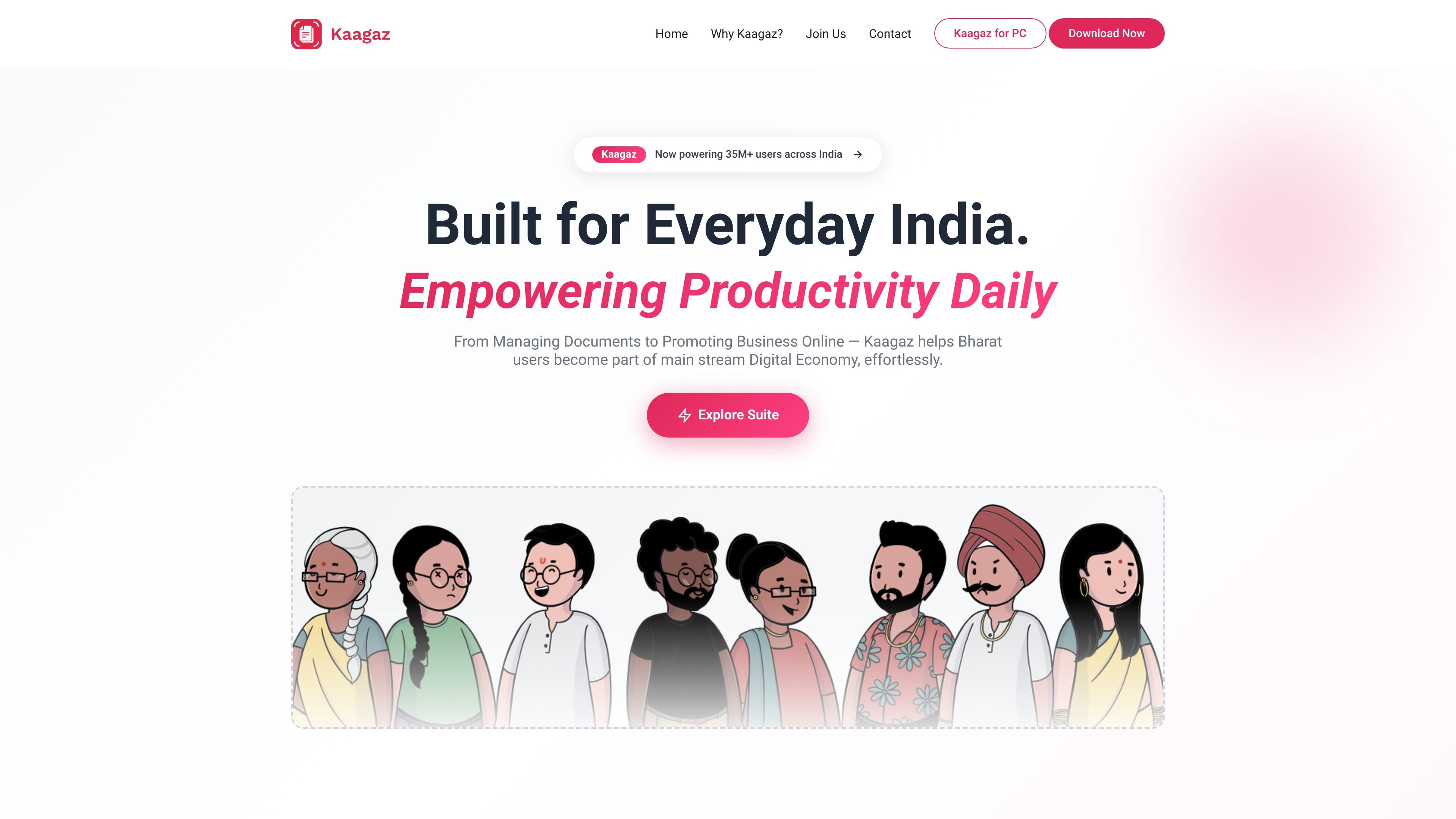
Kaagaz is a mobile-first productivity suite built around documents, PDFs, posters, and resumes. The main product page describes it as a set of tools for managing documents and promoting business online, with separate apps for scanning and document work, AI poster generation, and resume creation.
The document app is positioned as a scanner, PDF reader, PDF editor, document manager, and cloud storage tool in one. Other Kaagaz pages show adjacent products for generating business posters with AI and creating resumes in a guided workflow, all aimed at users who want fast results on a phone without a steep learning curve.
Scan documents by taking a photo, adjusting borders, and applying filters. The Kaagaz Scanner page also mentions automatic edge detection for faster capture.
Open and work with PDF files inside the app, which is described as a default PDF reader as well as a PDF editor.
Organize documents in folders, search for them, and keep backups in Kaagaz Cloud so files are easier to manage on a phone.
Edit PDFs with tools such as merge, split, compress, rearrange, lock, and unlock, based on the Kaagaz Scanner page.
Generate posters from a short prompt on PosterX AI, with the site emphasizing few-word input and business-focused creative outputs.
Create resumes by entering job, education, experience, and personal details, then download the result as a Word document.
Scan paper documents on a phone, crop the page edges, apply enhancement filters, and share the result as a PDF or image for routine office or school use.
Manage PDFs with reading, merging, splitting, compressing, rearranging, locking, and unlocking tools in a single mobile app instead of switching between separate utilities.
Keep documents organized in folders and back them up to Kaagaz Cloud so important files are easier to find later on a phone.
Create posters for business promotions, festivals, announcements, or social posts using PosterX AI or the template-based poster maker.
Build a resume by following the site’s guided steps and downloading the result as a Word document for editing or submission.
Kaagaz Scanner is designed for mobile-first document handling: scanning, reading, editing, storing, and sharing PDFs from a phone. The site also positions it as available on Android and iOS.
The product pages describe a document workflow that includes scanning with edge detection and filters, PDF reading and editing, cloud storage, and document organization in folders.
The homepage says Kaagaz provides free access to its apps and mentions no subscriptions or hidden costs. The pricing page itself is unavailable, so no plan structure can be confirmed beyond that statement.
Kaagaz Scanner is presented as a mobile app, with download links for Android and iOS on the homepage. The site also emphasizes smartphone-first use.
Kaagaz Resume Maker outputs a Microsoft Word document, while Kaagaz Scanner supports sharing scanned documents as a PDF or image. The site does not provide a broader export list.

小艺 is Huawei’s AI smart assistant for Q&A, writing, document reading, code help, image recognition, and file drag-and-drop.

Prosed turns creator content into a publish-ready non-fiction book, with manuscript assembly, chapter review, editorial review, and PDF, ePub, or DOCX export.

MyCVCreator is an online CV and resume builder for resumes, cover letters and resume websites, with templates, guided prompts, AI help and downloads.

GetESP analyzes CSV email lists to identify recipient ESPs and spam protection tools, helping segment lists and choose the right provider for better deliverability.

EarnBetter is an AI job search assistant for resumes, cover letters, matching jobs, and application tracking. Free to use; now part of EarnIn.

Arcwise is an AI product for detecting meaningful metric changes and explaining them with data-grounded analysis. It turns warehouse and business-context data into decision-ready reports in app, docs, or slides.