

Inline screen analysis
Use Kogvio as an on-screen overlay to interpret highlighted screen content without switching away from the active tab.

Kogvio is a Chrome extension with an AI on-screen overlay for understanding highlighted content in diagrams, technical docs, and advanced math without leaving the page.
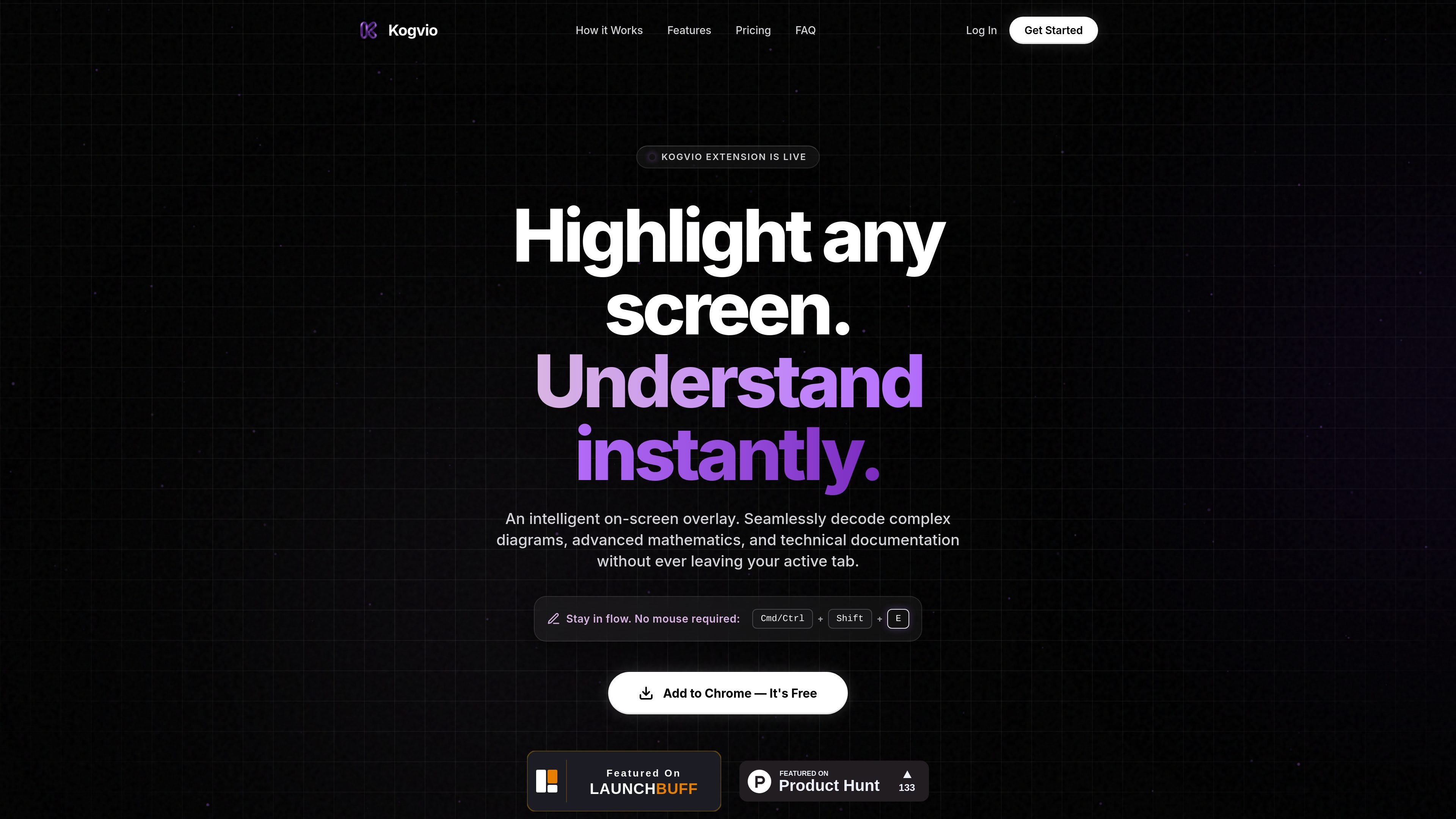
Kogvio is a Chrome extension that places an intelligent on-screen overlay over the page you are already viewing. Its stated purpose is to help users understand highlighted content faster, especially when they are working through diagrams, advanced math, or technical documentation.
The product is built around a simple workflow: highlight part of the screen, trigger the extension with Cmd/Ctrl + Shift + E, and get an AI-generated explanation without leaving the active tab. The site also references a free Chrome install flow and a paid Pro subscription for advanced AI vision processing.
Use Kogvio as an on-screen overlay to interpret highlighted screen content without switching away from the active tab.
Highlight any screen area to send snippets for AI processing and receive an instant response based on what is visible.
Work from a keyboard shortcut, Cmd/Ctrl + Shift + E, so you can trigger the tool without relying on the mouse.
Use the product to decode complex diagrams, advanced mathematics, and technical documentation, according to the homepage copy.
For Pro users, scan data is encrypted in a personal Vault, which indicates a separate protected storage flow for processed snippets.
Students can highlight difficult passages or figures while reading and get a quicker explanation without changing apps or tabs.
People working through formulas or proofs can use the overlay to clarify advanced mathematics directly on the page.
Readers of API docs, manuals, or product specs can inspect technical documentation in place and stay focused on the source material.
Anyone reviewing charts, schematics, or other diagrams can use the highlight-and-explain flow to unpack visual information.
Chrome users who prefer keyboard shortcuts can launch the tool quickly with Cmd/Ctrl + Shift + E and keep a mouse-light workflow.
Kogvio is a Chrome extension, so setup appears to involve adding it to Chrome and then using the keyboard shortcut shown on the homepage: Cmd/Ctrl + Shift + E. The site also says, “Add to Chrome — It’s Free.”
Kogvio is described as an intelligent on-screen overlay that helps decode complex diagrams, advanced mathematics, and technical documentation without leaving the active tab.
The terms describe a free tier with daily limits, and they also say users should not use automated scripts or bots to bypass those limits. A Premium (“Pro”) subscription is also available on a recurring basis.
The refund policy says Kogvio Pro subscriptions are final and non-refundable, and users can cancel through the dashboard to stop auto-renewal while keeping Pro access until the end of the current billing cycle.
The privacy policy says scan data is processed in real time, deleted from Kogvio’s servers within 24 hours, and for Pro users it is encrypted in their personal Vault.
Answers AI is an AI-powered education platform for students and educators, offering answers, study help, and assignment support across web, mobile, and Chrome tools.

Super Teacher is a tutoring app for elementary schools that teaches reading and math with step-by-step instruction, classroom use, home access, and progress tracking.

Flashcard Generator turns documents, notes, images, audio, video, and YouTube links into study cards. Free plan, edit and share decks.

心流AI助手 is an AI assistant for fast knowledge lookup, covering daily百科, life, entertainment, and academic Q&A on web and App.

Quenti is an online learning platform for flashcards, practice tests, matching games, and AI-assisted grading for students, teachers, schools, and organizations.

Tich Academy is a learning platform for students with workshops, flashcards, diagnostics, and personalized document-based study tools. Free trial available.