

Local plain-text notes
Store notes as local Markdown files on your device so they remain accessible offline and under your control.

Obsidian is a private note-taking and knowledge management app with local Markdown notes, links, graph view, Canvas, plugins, themes, sync and publishing.
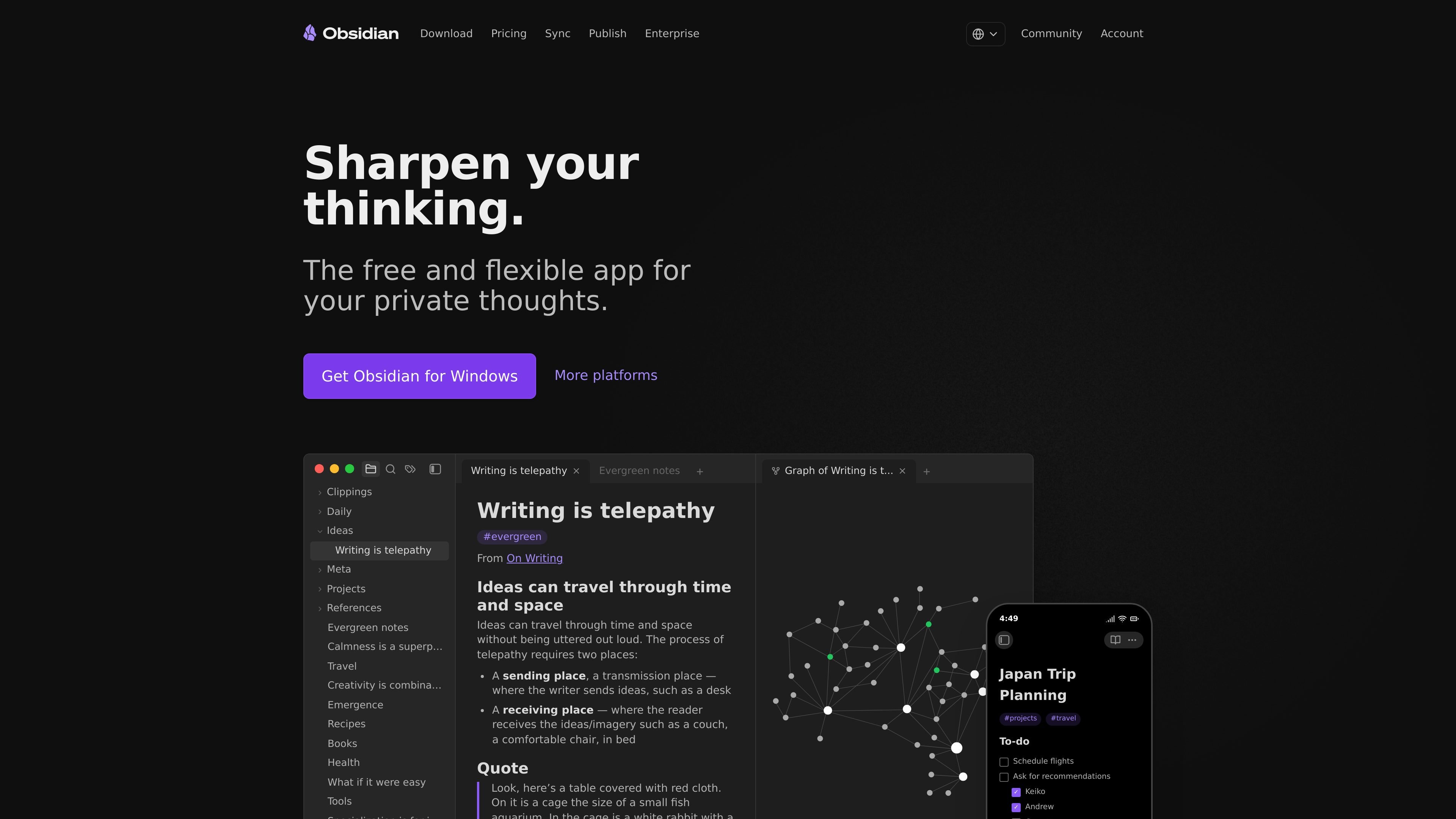
Obsidian is a note-taking and knowledge management app built around local Markdown files, links, and flexible organization. It is designed for people who want a private workspace for personal notes, research, journaling, project planning, or a broader knowledge base.
The core app is free without limits and stores notes on your device, with optional paid services for syncing notes across devices and publishing notes to the web. Obsidian also supports plugins, themes, Canvas, graph view, and open file formats so users can shape the app around their own workflow.
Store notes as local Markdown files on your device so they remain accessible offline and under your control.
Connect ideas with links, tags, backlinks, and a graph view to reveal relationships across a vault.
Use Canvas to lay out research, brainstorming, and diagrams in an open workspace.
Extend Obsidian with thousands of plugins, themes, and an open API to adapt the app to different workflows.
Sync notes across devices with end-to-end encryption, version history, selective sync, and shared vaults.
Publish notes as a website with custom domains, themes, password protection, SEO features, and mobile-friendly pages.
Write personal notes, journal entries, and long-form ideas in a private workspace that stays on your device and works offline.
Build a linked knowledge base for research, reference material, and project planning using notes, backlinks, graph view, and Canvas.
Keep files in sync across phones, tablets, laptops, and even a server while preserving end-to-end encryption and version history.
Turn a set of notes into a published wiki, documentation site, or digital garden with themes, custom domains, and password protection.
Share a vault with a team that needs collaborative access while keeping company data private and controlled through Sync.
No. The pricing page says Obsidian is free without limits and does not require sign-up.
Obsidian Sync is optional. The product notes say your notes are stored locally on your device, and Sync adds encrypted synchronization across devices.
Obsidian Publish is an optional add-on that lets you turn notes into a website, such as a wiki, knowledge base, documentation site, or digital garden.
Yes. The site says shared vaults are supported in Sync, and Publish and Sync both mention team collaboration or shared use cases.
Obsidian Sync and Publish are refundable within 7 days of purchase, while Catalyst, Commercial, and Obsidian Credit are non-refundable.
Answers AI is an AI-powered education platform for students and educators, offering answers, study help, and assignment support across web, mobile, and Chrome tools.
Twine AI Launcher is an Android launcher with AI assistant access, bringing ChatGPT-style help to your homescreen for quick answers, notes, tasks, reminders, and people memory.

AI Magicx is a unified AI workspace for chat, image, video, voice, music, email and developer tasks, helping teams and creators manage multiple models in one place.

阶跃AI is a personal efficiency assistant from 阶跃星辰 for knowledge search, writing, coding, and daily automation. Download on desktop and mobile, and trigger web, files, and reminders by voice.

TakeCareOS is a web platform for home care, disability, and aged care agencies, with rostering, billing, compliance, and AI admin tools.

Speakflow online teleprompter for writing and organizing scripts, voice scrolling, team collaboration, and cross-device syncing. Free and paid plans available.