

Text-to-SVG icon generation
Generate stroke-based SVG icons from plain-English prompts, then export editable vectors for design work.

Pictographic is a web app for browsing and generating editable SVG icons and illustrations, with a Figma plugin for adding graphics inside design files.
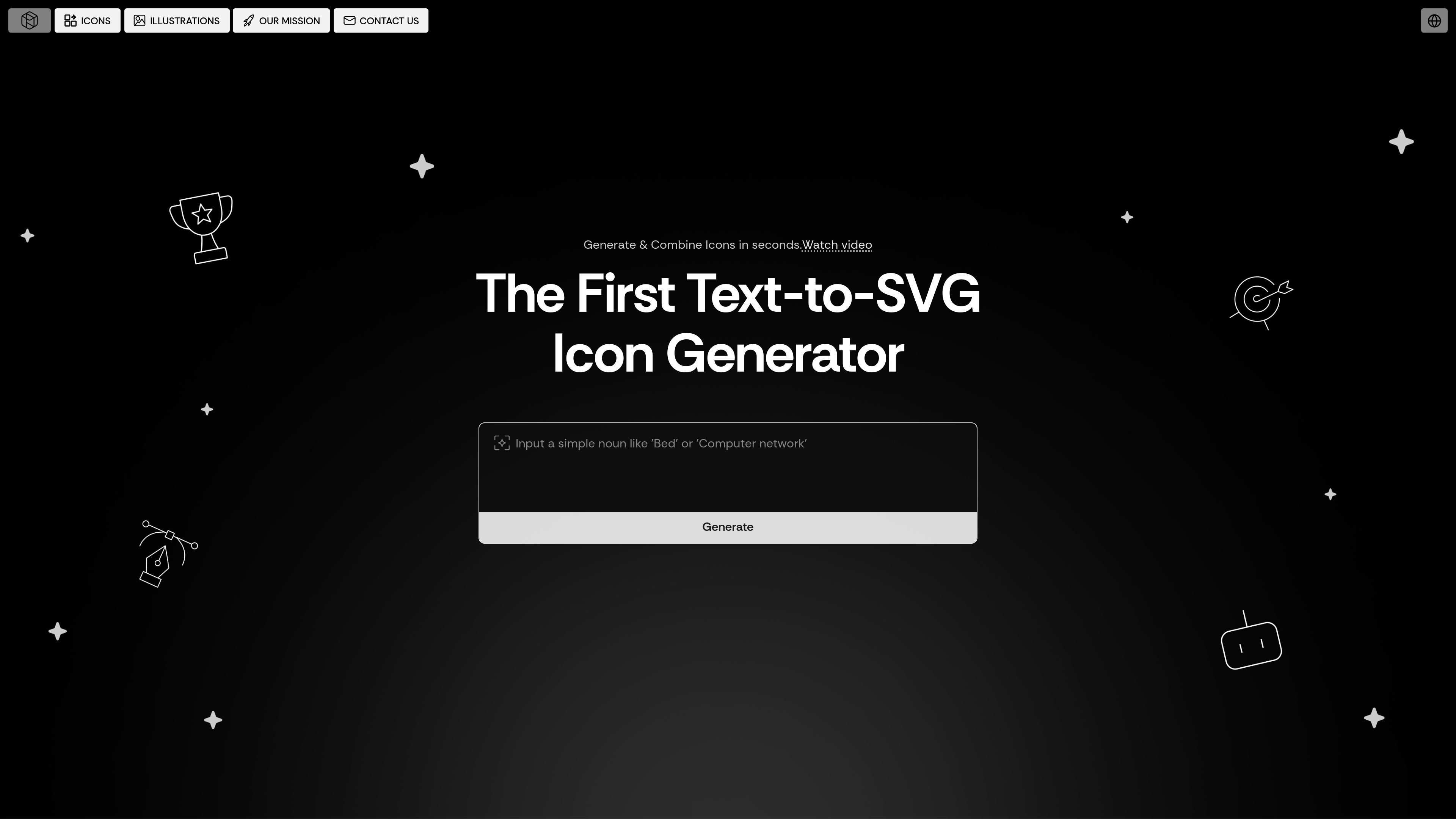
Pictographic is a web-based library and generator for icons and illustrations. It combines browsing, AI icon generation, illustration sets, and a Figma plugin so teams can find or create visual assets in one place.
The product focuses on stroke-based SVG icons, editable vectors, and a large illustration catalog. Its stated purpose is to help people download or generate assets for projects without needing design skills for every request.
Generate stroke-based SVG icons from plain-English prompts, then export editable vectors for design work.
Adjust line thickness to better fit a brand system or interface style.
Combine icons and subicons to create new visuals tailored to a product or campaign.
Browse a library of 20,000+ stroke-based SVG icons when you do not want to generate from scratch.
Browse 200,000+ illustrations in multiple styles for websites, apps, and marketing content.
Recolor icons and illustrations to match a brand palette, and access graphics directly in Figma through the plugin.
Use the generator when a project needs a specific icon concept that is not already in the library, especially if you want a stroke-based SVG that can be edited later.
Use the icon and illustration libraries when you need quick visual assets for landing pages, product screens, presentations, or marketing pages.
Use the stroke-weight controls and recoloring tools to keep graphics aligned with a brand system across a product or campaign.
Use the Figma plugin to add graphics directly into a design file without downloading assets first.
Pictographic provides a web app for browsing and generating icons and illustrations, plus a Figma plugin for using graphics inside Figma.
Yes. The site says even free users can download 10 free images per month.
The source shows a Figma plugin and a web app. It also presents icon generation and illustration browsing in the browser, but it does not verify any other integrations.
The source indicates 20,000+ stroke-based SVG icons and 200,000+ illustrations, with a total site claim of 280,000+ free icons and illustrations.
The site describes text-to-SVG icon generation, adjustable stroke weights, combining icons and subicons, and instant recoloring to match a brand palette.

Recraft is an AI image generation and design platform for designers, creatives, sellers, and teams. It supports raster and vector generation, custom styles, mockups, editing, and API-based workflows.

Plugger is an AI design generator that creates social media graphics, banners, illustrations, logos, and other visuals from text. It is positioned for startups, e-commerce businesses, and marketing teams that need fast design output.

NameSnack is a free business name generator that finds brandable names, checks domain availability, and offers a logo maker and naming guides.

简单AI is Sohu’s online AI tool for AI image generation, AI writing, and online image editing—ideal for quickly creating images, copy, or basic retouching.

Appicons.ai is an AI app icon generator for iOS, Android and desktop apps from text prompts, with GPT prompt enhancement, Photopea editing and PNG export.

Sketch Logo AI is a web-based AI logo generator for sketches, prompts, images, 2D-to-3D, SVG output, and 4,000+ fonts.