

AI text humanization
Paste AI-generated text and convert it into more natural human text. The homepage says it supports text from ChatGPT, Claude, Gemini, DeepSeek, Grok, and other models.

Rephrasy is an AI text humanization and detection platform for students, professionals, developers, and agencies with AI scoring, plagiarism checking, style cloning, and API workflows.
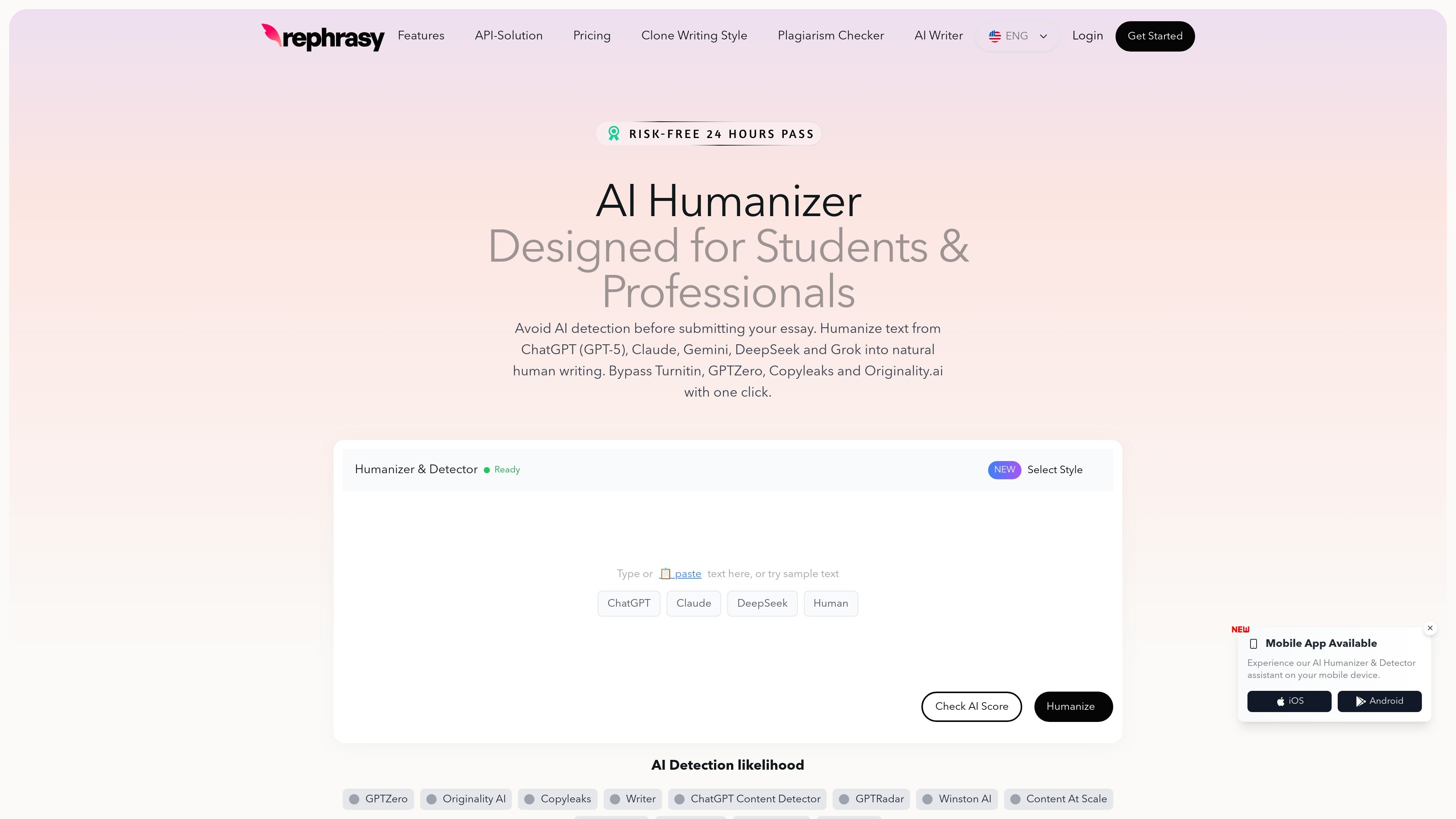
Rephrasy is an AI text humanization and detection platform focused on converting AI-generated writing into more natural human text. The homepage positions it as a tool for students and professionals who want to revise text from models such as ChatGPT, Claude, Gemini, DeepSeek, and Grok before sharing or submitting it.
The site combines a humanizer, an AI detector, a plagiarism checker, a writing-style cloning feature, and API-based developer tools. Its workflow centers on pasting text, selecting a humanizer model or custom style, checking the AI score, and re-humanizing if needed. The API page also extends the product into bulk content processing, browser extension use, and image-related workflows.
Paste AI-generated text and convert it into more natural human text. The homepage says it supports text from ChatGPT, Claude, Gemini, DeepSeek, Grok, and other models.
Check a text’s AI score before publishing using Rephrasy’s built-in detector. The source says it compares content against detectors such as GPTZero, Copyleaks, Turnitin, Originality.ai, and others.
Create a custom writing style from your own samples and switch between presets such as Conversational, Paper, and Marketing. The clone-writing page says training takes minutes and is intended to match personal voice.
Use the API for bulk processing and application integration. The API page shows endpoints for text humanization, text detection, and image workflows, with examples for developer use.
Check content originality with the plagiarism checker page. The site also offers a separate plagiarism workflow for uploaded files or pasted text.
Use the browser extension to humanize text in web apps like Google Docs, Gmail, LinkedIn, and more, according to the homepage pricing and extension section.
Revise essays, research papers, and dissertations written with AI so they read more naturally before submission. The homepage specifically frames the tool for academic writing and mentions Turnitin alongside other detectors.
Turn AI-generated articles into more natural copy for SEO or blog publishing. The homepage presents this as a way to make AI drafts read naturally before they are published.
Rewrite posts for LinkedIn, X, Instagram, and similar channels so they sound closer to a human voice. The site positions this as a way to make social and marketing content connect more authentically.
Generate a personalized voice for emails, reports, and other routine writing by training a custom style from your samples. The clone-writing page says custom styles can be created from presets and used across different applications.
Process content at scale through the API for internal workflows or product features. The API page highlights bulk content pipelines, SaaS products, browser extensions, and agency automation as example uses.
Rephrasy's AI Humanizer takes AI-generated text and rewrites it into more natural-sounding human text. The homepage says it can be used with text from models such as ChatGPT, Claude, Gemini, DeepSeek, and Grok, then checked with its built-in AI detector.
The homepage describes a workflow where you paste text, choose a humanizer model or your own writing style, and then click Humanize. It also says you can check the AI score afterward and re-humanize for free if needed.
Rephrasy says its Humanizer supports English, German, French, Spanish, Italian, Portuguese, Dutch, Polish, Japanese, and more. The API page also shows language can be set manually or auto-detected.
Yes. The homepage includes a pricing section with a Quick Pass, monthly and yearly plans, and mentions a Chrome extension and API access on higher tiers. The separate pricing URL in the source set returns a 404, so pricing details should be confirmed on the live site before purchase.
The API page shows developer access for humanization, detection, and image-related workflows, while the homepage also mentions a Chrome extension and mobile app availability. The source does not provide complete integration documentation for every platform, so exact setup details should be checked on the relevant product pages.

GPTinf is a web-based AI writing tool that humanizes text, checks for AI patterns, and scans for plagiarism in one workspace. It is aimed at users who want to refine machine-generated drafts and review them before publishing or submitting.

Walter Writes AI rewrites AI-generated text to sound more natural and checks for AI signals—ideal for writers, students, marketers, and teams.

AI Detect is a web-based AI detector and AI humanizer for checking whether text appears AI-generated. Ideal for students, educators, businesses, marketers, and teams.

Paperpal is an AI academic writing tool and research assistant for students and researchers, with drafting, paraphrasing, citation support, PDF research, and submission checks.

Quillbot is an AI writing assistant for paraphrasing, grammar checks, summaries, citations, originality checks, and content creation across web, desktop, mobile, and Word.

PerfectEssayWriter.ai is a web-based AI essay writing tool that creates structured, cited drafts from topics, prompts, or rubrics, with tools for outlines, citations, grammar, plagiarism, and AI checks.