

Grammar and punctuation checking
Checks grammar, spelling, punctuation, and sentence structure in text so users can clean up writing before publishing or sending it.

TextAdviser is a web-based writing assistant for grammar checking, plagiarism detection, AI chat, text rewriting, summarizing, and translation tools.
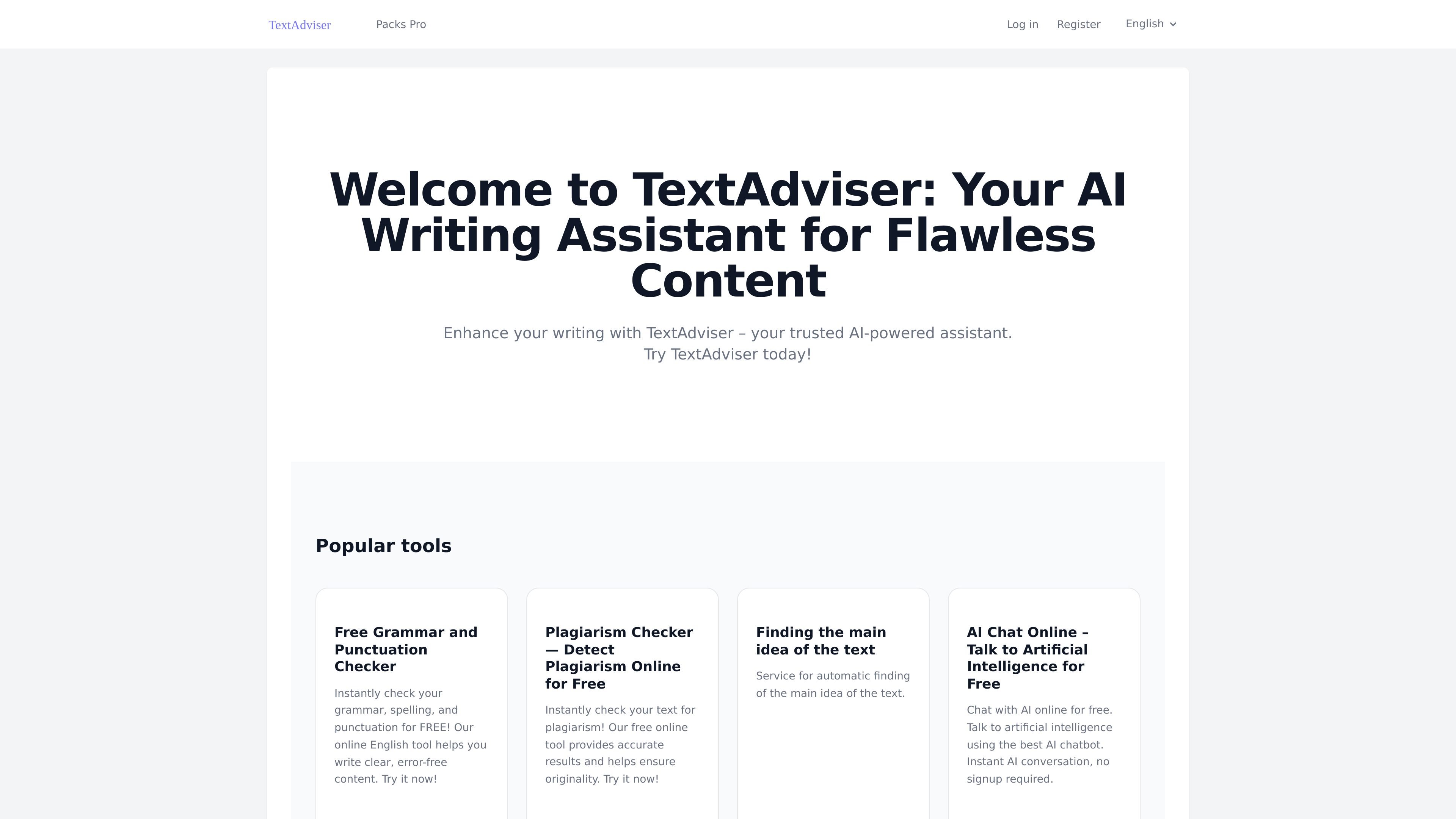
TextAdviser is an online writing and language toolset centered on grammar checking, plagiarism detection, AI-assisted rewriting, and related utilities. The site presents it as an AI-powered assistant for polished content, with separate tools for correcting text, checking originality, and generating or transforming copy.
The collected pages show a broad web-based product rather than a single-purpose editor. Users can check grammar and punctuation, review similarity results, use AI chat, rewrite or summarize text, and access other utilities such as text detection, headline generation, and translation directions from the same site. The plagiarism and grammar tools also describe limits for free and PRO usage, while the site notes mobile app access for faster workflows.
Checks grammar, spelling, punctuation, and sentence structure in text so users can clean up writing before publishing or sending it.
Scans text for duplicate or paraphrased content and returns similarity information with source links for review.
Provides AI-assisted writing tools such as rewording, paraphrasing, summarizing, text expansion, text generation, and humanizing.
Offers an AI chat interface for free, with no signup required in the collected page text.
Includes supporting language tools such as headline generation, name generation, dream interpretation, and translation directions.
Students can check essays and thesis drafts for accidental plagiarism before submission, then review similarity scores and source links to add citations where needed.
Writers and editors can clean up grammar, spelling, punctuation, and sentence structure before sending client work or publishing online.
Content teams can rephrase, expand, summarize, or humanize copy to adapt material for different channels and tones.
People who want a quick answer or writing assist can use the AI chat tool without signup, then move into other editing tools on the same site.
Mobile users can install the apps for quicker access to common workflows such as checking text, rewriting, or reviewing content on a phone or tablet.
TextAdviser provides a free version on its grammar and plagiarism tools, with higher limits and ad-free access in PRO. The site does not publish a full pricing page in the collected sources.
Yes. The grammar checker page says mobile apps are available for Android and iOS, and the home page also mentions mobile apps for dedicated mobile workflows.
The plagiarism checker says submitted text is processed securely via SSL and is not stored in its public database or sold to third parties.
The grammar checker supports English on the detailed page, and the home page lists several language pairs for translation plus multilingual AI tools. The exact language coverage varies by tool.
The plagiarism checker is intended to show similarity scores, highlighted matches, and source links, while the grammar checker highlights spelling and punctuation issues and can apply autocorrect.

PerfectEssayWriter.ai is a web-based AI essay writing tool that creates structured, cited drafts from topics, prompts, or rubrics, with tools for outlines, citations, grammar, plagiarism, and AI checks.

迅捷AI写作 is an online AI writing tool for papers, novels, office docs and content creation, with scenario templates, online document writing and multi-format export.

Nily AI is a browser-based AI assistant platform with 20+ models and tools for chat, writing, PDFs, email, images, and web page analysis. 7-day free trial.

Glarity is a browser extension that summarizes and translates online content with ChatGPT-style AI. Work faster on YouTube, webpages, PDFs, search results, and email.

Vetta X is an AI growth workspace for X that drafts replies and posts in your voice, tracks creators, and enables one-tap publishing after approval.

Postfity is a social media management tool for scheduling, planning, publishing, and tracking posts across connected accounts. Includes analytics, inbox management, AI tools, team workflows, and Free and paid plans.