

Thread unrolling
Open X/Twitter threads in a clean, readable layout instead of a crowded feed-style view.

Thread Navigator reads X/Twitter threads in a clean format, saves them to Notion, and repurposes posts into carousels or screenshot graphics.
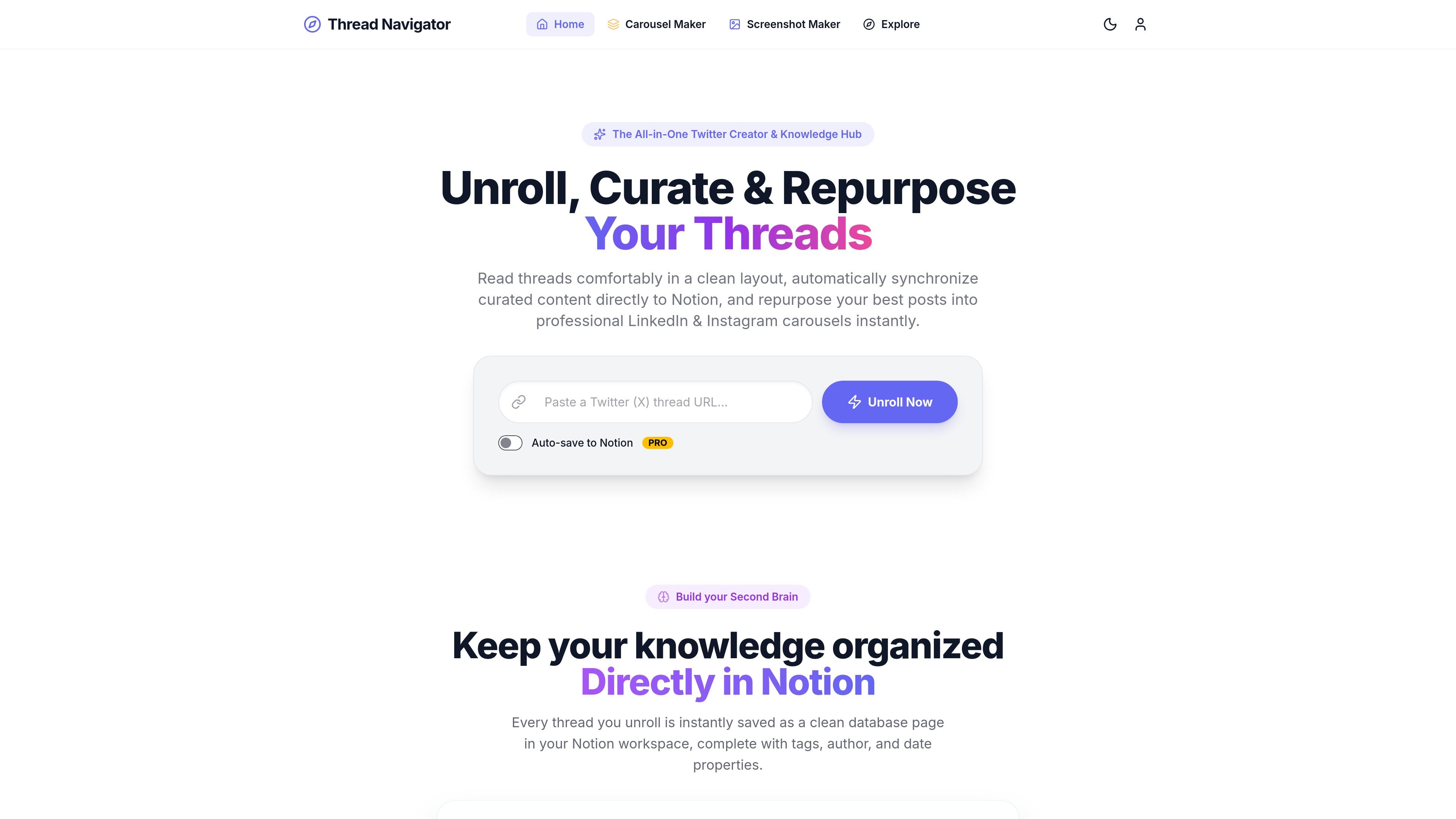
Thread Navigator is a web product for reading, organizing, and repurposing X/Twitter threads. It unrolls threads into a cleaner reading view, then lets you save curated content to Notion or turn it into visual assets for social publishing.
The product combines a thread reader, a Notion-based knowledge hub, and two repurposing tools: one for LinkedIn-style carousel PDFs and one for screenshot-style graphics. The source pages position it for creators, researchers, and agencies that want to capture useful threads and reuse them in a more structured format.
Open X/Twitter threads in a clean, readable layout instead of a crowded feed-style view.
Automatically save unrolled threads to Notion as database pages with tags, author, date, and thread text.
Turn multi-post threads or articles into swipeable PDF slide decks optimized for LinkedIn and Instagram carousels.
Convert individual tweets or thread snippets into high-resolution screenshot graphics, quote cards, and collages.
Edit slide text, add branding, and choose visual styling directly in the preview canvas.
Export finished assets in formats that fit social publishing, including PDF carousels and PNG slides bundled as ZIP files.
Keep a structured archive of threads you want to revisit by sending each unrolled thread into Notion with tags, author information, and dates.
Convert high-performing threads into swipeable PDF carousels for LinkedIn or Instagram when you want to reuse long-form posts in a feed-friendly format.
Generate clean screenshot graphics, quote cards, or thread collages for sharing on LinkedIn, Instagram, or similar social feeds.
Refine copy and visual styling inside the preview canvas before exporting, which is useful when you need branded assets without moving into a separate design tool.
It reads X/Twitter threads in a clean, unrolled format and can save curated thread content into Notion for later reference.
Yes. The home page says unrolled threads are automatically synchronized to Notion as clean database pages with tags, author, date, and the thread text.
The site highlights export options for high-resolution PDF carousels and PNG-based screenshot graphics, including ZIP exports for social publishing.
The product is positioned for creators, researchers, and agencies, and it presents text editing and branded layout controls rather than a fully hands-off workflow.
A pricing page exists on the site, but the collected page text did not provide plan names, prices, or limits.

Heptabase is a visual knowledge base for students, researchers, and lifelong learners. It combines whiteboards, connected notes, source capture, and AI Tutor for structured learning.

Vetta X is an AI growth workspace for X that drafts replies and posts in your voice, tracks creators, and enables one-tap publishing after approval.
Answers AI is an AI-powered education platform for students and educators, offering answers, study help, and assignment support across web, mobile, and Chrome tools.

书生 is a general-purpose large model suite for language, multimodal, weather, ocean, industrial design, 3D, finance, and scientific discovery tasks.

Postfity is a social media management tool for scheduling, planning, publishing, and tracking posts across connected accounts. Includes analytics, inbox management, AI tools, team workflows, and Free and paid plans.

讯飞会议 cloud video conferencing for enterprise collaboration, with video meetings, AI transcription and translation, and automatic meeting notes. Public and private cloud.