

Keyframe-to-animation generation
Generate animated clips from static cartoon keyframes. The home page says the tool uses two static cartoon images to create fluid animation, and the app page allows up to eight images with a minimum of two.
ToonCrafter is an AI cartoon animation generator that turns static cartoon images into short animated clips with keyframe workflows and MP4 downloads.
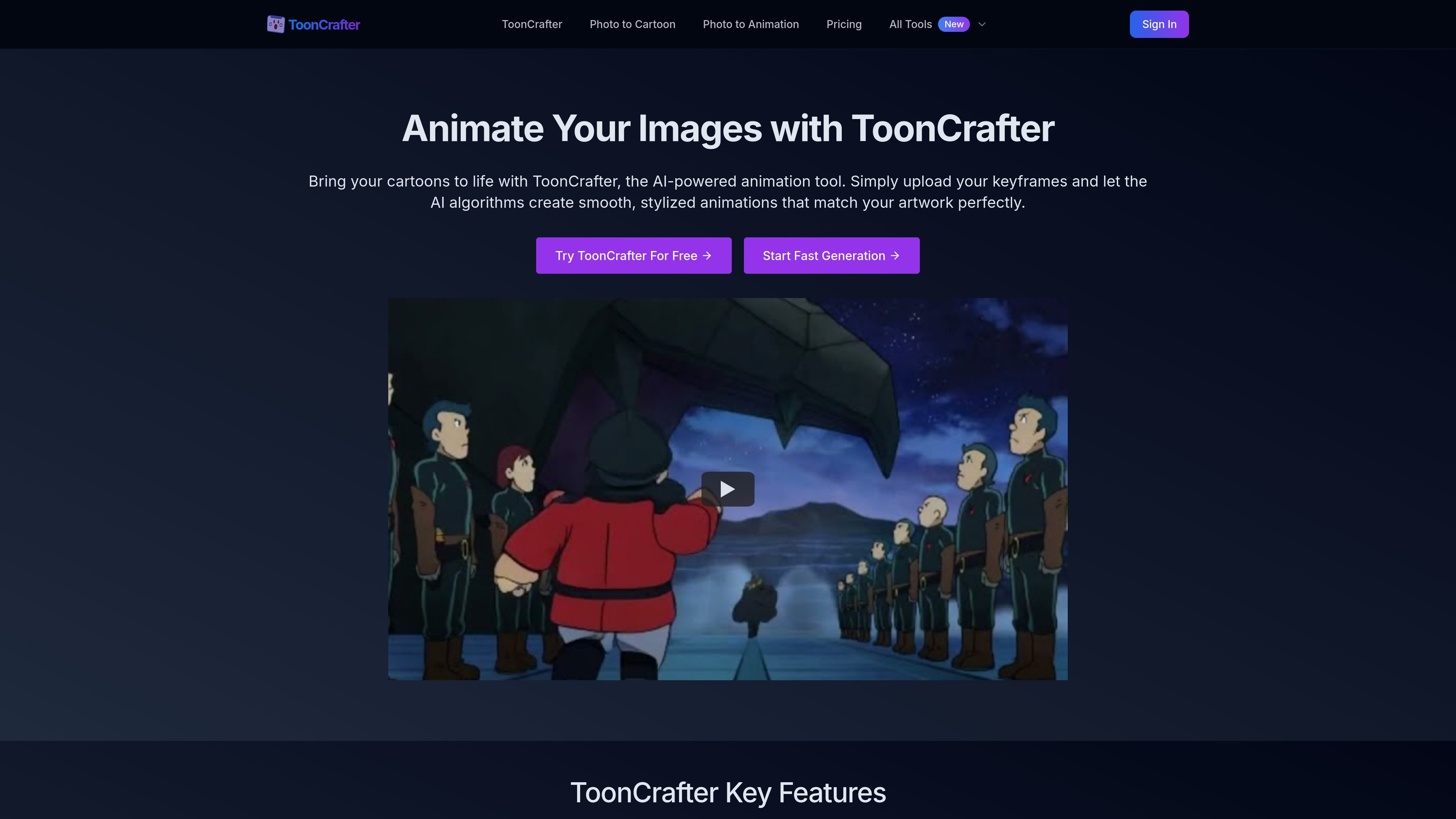
ToonCrafter is an AI cartoon animation generator for turning static cartoon images into short animated clips. The product is built around a simple keyframe workflow: upload two or more images, optionally add a text prompt, and let the system generate intermediate frames that create motion between them.
The site positions ToonCrafter as a way to create stylized animations without traditional animation software. The public pages highlight smooth transitions, style consistency with the original artwork, MP4 downloads, and a creation history for managing past generations.
Generate animated clips from static cartoon keyframes. The home page says the tool uses two static cartoon images to create fluid animation, and the app page allows up to eight images with a minimum of two.
Guide the animation with written instructions. The app interface includes a prompt field so users can describe the motion or effect they want before generating.
Keep the animation visually consistent with the source art. The site says ToonCrafter is trained to blend the generated motion with the original style rather than replacing it.
Handle intermediate frame creation automatically. The home page describes ToonCrafter as generating smooth transitions between keyframes to produce continuous motion.
Offer faster generation on paid plans and a credit-based workflow. The pricing page lists monthly credit allowances on paid tiers, while the app screen indicates a credit cost per generation.
Preserve past work for later access. The home page mentions creation history management, and the pricing page notes storage for creations and access to history on the free plan.
Animate character drawings, scene sketches, or storyboard frames when you want motion without using traditional animation tools.
Create short animated assets for posts and campaigns where a cartoon style is a better fit than live footage.
Turn custom illustrations into loopable clips or animated stickers for messaging and lightweight sharing.
Add movement to presentation visuals or demo slides to make character scenes and illustrated concepts more dynamic.
Use the free playground or paid plans to test different keyframe combinations and prompts before committing to a larger batch of creations.
ToonCrafter is designed around a simple keyframe workflow: upload your cartoon images, optionally add a prompt, and generate the animation. The app view shows support for 2 to 8 keyframe images, with at least 2 required, and the home page says paid users can use multiple keyframes for longer videos.
The source pages state that ToonCrafter lets you preview and download your finished animation in MP4 format.
The pricing page shows a Free Plan and paid plans. The app page also shows that generation uses credits, and the home page notes that paid users can access more keyframes and longer animations.
The public pages do not list a formal team workspace or collaboration feature. The site does show creation history management and access history in the pricing and home-page materials.
The pages describe ToonCrafter as an AI tool for cartoon animation, with a separate prompt field and a loop video option in the app UI. They do not provide a detailed list of export settings or advanced delivery formats beyond MP4.

Pika is an AI video generation platform for creating and editing short videos from prompts, images, and existing footage. It also offers plan-based commercial use, watermark-free downloads on higher tiers, and select partner API access.

Old Photo AI animates old photos into short videos with realistic motion, effect templates, and paid fast-generation options.

HappyHorse is a web-based AI video generator for turning text prompts, images, and video references into short clips. It offers free starting credits plus paid plans and credit packs for creators who need more output.

Boolvideo is an AI video generator that turns prompts, scripts, product links, blog posts, images and clips into videos for creators, marketers, sellers and agencies.

CoCoClip.AI is a web-based AI video editor for short-form content, with text-to-video, image-to-video, and audio-to-video workflows for YouTube Shorts, TikTok, and Instagram Reels.

Podfy.ai is a browser-based AI video tool that turns text, scripts, audio, and music into edited videos with narration, subtitles, effects, and soundtrack for faster short-form social content.